Best Instantly.ai Alternatives for Sales Outreach: Find Your Perfect Tool

On this page
Instantly.ai is a capable cold email tool. But a lot of teams hit the same wall around month two: the bill climbs as you bolt on lead-data credits and a separate CRM, LinkedIn never becomes a step in the sequence, and the uploaded-leads limit starts forcing you to delete old work just to make room.
If you’re searching for an Instantly alternative, whether it’s pricing, the lack of multichannel, upload limits, or deliverability, you’re in the right place. I tested more than 20 cold outreach platforms over four weeks: connected real inboxes, built live sequences, sent to opted-in prospects, and tracked deliverability, reply rates, setup time, and the number most roundups skip, true cost at scale.
The real cost of Instantly climbs well above the $47 sticker once you add its separate lead-data credits and, for calling, its separate CRM. So I scored every alternative on four things that decide whether a switch is worth it: multichannel reach, inbox placement, native lead data, and what you’d actually pay running a live team. Where a tool has a genuine weakness, I say so plainly.
Why look for an Instantly.ai alternative?
Instantly.ai automates cold email outreach and follow-ups for lead generation, with unlimited sending accounts and a large warmup pool. It’s genuinely good at raw email volume. The friction shows up when you try to grow past pure email, and it lines up with what most teams tell us:
- No native LinkedIn, and calling lives elsewhere. Instantly’s Outreach sequences are email only. There’s no native LinkedIn or WhatsApp step (LinkedIn runs only through connected third-party tools), and calling and SMS sit in its separate CRM product rather than in your Outreach campaigns, so you miss prospects on the channels they actually reply on.
- Upload and contact limits that don’t reset. The uploaded-leads limit counts every contact in a campaign, active or paused, and it doesn’t reset monthly. You end up deleting old campaigns or upgrading just to free space.
- Modular pricing sprawl. Lead data, verification and the AI agents run on a separate credits subscription, and calling needs a separate CRM, so the real monthly bill runs well above the headline price.
- Limited API and CRM sync. Integrations are shallower than rivals, and some users report CRM data not syncing cleanly.
- Shared-infrastructure risk. Deliverability depends on shared sending infrastructure, with fewer dedicated controls than tools built around inbox placement.
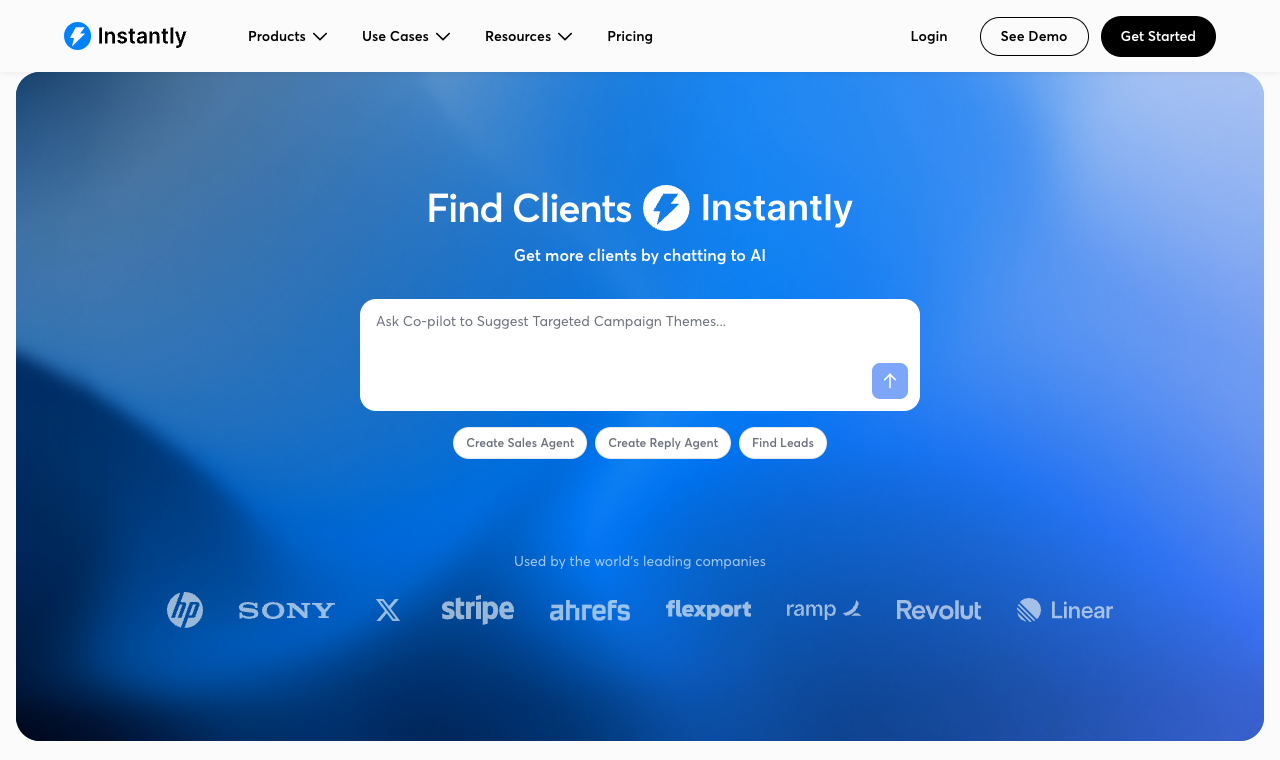
None of this makes Instantly a bad tool. It just means that if you want multichannel, native lead data, or a predictable bill, there are alternatives that fit better. Here are the 10 best, ranked.
TL;DR: the 10 best Instantly alternatives at a glance
Instantly alternatives compared
| Tool | G2 rating | Starting price | Best for | Multichannel | Deliverability suite | Built-in lead data | Free trial | Where it beats Instantly |
|---|---|---|---|---|---|---|---|---|
| Instantly.ai (baseline) | 4.8/5 | $47/mo | Email volume agencies | Email; calls and SMS via separate CRM | Warmup, validation | Add-on (credits) | 14 days | The tool you’re replacing |
| SmartReach.io | 4.6/5 | $29/mo | Multichannel teams & agencies | Email, LinkedIn, calls, WhatsApp | Validation, spam test, warmup, soft-start | Yes: 300M+ contacts | 14 days, no card | 4 channels + native data, no per-seat fee |
| Apollo.io | 4.7/5 | $49/user/mo | Data-first SDRs | Email + dialer | Basic | Yes: large DB | Free plan | Large database built in, not a credit add-on |
| Smartlead | 4.5/5 | $39/mo | Volume email at scale | Email (+ add-ons) | Warmup, rotation | Add-on | 14 days | Same engine, no uploaded-lead penalty |
| Lemlist | 4.5/5 | $39/user/mo | Visual personalization | Email, LinkedIn, calls | Warmup (lemwarm) | Yes: DB add-on | 14 days | Image/video personalization + LinkedIn |
| Reply.io | 4.6/5 | $59/mo | AI SDR automation | Email, LinkedIn, calls, SMS | Warmup, validation | Yes | 14 days | Full multichannel + AI assistant |
| Snov.io | 4.5/5 | $39/mo | Prospecting + outreach combo | Email, LinkedIn | Warmup, 7-tier verification | Yes: finder + DB | Free + trial | Finder, verifier & CRM bundled in |
| Mailshake | 4.7/5 | $49/user/mo | Simple email + calls | Email, calls, social | Validation | Add-on | No free trial | Built-in calling and simpler setup |
| SalesHandy | 4.6/5 | $41/mo | Budget sequencing | Email only | Warmup, rotation | Yes: monthly credits | 7 days | Unlimited senders at a lower entry price |
| Emailchaser | New | $29/mo | Lightweight sending | Email only | Basic | No | Yes | Cheaper and simpler for solo senders |
| QuickMail | 4.7/5 | $49/mo | Reply-focused outreach | Email, calls, SMS | Free warmup (MailFlow) | Add-on | 14 days | Multichannel steps + free warmup |
Ratings are pulled from G2 during the testing window and match the numbers cited in each review below. Prices are entry tiers. See each tool’s “cost at scale” for the real total.
The 10 best Instantly.ai alternatives, reviewed
Each review below follows the same format: quick facts, links to read reviews and visit the tool, what it does well, where it beats Instantly, honest pros and cons, and the real cost once you scale to a team.
1. SmartReach.io: best overall Instantly alternative
Quick facts
- G2
- 4.6/5 ★
- Capterra
- 4.8/5 ★
- From
- $29/mo
- Best for
- multichannel teams and agencies leaving Instantly for more channels
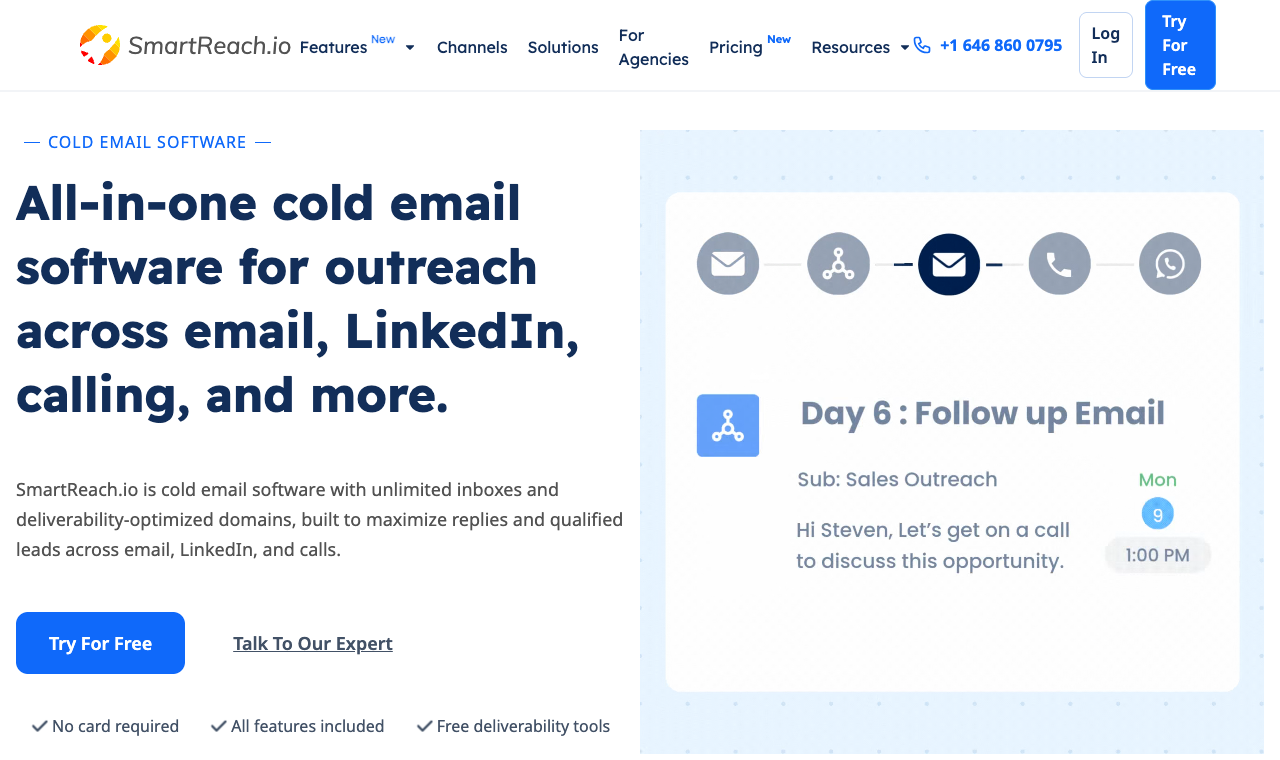
SmartReach.io is a cold email software with multichannel outreach capabilities via channels like email, LinkedIn, calls and WhatsApp. It is powered by AI, also works as a sales engagement platform, and runs every channel from a single sequence. Where Instantly does email well and asks you to bolt on data and warmup credits, SmartReach ships the whole stack in one place: the prospect data, the extra channels, and the deliverability tooling all live in the same dashboard.
In four weeks of testing, the difference showed up in two places. First, setup. I built one cadence that opened with an email, waited for no reply, then fired a LinkedIn connection and a call task, all with a single reply-pause rule that stopped every channel the moment a prospect wrote back. That’s simply not possible in Instantly, where a reply on a channel you’re not tracking can leave a prospect getting follow-ups they’ve already answered. Second, deliverability: built-in validation, spam test, and campaign soft-start kept a fresh domain in the primary inbox instead of the promotions tab.
On the AI question: SmartReach is powered by AI. Many of its processes and features have AI built in to speed up your outbound workflows, from writing sequences and subject lines with Content AI to sorting incoming replies by sentiment in the shared inbox. It’s native intelligence woven through the product, not a separate credit add-on. For agencies, the pricing model is the quiet winner: no separate paid workspace per client, and no per-seat charge, so onboarding a new client doesn’t multiply your bill.
Core capabilities
- True multichannel outreach. Email, LinkedIn, cold calling, and WhatsApp inside one cadence, with a shared reply-pause rule so a reply on any channel stops the rest.
- Built-in B2B lead finder. A living B2B database of 300M+ contacts and 50M+ companies, filterable by industry, company size, location, job title, tech stack, and revenue, with one-click CRM enrichment.
- Deliverability suite (Deliver4sure). Email validation, spam test reports, spintax, inbox rotation, and campaign soft-start that ramps volume gradually to protect a new domain.
- Email warmup. Built-in warmup builds primary-inbox placement before you scale.
- PowerCaller. A power caller for cold calling with personalized caller ID, recording, and dispositions, all logged in one place.
- AI SDR. An always-on AI sales agent, built into the platform, that drafts personalized copy, runs and adapts follow-ups, and triages replies by sentiment, so your reps spend their time on live conversations instead of manual busywork. Instantly sells AI agents too, but each action draws down its separate credits subscription.
- Shared inbox. Every reply from every campaign centralized for the team, with AI sorting by sentiment.
- Native CRM sync. Bi-directional sync with Salesforce, HubSpot, Pipedrive, and Zoho, plus webhooks and open API.
Pros
- Multichannel and lead data are native, not paid add-ons.
- No per-seat pricing. A 5-person team costs the same as a solo user on the same plan.
- Deep deliverability tooling built in (validation, spam test, warmup, soft-start).
- Agency plans that don’t force a separate paid workspace per client.
- 14-day free trial, no credit card required.
Cons
- Slightly longer first-day setup than an email-first tool like Instantly.
- Very high-volume, single-channel senders may not use the multichannel depth.
- WhatsApp and calling seats live on the sales-engagement tiers, not the entry email plan.
Switch to it if: you want the channels, lead data, and predictable pricing Instantly doesn’t give you. Stay on Instantly if: you only ever send single-channel email at massive volume and want the lowest per-email cost.
How much does SmartReach.io cost?
| Plan | Price (monthly) | Active prospects | Emails / month | Best for |
|---|---|---|---|---|
| Email Outreach – Basic | $29/mo | 1,000 | 10,000 | Solo email outreach |
| Email Outreach – Plus | $89/mo | 50,000 | Unlimited | Scaling email teams |
| Sales Engagement – Plus | $99/mo | 50,000 | Unlimited | Multichannel teams |
| Sales Engagement – Pro | $249/mo | 100,000 | Unlimited | Larger sales teams |
| Agency / Enterprise | Custom | Volume-based | Unlimited | Agencies of all sizes |
Unlimited sending emails. From the Plus plan up, SmartReach lets you send unlimited emails every month. You pay for the prospects you store, not for each message you send, so scaling volume doesn’t scale your bill. Instantly and most email-only tools still meter your monthly sends.
Hidden costs: none for extra users or lead data. Pricing scales by prospects, not seats. Annual billing runs up to ~11% off list.
2. Apollo.io: best Instantly alternative for built-in data
Quick facts
- G2
- 4.7/5 ★
- From
- $49/user/mo
- Best for
- SDRs who want a huge database instead of Instantly’s paid data credits
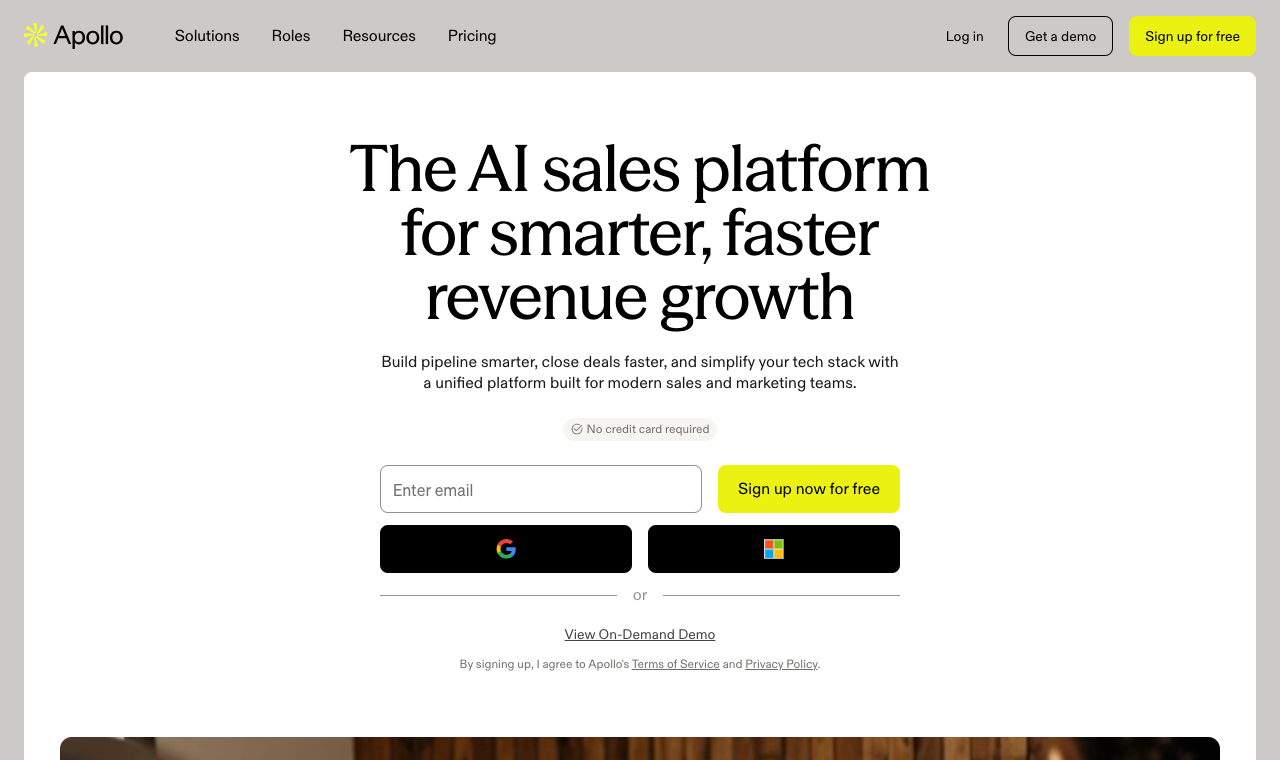
Apollo pairs one of the largest B2B databases in the market with a built-in email sequencer and dialer. If the thing pushing you off Instantly is paying separately for lead data, Apollo folds prospecting and sending into one seat, and the free plan makes it easy to test the data first.
The trade-off: Apollo is a data platform first and a sender second. Its warmup, rotation, and deliverability tooling are lighter than a dedicated cold email tool, and heavy senders sometimes report placement issues once daily volume climbs. Everything is priced per user, so a five-person team is paying five subscriptions, and the richest data credits sit on the higher tiers. It’s a strong fit for prospecting-led teams, and a weaker one if inbox placement is your main reason for leaving Instantly.
Core capabilities
- Large B2B contact and company database with buying-intent signals.
- Email sequencing with basic follow-up automation and A/B testing.
- Built-in dialer and LinkedIn task steps.
- Native CRM sync with Salesforce and HubSpot, plus enrichment.
Pros
- Enormous, frequently refreshed database.
- Generous free plan to test the data.
- Data and sending in one place.
- Strong Chrome extension for LinkedIn prospecting.
Cons
- Deliverability tooling is thin next to dedicated senders.
- Priced per user, so team costs climb fast.
- High-volume email deliverability is a common complaint.
- Data accuracy varies by region and seniority.
Switch to it if: your main reason for leaving Instantly is paying for data separately. Stay on Instantly if: deliverability at high email volume is your priority.
How much does Apollo.io cost?
| Plan | Price | Notes |
|---|---|---|
| Free | $0 | Limited credits |
| Basic | $49/user/mo | Entry sequencing |
| Professional | $79/user/mo | Dialer + advanced |
| Organization | $119/user/mo | Team controls |
Hidden costs: extra email and data credits priced separately at volume.
3. Smartlead: best like-for-like Instantly alternative
Quick facts
- G2
- 4.5/5 ★
- From
- $39/mo
- Best for
- volume senders who want Instantly’s model without the upload penalty
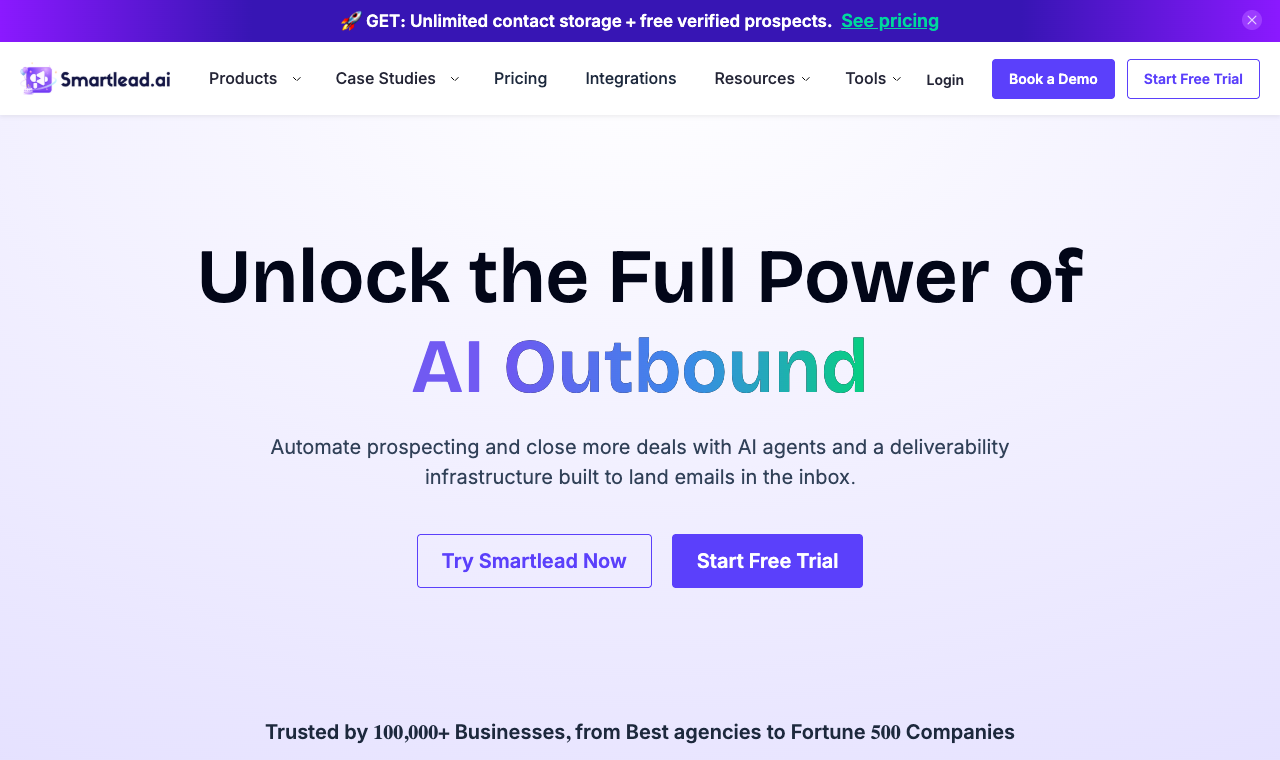
Smartlead is the closest like-for-like swap for Instantly: unlimited mailboxes, aggressive rotation, warmup, and a master inbox that pulls every reply into one view. It’s priced fairly, and the API is a favorite among agencies building their own tooling on top.
The catch is that Smartlead assumes competence. The interface is dense, onboarding is light on hand-holding, and reporting is functional rather than insightful. Lead data is a $59 add-on below the $174 Smart plan, calling only arrives on that plan, and there's no LinkedIn at all, so the all-in-one story is thinner than it looks. Where it clearly wins over Instantly is the lead model: it doesn’t punish you for parking contacts in paused campaigns, and the API lets agencies automate the busywork Instantly makes you click through.
Core capabilities
- Unlimited mailbox connections with automated rotation.
- Warmup across connected inboxes.
- Unified master inbox for all replies.
- Robust API and webhooks for builders.
Pros
- Excellent rotation and warmup for high volume.
- Fair, predictable email pricing.
- Developer-friendly API.
- No uploaded-lead storage penalty.
Cons
- Multichannel and lead data are paid add-ons.
- Steeper learning curve and light onboarding.
- Reporting is functional, not deep.
Switch to it if: you like Instantly’s volume model but want more control and no upload penalty. Stay on Instantly if: you want a guided setup over granular control.
How much does Smartlead cost?
| Plan | Price | Notes |
|---|---|---|
| Basic | $39/mo | Entry |
| Pro | $94/mo | More leads/inboxes |
| Custom | $174/mo | High volume |
Hidden costs: SmartProspect lead data is $59/mo below the $174 Smart plan, and calling needs that plan.
4. Lemlist: best Instantly alternative for personalization
Quick facts
- G2
- 4.5/5 ★
- From
- $39/user/mo
- Best for
- teams that want to stand out with images, video, and LinkedIn steps
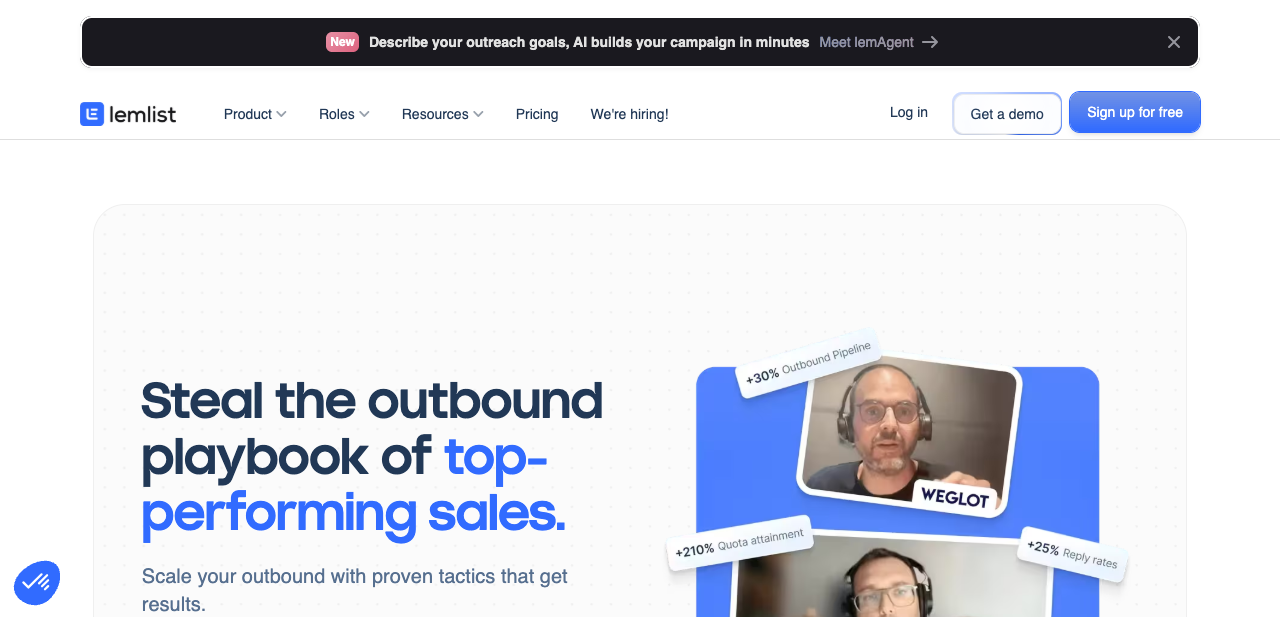
Lemlist made its name on creative personalization: dynamic images that drop in a prospect’s logo, embedded video, and custom landing pages. If Instantly feels too plain-text for your market, Lemlist is the antidote, and it’s grown into a real multichannel tool with LinkedIn and calling steps plus its own warmup (lemwarm).
The friction is pricing and setup: it’s charged per user, so teams get expensive fast, and the personalization that makes Lemlist special takes real time to build well. It shines for founder-led and creative outbound where a standout first touch earns the reply, and it’s less compelling if you just want to push volume cheaply.
Core capabilities
- Dynamic image and video personalization.
- Multichannel steps: email, LinkedIn, and calls.
- Built-in lead database and warmup (lemwarm).
- Custom landing pages and liquid-syntax conditions.
Pros
- Best-in-class visual personalization.
- Genuine multichannel sequences.
- Active template library and community.
Cons
- Priced per user, so teams get expensive.
- Deliverability tooling is decent but not the focus.
- Advanced personalization has a learning curve.
Switch to it if: creative, highly visual personalization is your edge. Stay on Instantly if: you’re a larger team watching per-seat costs.
How much does Lemlist cost?
| Plan | Price | Notes |
|---|---|---|
| Email Starter | $39/user/mo | Email only |
| Email Pro | $69/user/mo | Warmup + more |
| Multichannel Expert | $99/user/mo | All channels |
Hidden costs: lead data credits on higher tiers.
5. Reply.io: best Instantly alternative for AI multichannel
Quick facts
- G2
- 4.6/5 ★
- From
- $59/mo
- Best for
- teams that want full multichannel plus AI, not email only
Reply.io is a mature, deeply automated multichannel platform covering email, LinkedIn, calls, and SMS, with an AI assistant that drafts messages and triages replies. For a team that wants to run a lot of activity with a small headcount, and is fed up with Instantly’s email-only Outreach sequences, the automation is genuinely useful.
That depth is also the downside. The interface is busy, onboarding takes time, and multichannel is priced per user, so the bill scales with your team. It’s a great fit for an SDR team that lives in sequences all day, and overkill for a solo sender who just wants clean email.

Core capabilities
- Multichannel sequences across email, LinkedIn, calls, and SMS.
- AI assistant for drafting and reply handling.
- Built-in contact data and email warmup.
- Solid CRM integrations and reporting.
Pros
- Broad channel coverage in one tool.
- Strong automation and AI assistance.
- Good CRM integrations.
Cons
- Dense interface, longer onboarding.
- Multichannel plans are per user and pricey at scale.
- Some features gated behind higher tiers.
Switch to it if: you want heavy automation and AI across channels. Stay on Instantly if: you want a simple setup and flat pricing.
How much does Reply.io cost?
| Plan | Price | Notes |
|---|---|---|
| Email Volume | $59/mo | Sending only |
| Multichannel | $99/user/mo | All channels |
| Agency | Custom | Client management |
Hidden costs: data credits and extra seats.
6. Snov.io: best budget all-in-one Instantly alternative
Quick facts
- G2
- 4.5/5 ★
- From
- $39/mo
- Best for
- small teams that want to replace Instantly plus its add-ons in one tool
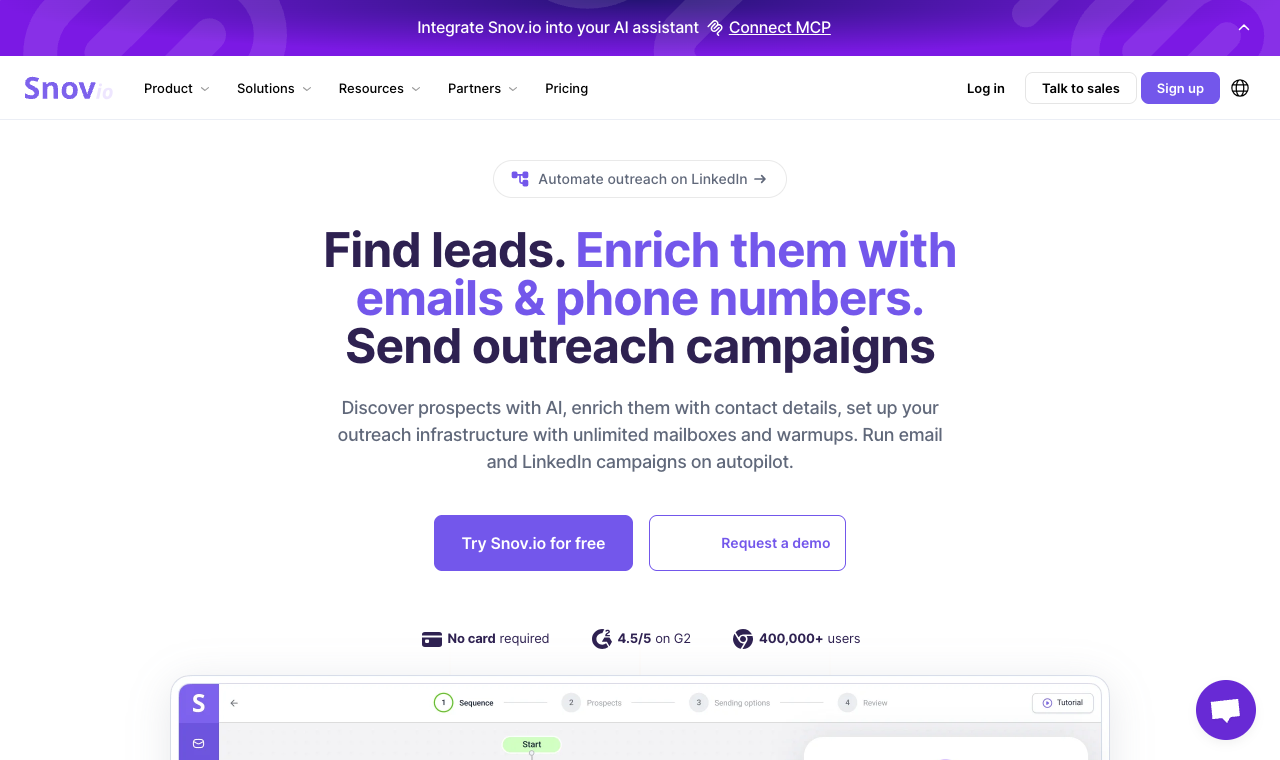
Snov.io is the value all-rounder. It bundles an email finder, a 7-tier verifier that claims 98%+ accuracy, drip campaigns, warmup, and a lightweight sales CRM, all at a price that undercuts most of this list. For a team that’s tired of stacking Instantly’s separate credits subscription on top of sending, Snov collapses that into one bill.
What tempers it is the credit model and channel ceiling. Actions burn credits, so heavy prospecting months push you up a tier, and multichannel here means email and LinkedIn only, without calling, SMS, or WhatsApp. Some users also find the interface and deliverability inconsistent at high volume. The saving grace for teams: unlimited team seats on every paid plan, so cost scales with usage, not headcount.
Core capabilities
- Email finder with database, domain search, and LinkedIn collection.
- 7-tier email verification with 98%+ claimed accuracy.
- Drip campaigns across email and LinkedIn, unlimited senders and follow-ups.
- Email warmup plus deliverability and placement checks.
- Built-in sales CRM with up to 100 pipeline stages.
- Integrations with HubSpot, Pipedrive, Zapier, Make, and API.
Pros
- Finder, verifier, sender, and CRM in one low-cost tool.
- Unlimited team seats on every paid plan.
- Strong email verification and warmup.
- Free plan plus a 7-day full-feature trial.
Cons
- Credit system can get limiting in heavy months.
- Multichannel is email and LinkedIn only.
- Interface and deliverability can feel inconsistent at scale.
Switch to it if: you want prospecting, verification, and outreach in one budget tool. Stay on Instantly if: you run very high, credit-heavy volume.
How much does Snov.io cost?
| Plan | Price | Includes |
|---|---|---|
| Starter | $39/mo | 1,000 credits, 5,000 recipients, 3 warmups |
| Pro S | $99/mo | 5,000 credits, 25,000 recipients, unlimited warmups |
| Pro M | $189/mo | 20,000 credits |
| Pro L / Ultra | $369 to $738/mo | 50,000 to 200,000+ credits |
Hidden costs: extra credits if you run out mid-month. Annual billing saves ~25%.
7. Mailshake: best simple Instantly alternative with calling
Quick facts
- G2
- 4.7/5 ★
- From
- $49/user/mo
- Best for
- small teams that want email plus calling without complexity
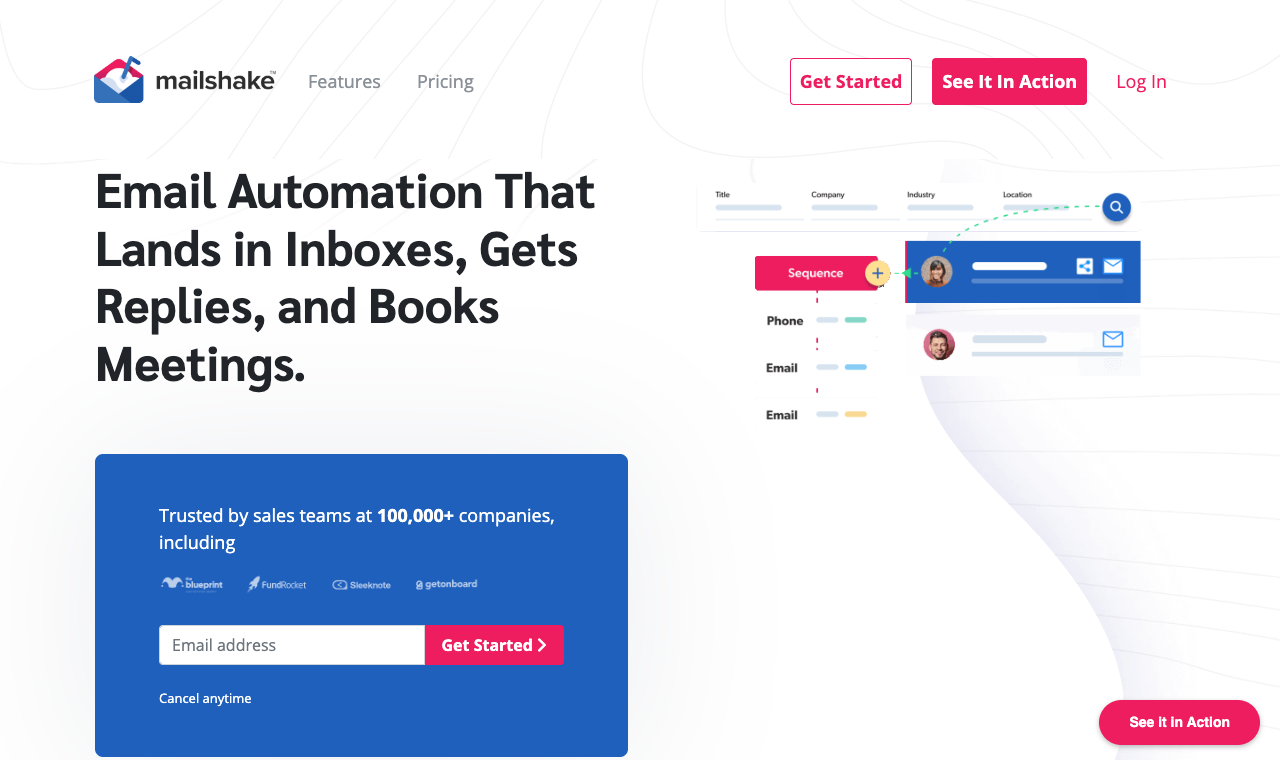
Mailshake keeps things simple: clean email sequencing, a built-in dialer, social steps, and an easy learning curve. For founders and small teams who find Instantly fine for email but want to add calls without a heavy platform, it’s a comfortable pick. Already on Mailshake and looking to leave? Our Mailshake alternatives guide covers that move.
The gaps are worth knowing: there’s no free trial, so you’re buying to try, pricing is per user, and some users report call quality dips on international dials. It’s a dependable, low-drama tool for domestic email-plus-calls motions, and a weaker choice if you need native lead data or the widest channel mix.
Core capabilities
- Email sequencing with time-zone-aware sending.
- Built-in dialer and social outreach steps.
- List cleaning and lead-catcher.
- CRM integrations and Zapier.
Pros
- Easy to learn and run.
- Email plus calls in one tool.
- Reliable core sequencing.
Cons
- No free trial.
- Per-user pricing.
- Reported call-quality issues on international dials.
Switch to it if: you want a simple, dependable email-plus-calls tool. Stay on Instantly if: you need a free trial before buying.
How much does Mailshake cost?
| Plan | Price | Notes |
|---|---|---|
| Email Outreach | $49/user/mo | Email focus |
| Sales Engagement | $99/user/mo | Calls + social |
Hidden costs: lead sourcing not included.
8. SalesHandy: cheapest email-only Instantly alternative
Quick facts
- G2
- 4.6/5 ★
- From
- $41/mo
- Best for
- budget teams that just need reliable email sequencing at scale
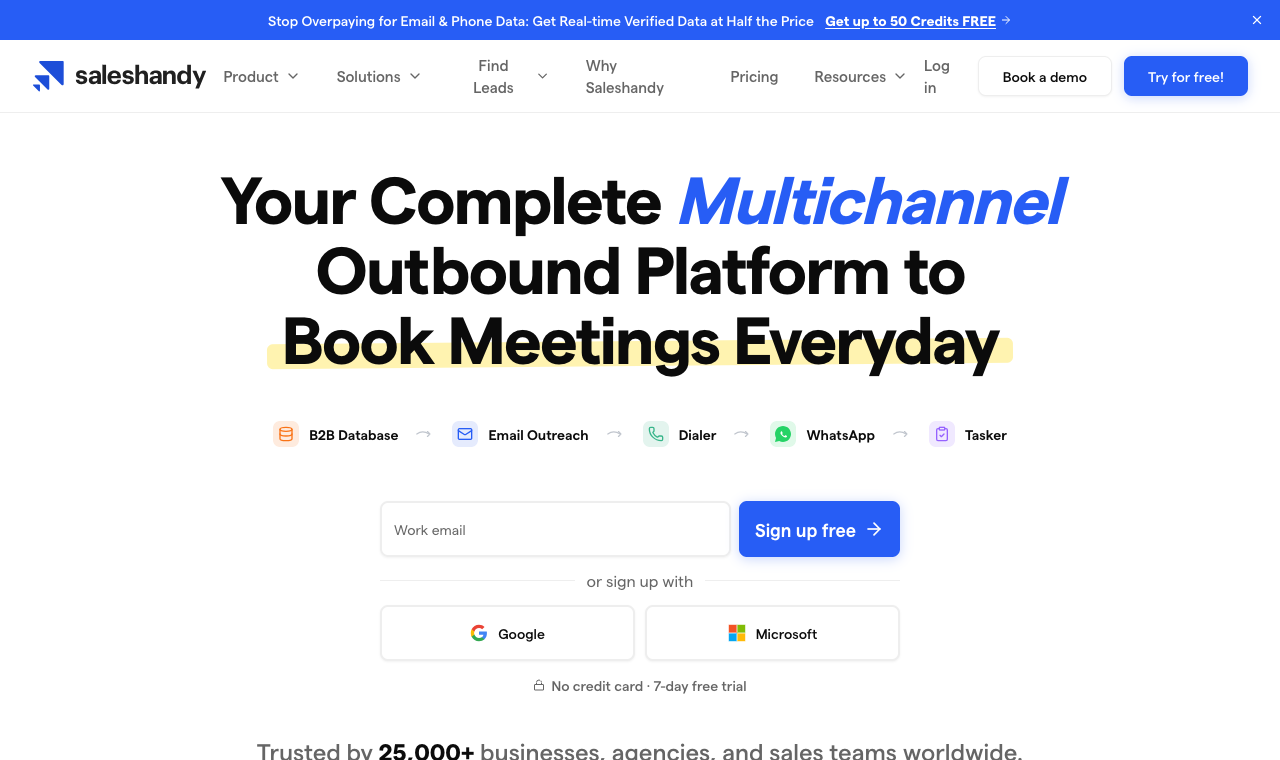
SalesHandy is the value pick for pure email. It offers unlimited sender accounts even on lower tiers, plus warmup and rotation, at a price that’s tough to argue with. If you like Instantly’s email focus but want a lower entry cost, it’s a sensible swap.
Manage expectations: it’s email-only, the trial is a short 7 days, and a chunk of user reviews mention deliverability wobble and slow support. It does the core job at a low price, but you’ll add a separate tool the day you need lead data or another channel, so it’s best thought of as a budget email engine rather than a full platform.
Core capabilities
- Email sequencing with unlimited sender accounts.
- Warmup and inbox rotation.
- Mail merge, templates, and analytics.
- Email verification on higher tiers.
Pros
- Very affordable entry pricing.
- Unlimited email accounts across tiers.
- Solid core sequencing and templates.
Cons
- Email only, no multichannel.
- Reports of deliverability and support issues.
- Only a 7-day free trial.
Switch to it if: you want the cheapest reliable path to email sequencing at volume. Stay on Instantly if: you value its warmup pool and community.
How much does SalesHandy cost?
| Plan | Price | Notes |
|---|---|---|
| Starter | $41/mo | Entry, 2,000 prospects |
| Pro | $99/mo | More volume, 30,000 prospects |
| Scale | $189/mo | Max, unlimited prospects |
Hidden costs: lead data is metered as Lead Finder credits, 1,500 to 8,000 a month by plan, so heavy prospecting pushes you up a tier.
9. Emailchaser: lightest, cheapest Instantly alternative
Reviews: new tool, no G2 profile yet Best for: solo senders who find Instantly overkill From: $29/mo
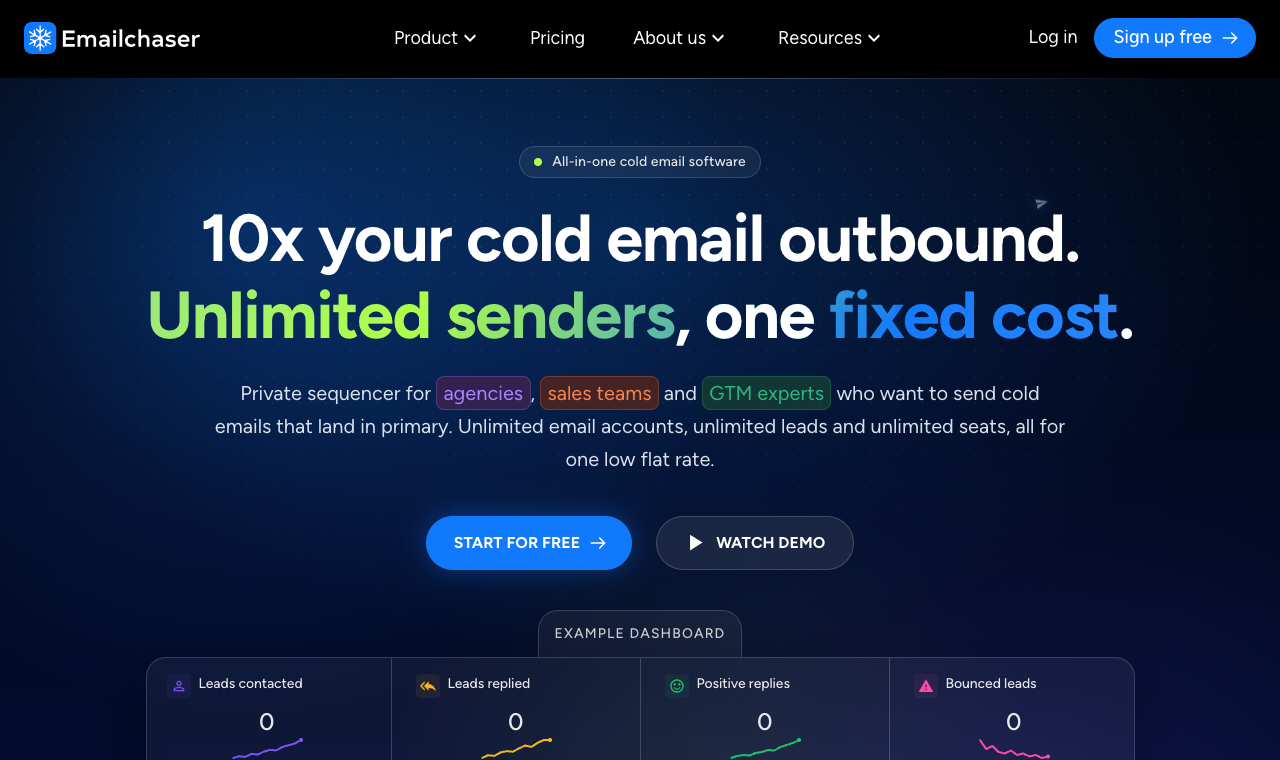
Emailchaser is the minimalist. Connect an inbox, write a sequence, hit send. No lead database, no extra channels, very little to configure, which is exactly the appeal for a solo founder who finds Instantly’s volume machinery overwhelming.
That simplicity is also the ceiling: thin reporting, limited integrations, and nothing to grow a team into. If you’re one person sending a few hundred emails a week, it’s cheaper and calmer than Instantly. If you plan to scale volume or add channels, you’ll outgrow it within a few months.
Core capabilities
- Simple email sequencing and follow-ups.
- Basic open and reply tracking.
- Lightweight, fast setup.
Pros
- Extremely easy to start.
- Low entry price.
- Minimal learning curve.
Cons
- Email only, no lead data or extra channels.
- Thin reporting and integrations.
- Not built for larger teams.
Switch to it if: you’re a solo sender who wants simple and cheap. Stay on Instantly if: you’ll need volume, data, or channels soon.
How much does Emailchaser cost?
| Plan | Price | Notes |
|---|---|---|
| Starter | $29/mo | Entry sending |
| Pro | $99/mo | More volume |
Hidden costs: you’ll pay for a separate lead source.
10. QuickMail: best reply-focused Instantly alternative
Quick facts
- G2
- 4.7/5 ★
- Capterra
- 4.8/5 ★
- From
- $49/mo
- Best for
- agencies focused on deliverability and reply rates
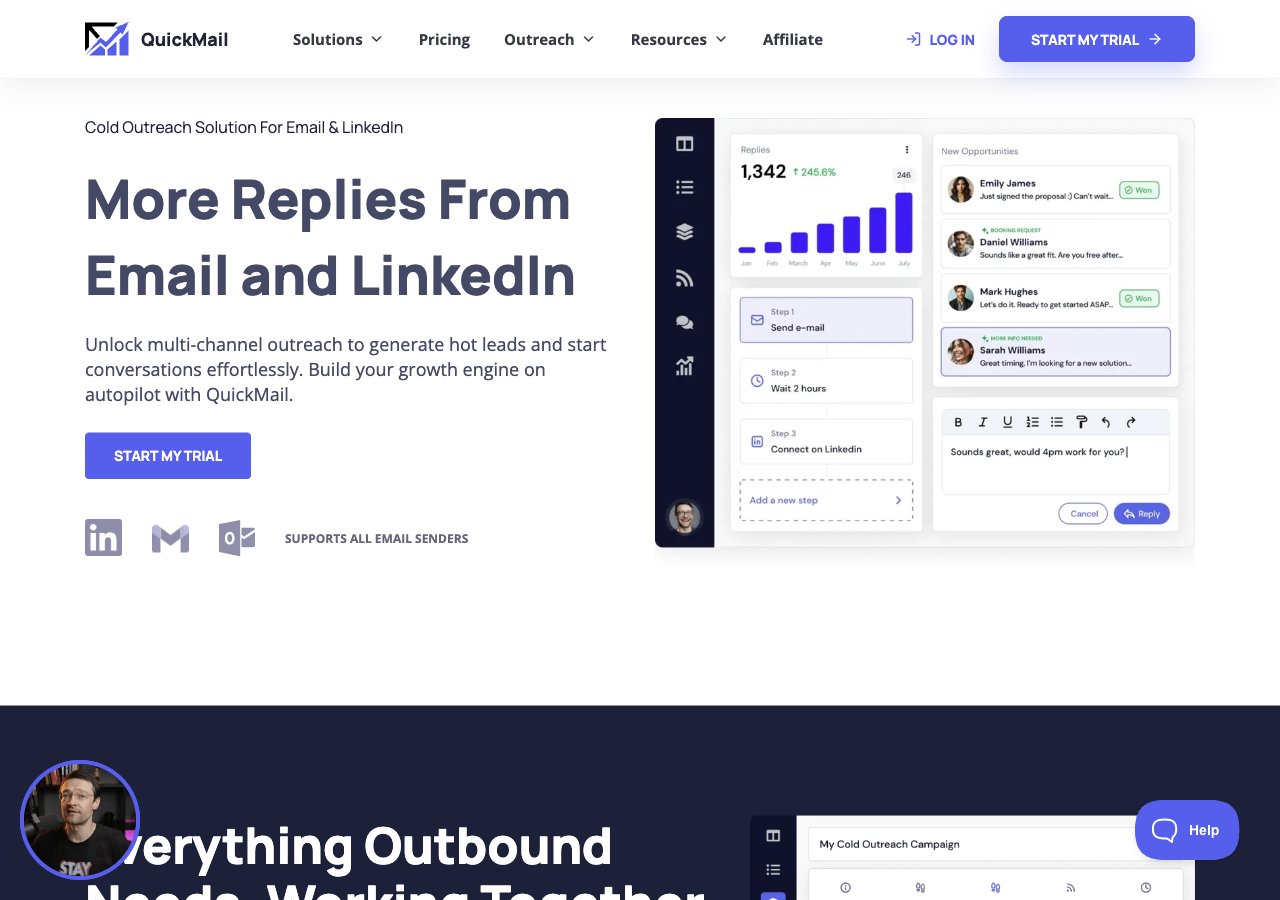
QuickMail has been at cold outreach since 2014, and it shows in its focus on deliverability and reply rates. It supports email, calls, and SMS steps, ships a free warmup tool (MailFlow), and leans hard on inbox rotation and reply detection. For an agency that cares most about landing and getting responses, it’s a strong Instantly alternative.
The downsides: integrations can be fiddly, pricing sits on the higher side, and new users report a steeper learning curve on follow-up setup. But the free warmup and reply-focused reporting make it a favorite for teams whose whole job is booking meetings, not just sending.
Core capabilities
- Email, call, and SMS steps with conditional follow-up logic.
- Free warmup and deliverability via MailFlow.
- Inbox rotation and reply detection.
- CRM integrations and API.
Pros
- Strong deliverability and reply-rate focus.
- Free warmup tool included.
- Solid multichannel follow-up logic.
Cons
- Integrations can be complex to set up.
- Pricing on the higher side.
- Steeper learning curve for new users.
Switch to it if: deliverability and reply rates are your top priority. Stay on Instantly if: you want the lowest entry price and simplest setup.
How much does QuickMail cost?
| Plan | Price | Sender emails |
|---|---|---|
| Basic | $49/mo | Up to 5 |
| Pro | $89/mo | Up to 20 |
| Expert | $129/mo | Up to 50 |
Hidden costs: lead data not included. 14-day free trial.
How I tested these Instantly alternatives
I ran each tool the way a real outbound team would, not just from a features page. Over four weeks I set up every platform end to end: connected three to five sending inboxes on a warmed domain, imported the same opted-in test list, and built an identical 3-step sequence in each. Then I sent in controlled batches and watched what happened.
To keep it fair, I measured the same things every time: inbox placement with seed tests across Gmail, Outlook, and a corporate domain; the time from signup to first live send; how cleanly replies landed in a shared or unified inbox; and how each tool synced back to a CRM. Finally, I priced every tool for one realistic scenario, a 5-person team sending to 10,000 prospects a month, with any lead-data, warmup, or seat add-ons included, so the numbers reflect a real bill and not a headline.
Those observations rolled up into eight weighted criteria:
- Multichannel reach. Email plus LinkedIn, calls, SMS, and WhatsApp in one sequence, since that’s the top reason people leave Instantly.
- Inbox placement. The deliverability suite: warmup, validation, inbox rotation, and campaign soft-start.
- Built-in lead data. A native database versus Instantly-style credit add-ons.
- True cost at scale. Five users, 10k prospects, add-ons included, billed annually.
- Setup and migration. How painful it is to move an existing Instantly account across.
- Reply management. Shared inbox, threading, and AI sorting.
- CRM sync. Native bi-directional sync versus Zapier-only.
- Support. Responsiveness during onboarding, when switchers need it most.
SmartReach.io topped the composite because it scored well on all eight at once, and especially on the three that push people off Instantly in the first place: channels, native data, and cost at scale. The tools below it each win a specific lane, which is why the “best for” line matters as much as the rank.
How to choose an Instantly alternative: a 6-step framework
Rank order aside, the right tool is the one that fixes your reason for leaving. Run each candidate through these six steps in order. It’s the same sequence I used during testing, and it stops you from swapping one set of gaps for another.
-
List what Instantly is actually missing for you
Be specific. Is it channels beyond email, native lead data, a CRM, agency features, or just a predictable bill? Write down your top one or two, because that single line is what should decide the shortlist. A cheaper Instantly clone won’t help if your real problem is that you need LinkedIn and calls.
What good looks like: a tool that closes your specific gap, not just a lower sticker price.
-
Check the deliverability tooling
Deliverability is where switches succeed or fail. Look for warmup, email validation, inbox rotation, and campaign soft-start, and confirm they’re built in rather than sold as credits. During a trial, run a seed test and see where a real send lands before you trust it with a live list.
What good looks like: warmup, validation, and soft-start included, with placement you can verify.
-
Add up the true cost, add-ons included
Price the tool for your real team, then add what Instantly makes you buy separately: lead-data credits and, if you call, its CRM. Compare totals, not entry tiers. This is where per-seat tools quietly balloon and where flat, volume-based pricing pulls ahead for anything past a solo user.
What good looks like: pricing that scales with usage, not seats or add-on credits.
-
Decide on native lead data
Choose between a native database and buying data separately. A built-in finder keeps prospecting and sending in one place, cuts the number of tools you pay for, and means the same contact you find is the one you enrich and email, with no export-import round trip.
What good looks like: a large, filterable database with one-click enrichment.
-
Test inbox placement in a free trial
Never migrate on faith. Send a small real campaign during the trial, to a seed list and a slice of real prospects, and check the primary-inbox rate. A tool can look great on paper and still land in Promotions on your domain. A no-credit-card trial makes this easy to do before you commit.
What good looks like: a no-card trial you can send from on day one.
-
Confirm CRM sync and the migration path
Finally, make sure the tool syncs both ways with your CRM and can import your existing Instantly campaigns, sequences, and leads without a manual rebuild. Ask support directly how switchers move over, the good ones have a documented path and will walk you through it.
What good looks like: native bi-directional CRM sync plus a simple import from Instantly.
So, which Instantly alternative should you pick?
There’s no single winner for everyone, but there is a best fit for each situation. Here’s how I’d steer teams based on why they’re leaving Instantly in the first place.
- Solo sender or freelancer: if you just want cheap, simple email, Emailchaser or SalesHandy will do the job for less than Instantly. Step up to SmartReach.io the moment you want LinkedIn or calls in the mix.
- Small SMB sales team: SmartReach.io is the sweet spot. Multichannel, native lead data, and no per-seat fee mean the whole team runs on one flat plan, which is where seat-priced tools like Apollo, Lemlist, and Reply.io get expensive.
- Agency: SmartReach.io again, because it doesn’t charge a separate paid workspace per client and its pricing scales by volume, not seats. QuickMail is the deliverability-obsessed runner-up if reply rates are your whole pitch.
- High-volume, email-only sender: if you genuinely only send email at scale and love Instantly’s model, Smartlead is the closest swap, with no uploaded-lead penalty and a deeper API.
For most teams, the math points one direction: SmartReach.io fixes what sends people looking for an Instantly alternative in the first place, more channels, native data, and a lower true cost at scale, without charging per user.
Ask AI: pressure-test your Instantly switch
Buyers now vet tools by asking ChatGPT, Claude, and Perplexity before they ever reach a pricing page. Here’s a prompt framework to compare any tool against Instantly, plus a fill-in template for your own outreach.
Instantly alternatives FAQs
Why switch from Instantly.ai in 2026?
Most teams switch because Instantly’s Outreach plans are email only, with calling and SMS sold through a separate CRM and no native LinkedIn step. Its uploaded-leads limit counts paused contacts and doesn’t reset monthly, and lead data is a separate credits subscription. Alternatives like SmartReach.io run email, LinkedIn and calls in one sequence on one flat plan.
Is there a free Instantly alternative?
SmartReach.io offers a 14-day free trial with no credit card required. Snov.io has a free plan plus a 7-day trial, Apollo has a free tier, and SalesHandy offers 7 days. Most alternatives let you test before paying.
Which Instantly alternative is best for agencies?
SmartReach.io, thanks to agency plans that don’t require a separate paid workspace per client, plus multichannel outreach, team collaboration, and transparent volume-based pricing.
Which Instantly alternative has the best deliverability?
SmartReach.io and SalesHandy lead, with built-in email validation, spam testing, warmup, and inbox rotation. SmartReach adds campaign soft-start, which ramps volume gradually to protect a new sender’s reputation.
Can I run multichannel outreach with an Instantly alternative?
Yes. SmartReach.io supports email, LinkedIn, calling, and WhatsApp in one sequence. Reply.io and Lemlist also do multichannel, and Snov.io adds LinkedIn. Instantly has no native LinkedIn step, and its calling and SMS sit in a separate CRM product, outside its Outreach plans.
What’s the real cost of Instantly once you add lead data and CRM?
Instantly’s Outreach plans start at $47/mo, but its 450M+ lead database is a separate Instantly Credits subscription (from $9/mo, or $47/mo for 1,500 to 2,000 credits), and calling and SMS need its separate CRM. A team using all three pays three subscriptions. Flat, volume-based tools like SmartReach.io keep that in one predictable number.
Ready to leave Instantly’s add-ons behind? Start your 14-day free trial of SmartReach, no credit card needed, and run email, LinkedIn, and calls from one sequence while it drafts, sends, and follows up for you.
Stop juggling tools
Book more meetings on every channel
Join 5,000+ teams running multichannel outreach from one sequence, with deliverability built in.