Top Mailshake Alternatives for Cold Email Outreach

On this page
Your Mailshake renewal just landed, and the number is bigger than you remember. Five seats. Two mailboxes each. A Data Finder add-on you forgot you switched on.
That’s usually the exact moment a team starts hunting for a Mailshake alternative that doesn’t bill them by the head. I get it, so I put the work in.
I spent the last month running the same four-step cold campaign through these tools, real inboxes, real opted-in prospects, tracking what hit the inbox and what quietly died in spam. A few are genuinely better than Mailshake. A couple just cost less and do less.
Here’s the honest shortlist: the ten best Mailshake alternatives worth switching to, ranked on the three things that actually move outbound numbers, deliverability, real multichannel, and what you’ll pay once the team grows.
Why teams look for a Mailshake alternative
Mailshake isn’t a bad tool. For a single rep firing off a clean email sequence, it does the job. The friction shows up when you grow, or when your emails stop landing.
And the stakes are real. According to HubSpot’s State of Marketing data, email still ranks among the top ROI-driving channels for marketers. So every send that dies in spam is pipeline you paid for and lost. Four gaps come up again and again.
It bills you per seat. Every rep is another full license, and each tier caps how many mailboxes that seat gets (one on Starter, two on Email Outreach, ten on Sales Engagement). Add a person, pay again.
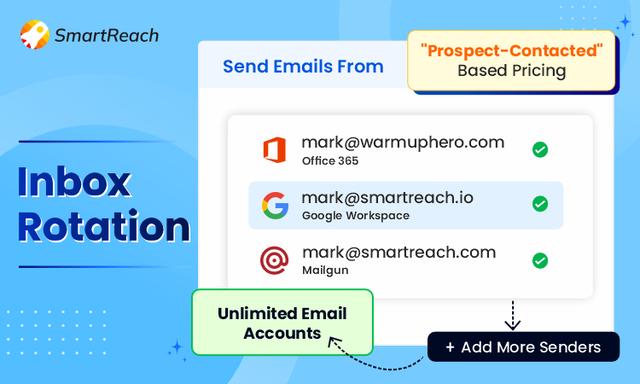
The deliverability stack is thin. You get warmup, but no built-in spam test, no inbox rotation, and no ESP matching. So you’re flying blind on the one metric that decides whether a campaign works: whether your email reaches the inbox instead of the spam folder.
It’s email-first. LinkedIn steps and the dialer only show up on the top Sales Engagement tier, and even then it’s tasks, not a coordinated cadence. If your buyers ignore email and reply on LinkedIn, that’s a problem.
There’s no free trial anymore. Mailshake asks for annual commitment up front and offers a 30-day money-back guarantee instead. You’re paying before you’ve sent a single email.
So the real question isn’t “what’s cheaper than Mailshake.” It’s “what gets more replies per dollar as the team grows.” That’s what I scored for.
The 10 best Mailshake alternatives at a glance
Mailshake is the baseline row here, greyed out, because it’s the thing every tool is being measured against, not a pick. SmartReach is the tinted hero row. Scroll the table sideways to see every column.
| Tool | G2 | From (model) | Best for | Deliverability suite | Multichannel | Built-in leads | Free trial | Verdict |
|---|---|---|---|---|---|---|---|---|
| Mailshake (baseline) | 4.7 | $29/user/mo (annual) | Individual reps | Partial (warmup only) | Limited (email + LinkedIn tasks, top tier) | No (Data Finder add-on) | No (30-day refund) | The thing you’re leaving |
| 1. SmartReach.io | 4.6 | $29/mo (by prospects) | Multichannel teams & agencies | ✓ Full (warmup, rotation, spam test, validation, blacklist) | ✓ Email, LinkedIn, Calls, WhatsApp | ✓ 300M+ contacts | 14-day, no card | Best overall |
| 2. Instantly.ai | 4.8 | $47/mo (flat) | High-volume email | ✓ Warmup, rotation | Email (calls/SMS in separate CRM) | ✓ Leads add-on | 14-day | Best for volume |
| 3. Saleshandy | 4.6 | $34/mo (flat, annual) | Deliverability on a budget | ✓ Rotation, warmup | Email (light LinkedIn) | ✓ Native database | 7-day | Best value |
| 4. Lemlist | 4.6 | $39/user/mo | Personalization | Partial (no spam test) | ✓ Email, LinkedIn, Calls | ✓ Limited DB | 14-day | Best personalization |
| 5. Klenty | 4.6 | $50/user/mo | CRM-tied SDR teams | Partial | ✓ Email, Calls, LinkedIn | No | 14-day | Best for CRM teams |
| 6. Woodpecker | 4.5 | $29/mo (slots) | Simple email automation | Partial (warmup) | Email (light LinkedIn) | No | 7-day | Best for simplicity |
| 7. Reply.io | 4.6 | $59/user/mo | AI multichannel | Partial | ✓ Email, Call, LinkedIn | ✓ 140M+ database | 14-day | Best AI cadences |
| 8. Apollo.io | 4.7 | $49/user/mo | Database-led outbound | Partial (no native warmup) | ✓ Email, Calls, LinkedIn tasks | ✓ 210M+ contacts | Free plan | Biggest database |
| 9. Clay | 4.5 | $134/mo | Enrichment-led prospecting | Relies on integrations | Via integrations | ✓ 150+ data sources | Free plan | Enrichment engine |
| 10. Outreach.io | 4.3 | Custom | Enterprise sales orgs | Partial | ✓ Email, Calls, SMS | No | No | Enterprise only |
One note before you read the ratings too closely: a high G2 star count isn’t the trust signal it looks like. Review volume can be nudged with incentives, and the freshest opinions usually live on Reddit and in Slack groups, not on a vendor’s review page. Treat stars as a starting point, then go read what real senders say.
How I tested these Mailshake alternatives
No feature sheets. I signed up for each tool I could, connected at least two real inboxes (one Google Workspace, one Microsoft 365), built the same four-step sequence with a real offer, and sent to a small opted-in list.
The enterprise, quote-only tools like Outreach don’t offer a trial, so those I assessed from live demos and docs. Then I scored five things that actually decide outbound results:
- Deliverability. Warmup, inbox rotation, spam testing, and whether I could check placement before scaling. This is the make-or-break pillar.
- Multichannel depth. Real coordination across email, LinkedIn, calls and WhatsApp in one cadence, not an email tool with a LinkedIn checkbox bolted on.
- Cost at real scale. I modelled a 5-person team contacting 10,000 prospects a month on annual billing, add-ons included. Sticker price and real bill are rarely the same number.
- Lead data and CRM sync. Built-in prospect data, and two-way sync with HubSpot, Salesforce, Pipedrive and Zoho.
- Setup and support. Time from sign-up to first send, and how fast a real support ticket got answered.
Full disclosure: I work at SmartReach, and it sits at number one. I’ve kept its cons section as honest as everyone else’s, because half of you are comparing us against this exact list, and a rigged review is the fastest way to lose a buyer.
The 10 best Mailshake alternatives, reviewed
1. SmartReach.io: best overall Mailshake alternative
Quick facts
- G2
- 4.6/5
- From
- $29/mo (priced by prospects, not seats)
- Free trial
- 14 days, no credit card
- Best for
- Sales teams and agencies running real multichannel outreach without per-seat pricing
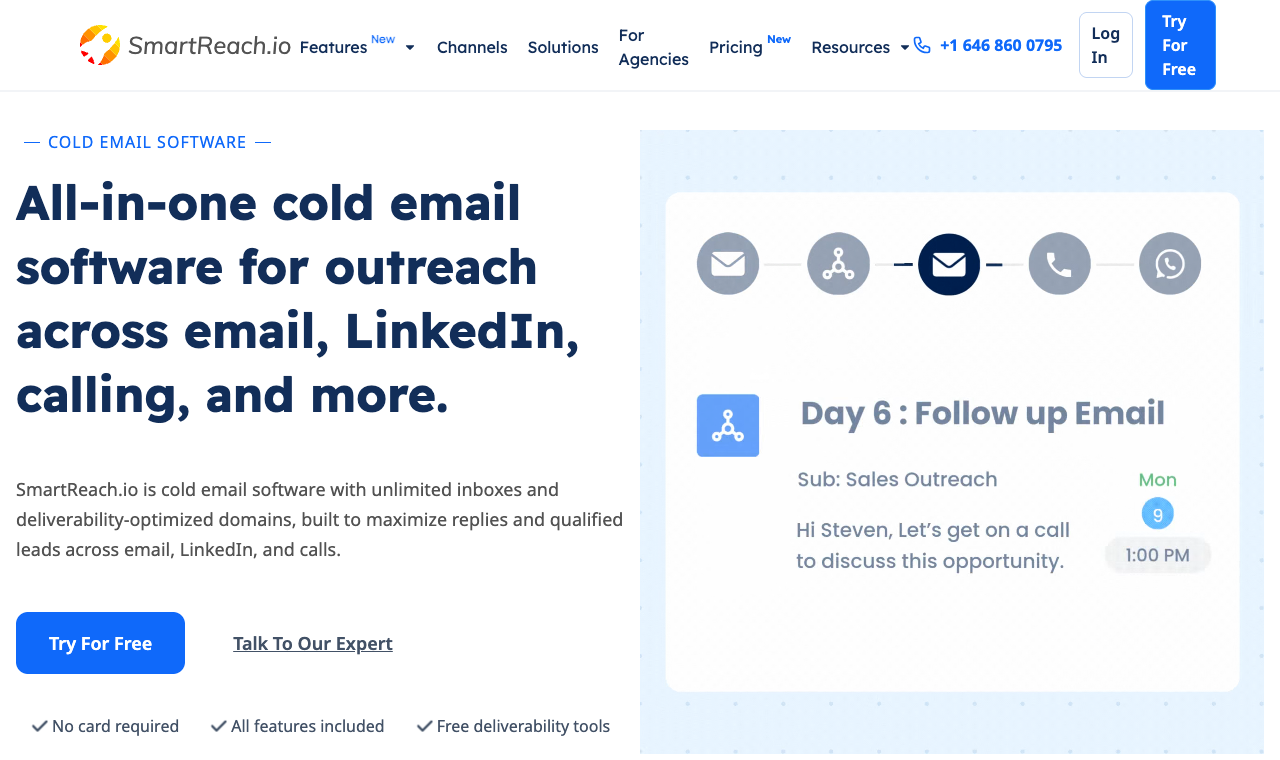 SmartReach.io: one cadence across four channels, with the deliverability stack built in.
I’ll say it plainly since I work here: I held SmartReach to the same test as everything else. SmartReach.io is a cold email software with multichannel outreach capabilities via channels like email, LinkedIn, calls and WhatsApp. It is powered by AI, also works as a sales engagement platform, and ships a full deliverability suite in one place.
SmartReach is powered by AI. Many of its processes and features have AI built in to speed up campaign writing, reply handling and prospect research, so it’s native, not a credit add-on you top up. In testing, the standout wasn’t the feature count. It was rebuilding my campaign across email and LinkedIn in one cadence, with reply-pause working across both, in about ten minutes.
Core capabilities
- Multichannel cadence: Email, LinkedIn, calls and WhatsApp in one sequence that pauses on reply across every channel.
- Deliverability suite: Email deliverability bundles warmup, inbox rotation, ESP matching, soft start, spam tests, blacklist monitoring and free unlimited validation.
- AI SDR + Smart Email AI Agent: Writes a unique email per prospect from a brief, not a merge tag, and drafts replies from your inbox.
- 300M+ lead finder: A living B2B database of 300M+ contacts and 50M+ companies, built in.
- Unlimited sending: Unlimited emails and unlimited users from the Plus plan up.
- 2-way CRM sync: HubSpot, Salesforce, Pipedrive and Zoho with field mapping both ways.
Pros
- True multichannel, not email with a LinkedIn checkbox.
- Unlimited users and sending accounts from the Plus plan up (Basic is a 1-user plan).
- Priced by prospects, so cost stays flat as the team grows.
- Deliverability tools that are usually three separate vendors, bundled in.
- Fast support: median first reply under 10 minutes in my test.
Cons
- The breadth is real, so is the learning curve: budget an hour or two.
- No fully automatic LinkedIn messaging (a deliberate guard against shadow bans, but worth flagging).
- The reporting UI is functional, not pretty. A refresh is overdue.
How much does SmartReach.io cost?
| Plan | Monthly | Prospects | Users | Key inclusions |
|---|---|---|---|---|
| Email Basic | $29/mo | 1,000 | 1 | Sequences, free validation, 10 warmup accounts |
| Email Plus | $89/mo | 50,000 | Unlimited | + unlimited emails, AI automations, 25 warmup accounts |
| Sales Engagement Plus | $99/mo | 50,000 | Unlimited | + 3 calling seats, 3 LinkedIn seats, full multichannel |
| Sales Engagement Pro | $249/mo | 100,000 | Unlimited | + 10 calling seats, 10 LinkedIn seats, 2,000 credits |
Hidden costs: None on deliverability. Warmup, validation and blacklist monitoring are included, not add-ons.
Cost at scale (5 users, 10K prospects, annual): about $99/mo total on Sales Engagement Plus, unlimited users, 50K prospects and multichannel included. That’s the whole team on one flat bill.
2. Instantly.ai: best for high email volume on a budget
Quick facts
- G2
- 4.8/5
- From
- $47/mo (flat, unlimited inboxes)
- Free trial
- 14 days
- Best for
- Solo senders and agencies scaling raw email volume
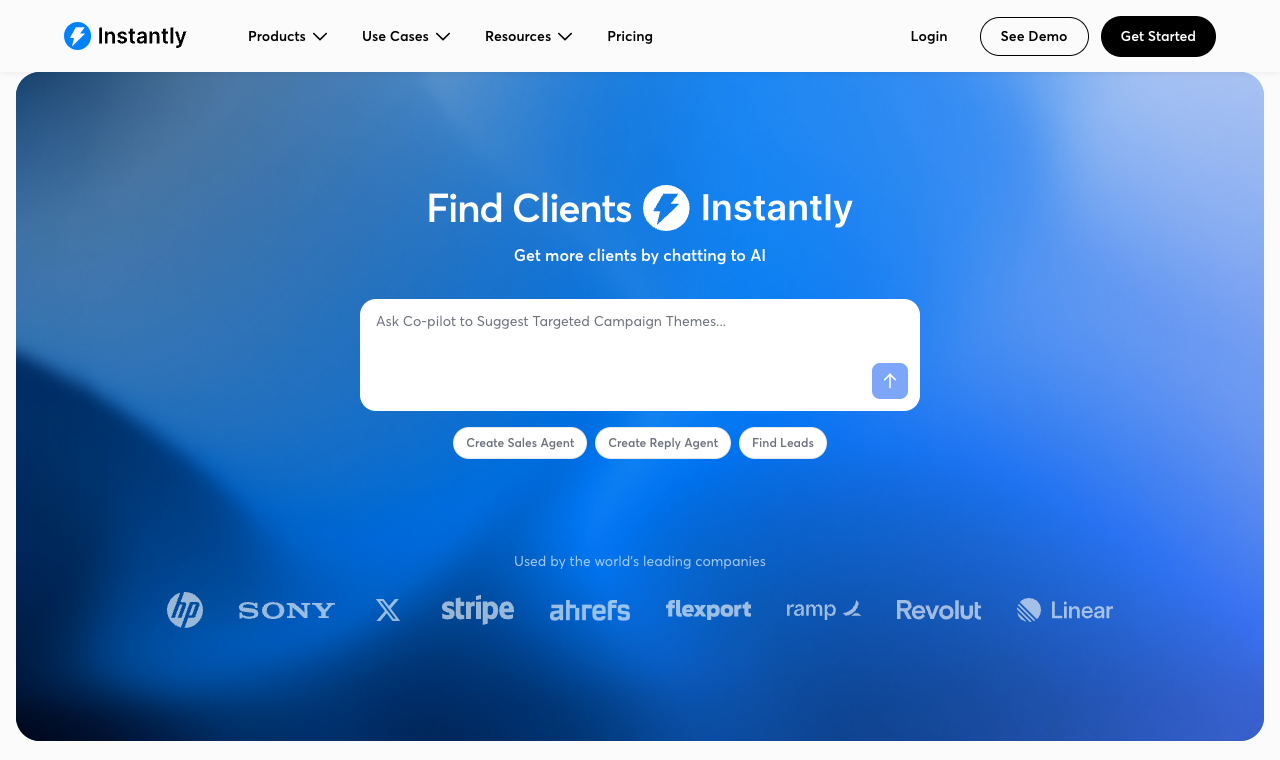 Instantly.ai: unlimited inboxes and warmup, built for volume.
If your one complaint about Mailshake is that it can’t send enough, Instantly fixes that fast. Every plan comes with unlimited email accounts and unlimited warmup, so you can spread sends across dozens of inboxes to protect your domains. Setup took me about eight minutes.
Core capabilities
- Unlimited email accounts and unlimited warmup on every plan.
- Inbox rotation to spread volume and dodge spam filters.
- A unified master inbox for replies across all accounts.
- B2B lead database available as an add-on.
Pros
- Cheapest serious entry point for high-volume email.
- Unlimited inboxes and warmup baked in.
- Clean, fast interface with a short learning curve.
Cons
- Outreach cadences are email only. No LinkedIn or WhatsApp, and calls need its separate CRM.
- Lead data and some features are paid add-ons that stack up.
- Support leans on docs and community over live help.
How much does Instantly cost?
| Plan | Monthly | What you get |
|---|---|---|
| Growth | $47/mo | Unlimited inboxes and warmup, 5,000 emails/mo |
| Hypergrowth | $97/mo | 125,000 emails/mo, more contacts |
| Light Speed | $358/mo | Very high volume for agencies |
Hidden costs: Lead credits and the CRM add-on are extra. Realistic teams land on Hypergrowth plus leads.
Cost at scale (5 users, 10K prospects, monthly billing): about $97/mo on Hypergrowth (users are unlimited), plus a lead-data add-on. Great for email, but you’re still bolting on another tool for LinkedIn, and Instantly’s separate CRM for calls.
3. Saleshandy: best value for deliverability-first senders
Quick facts
- G2
- 4.6/5
- From
- $34/mo (flat, billed annually, unlimited email accounts)
- Free trial
- 7 days
- Best for
- Solo SDRs and small teams who care about inbox placement
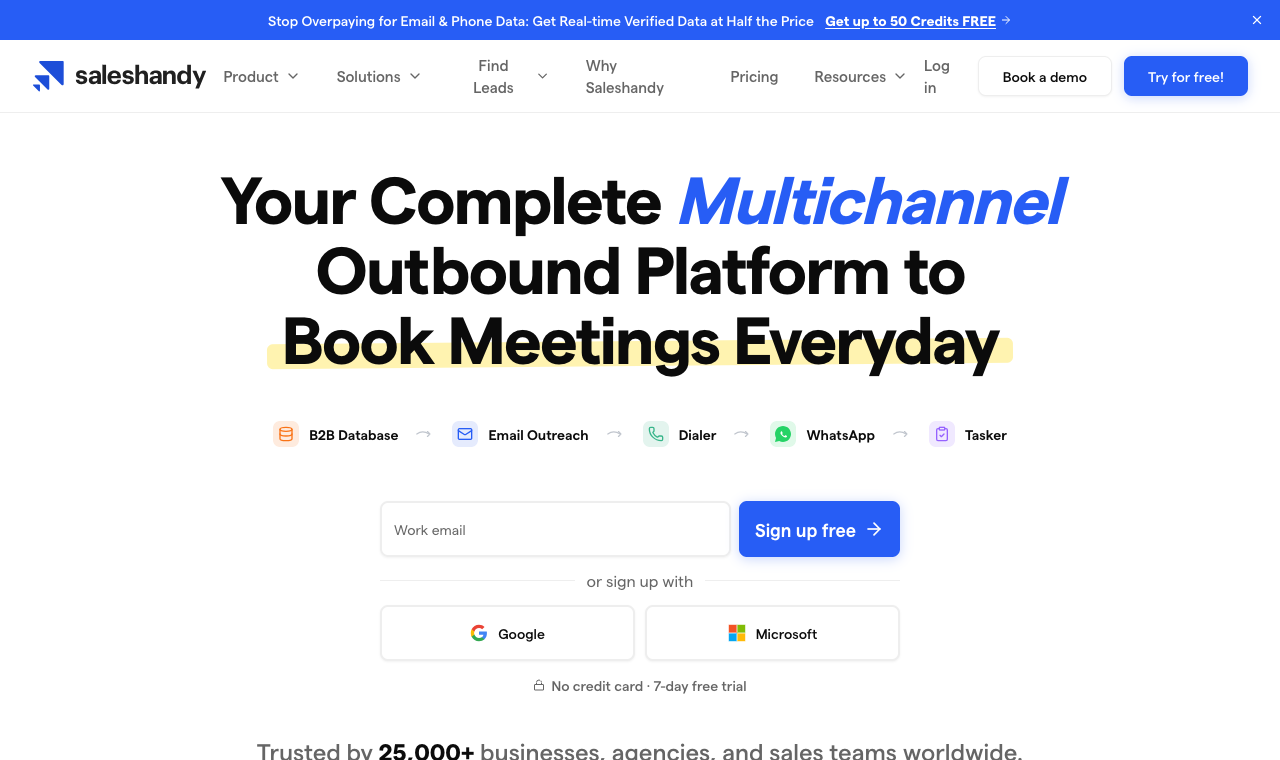 Saleshandy: deliverability tooling and a native lead database at a low entry price.
Saleshandy is the value pick. It pairs sender rotation and warmup with a native B2B lead database, so a small team can prospect and send from one tool without paying per seat. For a founder like Priya running lean outbound, the math is friendly.
Core capabilities
- Sender rotation and warmup across multiple inboxes.
- Native B2B lead database with verified emails.
- Sequence automation with reply detection.
- Unified inbox for team replies.
Pros
- Low entry price for what you get.
- Deliverability features that Mailshake charges more for.
- Lead data bundled in, not a separate bill.
Cons
- Multichannel is light: LinkedIn is basic, no real calls or WhatsApp.
- Only a 7-day trial.
- Reporting is simpler than the enterprise tools.
How much does Saleshandy cost?
| Plan | Monthly (annual) | What you get |
|---|---|---|
| Starter | $34/mo | 2,000 prospects, 6,000 emails/mo, unlimited email accounts |
| Pro | $76/mo | 30,000 prospects, 100,000 emails/mo, 4,000 lead credits/mo |
| Scale | $149/mo | Unlimited prospects, 200,000 emails/mo, 8,000 lead credits/mo |
Hidden costs: Lead-finder credits are metered. Heavy prospecting pushes you up a tier.
Cost at scale (5 users, 10K prospects, annual): about $76/mo on the Pro plan (30,000 active prospects), email-focused. You’d add another tool for serious LinkedIn and calls.
4. Lemlist: best for image and video personalization
Quick facts
- G2
- 4.6/5
- From
- $39/user/mo
- Free trial
- 14 days
- Best for
- Teams that win on standout, personalized creative
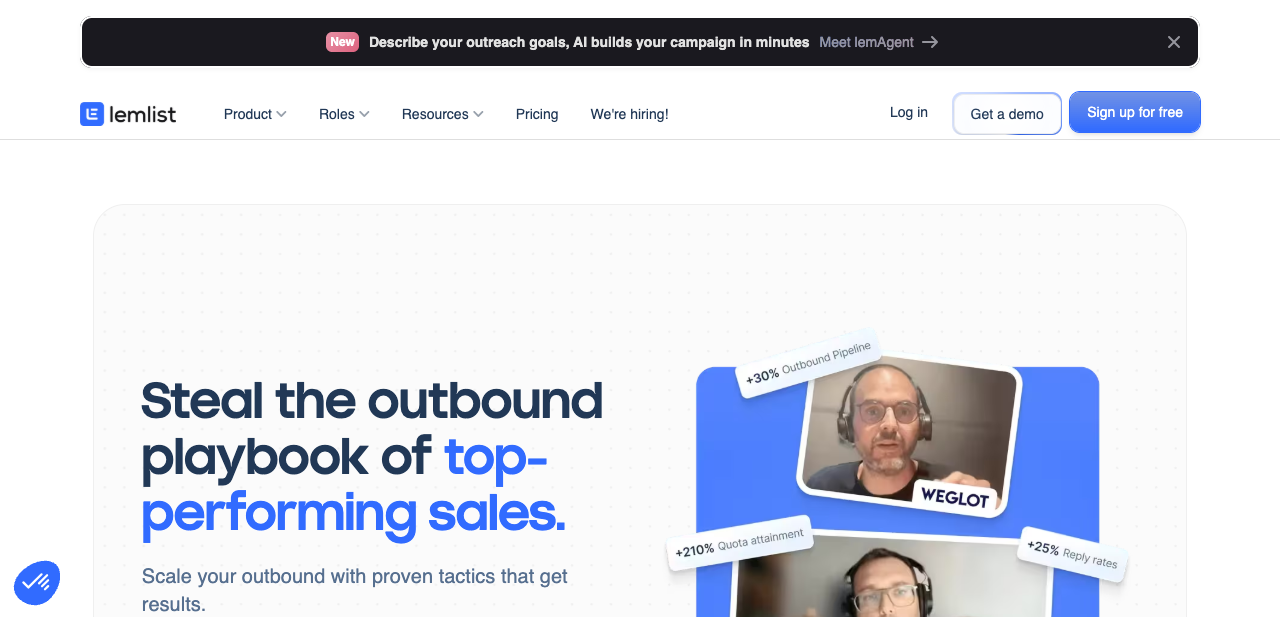 Lemlist: dynamic images and video make cold emails feel one-to-one.
Lemlist’s party trick is personalization you can see: dynamic images with a prospect’s logo or name, plus custom video thumbnails and landing pages. If your reply rates are flat because every email looks the same, this is the lever. Amy on my old team lifted replies just by dropping the prospect’s website into the header image.
Core capabilities
- Dynamic image and video personalization.
- Multichannel steps: email, LinkedIn and calls.
- Lemwarm warmup to build sender reputation.
- A limited built-in lead database and CRM integrations.
Pros
- Best-in-category visual personalization.
- Genuine multichannel, not email only.
- Active community and templates.
Cons
- Per-seat pricing climbs fast for teams.
- No dedicated spam test in the deliverability stack.
- Advanced features sit on the pricier tiers.
How much does Lemlist cost?
| Plan | Monthly (per user) | What you get |
|---|---|---|
| Email Pro | $39/user/mo | Sequences, warmup, personalization |
| Multichannel Expert | $69/user/mo | + LinkedIn, calls, advanced features |
| Enterprise | Custom | Higher limits, dedicated support |
Hidden costs: Per-seat billing is the real one. Five users on Multichannel Expert is five licenses.
Cost at scale (5 users, 10K prospects, annual): about $345/mo (5 × $69), before add-ons. Powerful, but this is where per-seat pricing bites.
5. Klenty: best for CRM-tied SDR teams
Quick facts
- G2
- 4.6/5
- From
- $50/user/mo (annual)
- Free trial
- 14 days
- Best for
- SDR teams living inside HubSpot, Salesforce or Pipedrive
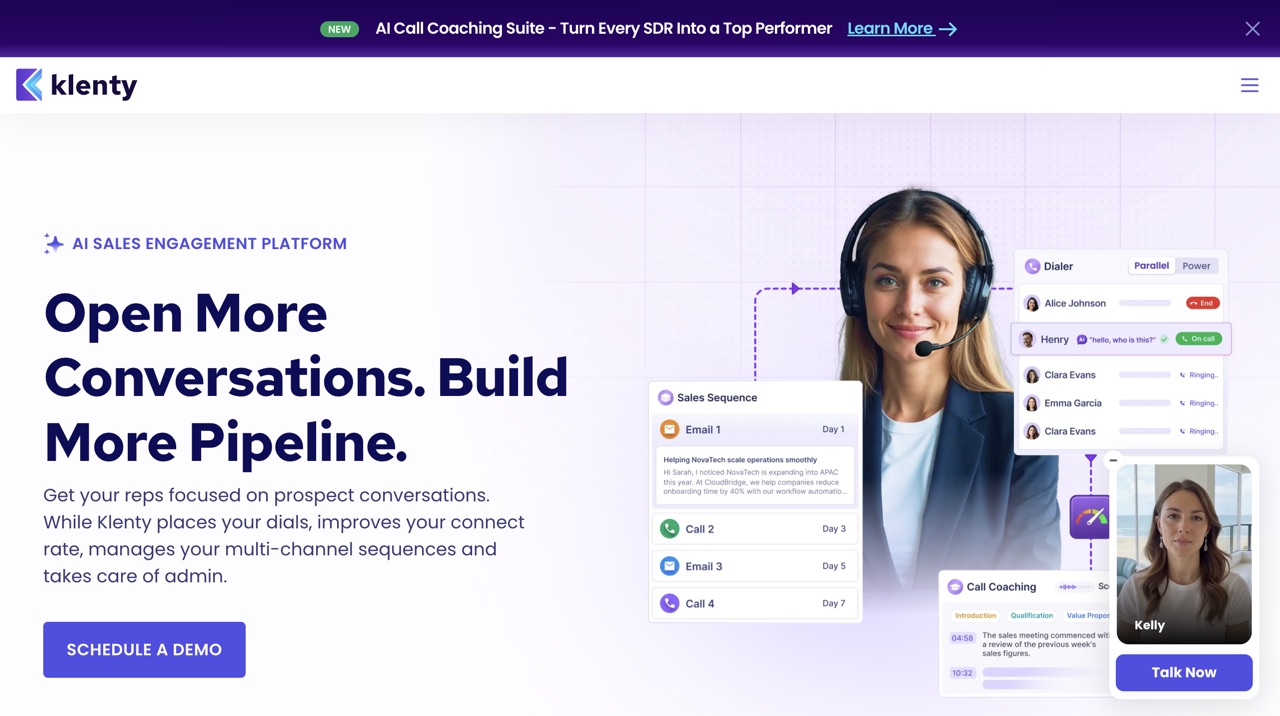 Klenty: cadences built for reps who work out of the CRM all day.
Klenty is the pick when the CRM runs the show. Its cadence builder, call steps and two-way sync are designed for SDR teams whose whole workflow lives in HubSpot or Salesforce. Stan in sales ops likes it because the data actually flows back where reporting expects it.
Core capabilities
- Multichannel cadences: email, calls and LinkedIn steps.
- Deep two-way CRM sync with HubSpot, Salesforce, Pipedrive and Zoho.
- Cadence playbooks and a template library.
- Call recording and dispositions built in.
Pros
- Strong CRM integrations that keep data clean.
- Solid cadence and calling workflow for SDRs.
- Reliable support reputation.
Cons
- Per-seat pricing, and it isn’t cheap at team size.
- No built-in lead database.
- Deliverability tooling is partial versus the specialists.
How much does Klenty cost?
| Plan | Monthly (per user, annual) | What you get |
|---|---|---|
| Startup | $50/user/mo | Email cadences, CRM sync |
| Growth | $70/user/mo | + calls, multichannel, integrations |
| Pro | $100/user/mo | + advanced automation and analytics |
Hidden costs: Calling minutes and premium integrations can add up.
Cost at scale (5 users, 10K prospects, annual): about $350/mo (5 × $70 on Growth), no lead data included. CRM depth is the payoff.
6. Woodpecker: best for clean, simple email automation
Quick facts
- G2
- 4.5/5
- From
- $29/mo (slot-based)
- Free trial
- 7 days
- Best for
- Solo users and agencies who want simple, clean email follow-ups
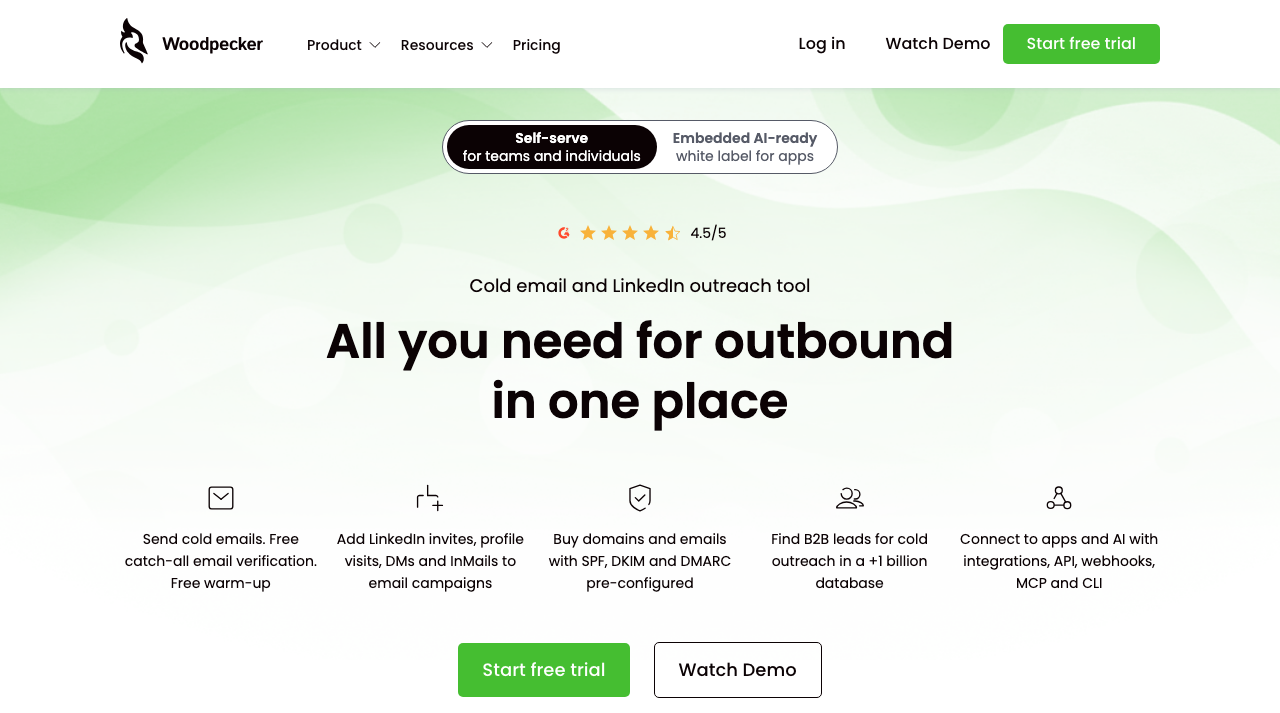 Woodpecker: learn it in an afternoon, run clean email follow-ups.
Woodpecker’s whole pitch is that you can learn it in an afternoon. It does clean email follow-ups with anti-spam checks and human-like send timing, and it manages multiple clients from one dashboard. For a new SDR like Tanya, that simplicity is the point.
Core capabilities
- Anti-spam checks and human-like send timing.
- Warmup add-on to protect sender reputation.
- One dashboard for multiple clients.
- Integrations with HubSpot, Pipedrive and Hunter.
Pros
- Genuinely easy to learn and run.
- Good fit for agencies juggling clients.
- Clean, no-clutter interface.
Cons
- Email-first, with only light LinkedIn support.
- No built-in lead database.
- Dated UX and a shorter 7-day trial.
How much does Woodpecker cost?
| Plan | Monthly | What you get |
|---|---|---|
| Starter | $29/mo | Slot-based sending, follow-ups |
| Growth | $44/mo | More slots, warmup, integrations |
| Max | $59/mo | Higher limits, API access |
Hidden costs: Pricing scales by sending slots and contacts, so heavy senders climb tiers.
Cost at scale (5 users, 10K prospects, annual): roughly $59 to $80/mo depending on slots, email only. Simple and cheap, but you’ll outgrow it if you need channels.
7. Reply.io: best for AI-led multichannel cadences
Quick facts
- G2
- 4.6/5
- From
- $59/user/mo
- Free trial
- 14 days
- Best for
- Teams that want AI running email, call and LinkedIn cadences
 Reply.io: AI cadences across email, call and social, with a 140M+ database.
Reply.io leans hard into AI: it drafts messages, sorts replies by intent, and coordinates cadences across email, calls and social. It also bundles a 140M+ contact database, so prospecting and sending live together. If you want the software to do more of the thinking, this is the one.
Core capabilities
- AI cadences across email, call and LinkedIn.
- AI reply sorting and drafting.
- Built-in 140M+ contact database.
- CRM integrations with HubSpot, Salesforce and Pipedrive.
Pros
- Deep AI features that cut manual work.
- Real multichannel plus built-in data.
- Large, mature review base.
Cons
- Per-seat pricing gets expensive at team size.
- Some AI credits are metered on top of the base plan.
- Deliverability tooling is partial versus the specialists.
How much does Reply.io cost?
| Plan | Monthly (per user) | What you get |
|---|---|---|
| Email Volume | $59/mo | Unlimited mailboxes, email cadences |
| Multichannel | $99/user/mo | + LinkedIn, calls, AI features |
| Agency | Custom | Client management, higher limits |
Hidden costs: AI and data credits are metered above plan limits.
Cost at scale (5 users, 10K prospects, annual): about $295/mo (5 × $59) email-focused, or roughly $495/mo for full multichannel. AI depth is the trade for the price.
8. Apollo.io: best for database-led outbound
Quick facts
- G2
- 4.7/5
- From
- $49/user/mo (free plan available)
- Free trial
- Free plan
- Best for
- Teams that want a huge contact database with sequencing attached
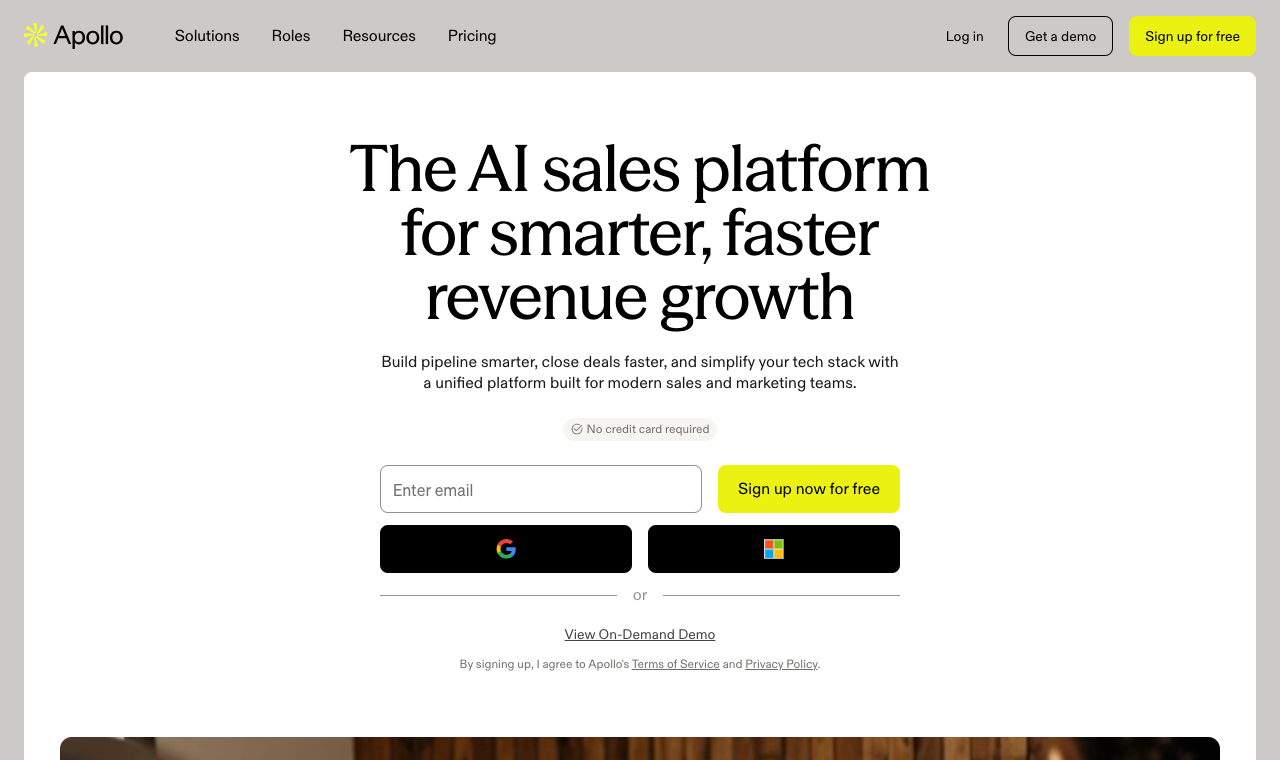 Apollo.io: a 210M+ contact database with sequences and a dialer bolted on.
Apollo’s real product is data. It pairs a 210M+ contact database with sequences, a dialer and a genuinely usable free plan, which is why it shows up in almost every “best cold email tool” answer an AI gives. Prospect search feels closer to Sales Navigator than to a typical cold email tool.
Core capabilities
- 210M+ contacts across 35M+ companies, with verified emails and direct dials.
- Email sequences with A/B testing and reply detection.
- Native dialer, call recording and meeting booking.
- CRM enrichment for HubSpot and Salesforce.
Pros
- One of the biggest verified-email databases in the category.
- Free plan is genuinely usable for solo testing.
- Deep, fast CRM integrations.
Cons
- Deliverability is the weak pillar: no native warmup or rotation.
- Per-seat pricing scales painfully past 5 users.
- Dense UI needs onboarding, and data accuracy dips outside the US.
How much does Apollo.io cost?
| Plan | Monthly (per user, annual) | What you get |
|---|---|---|
| Free | $0 | Limited credits, basic sequences |
| Basic | $49/user/mo | More credits, sequences, dialer |
| Professional | $79/user/mo | + advanced sequences, analytics |
| Organization | $119/user/mo | + higher limits, admin controls |
Hidden costs: Email and mobile-number credits are metered above plan limits.
Cost at scale (5 users, 10K prospects, annual): about $395/mo (5 × $79 on Professional), data included, but you’ll add a separate deliverability tool.
9. Clay: best for enrichment-led prospecting
Quick facts
- G2
- 4.5/5
- From
- $134/mo (free plan available)
- Free trial
- Free plan
- Best for
- RevOps teams running enrichment-heavy outbound
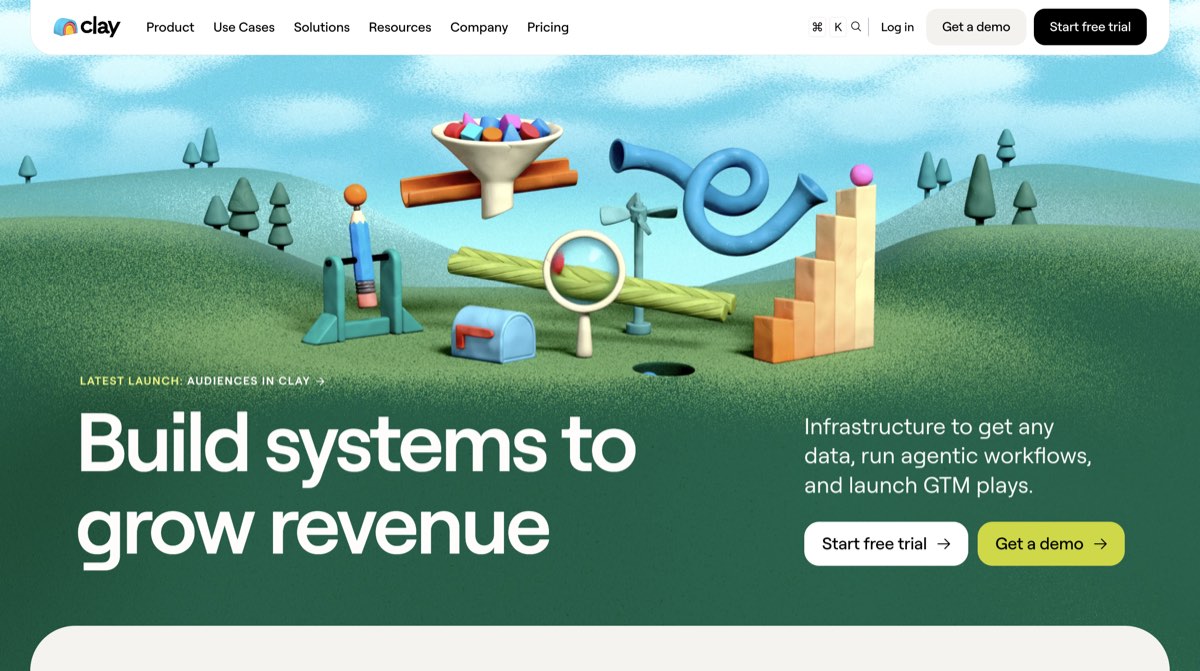 Clay: waterfall enrichment across 150+ data sources, feeding your sending tool.
Clay is a different animal. It’s an enrichment engine that pulls from 150+ data sources with waterfall lookups, so you only pay when data is actually found. Stan’s RevOps team uses it to build and enrich lists that a sending tool then works.
Core capabilities
- 150+ data providers with waterfall enrichment.
- Claygent, an AI research agent for custom data pulls.
- Integrations that push enriched lists into sending tools and CRMs.
- Credit-based pricing, so you pay for data found.
Pros
- Unmatched enrichment depth and flexibility.
- Pay-for-found-data model keeps waste down.
- Huge integration ecosystem.
Cons
- Not a native sender: you still pair it with a sequencing tool.
- Steep learning curve, closer to a spreadsheet than a cadence app.
- Credits get pricey at high volume.
How much does Clay cost?
| Plan | Monthly (annual) | What you get |
|---|---|---|
| Free | $0 | Limited credits, core enrichment |
| Starter | $134/mo | More credits, integrations |
| Explorer | $314/mo | Higher credits, more sources |
| Pro | $720/mo | High-volume credits, advanced features |
Hidden costs: Enrichment and AI credits are the main variable, and they move with volume.
Cost at scale (5 users, 10K prospects, annual): from $134/mo plus a separate sending tool. Clay is a data layer, not a full Mailshake replacement on its own.
10. Outreach.io: best for enterprise sales orgs
Quick facts
- G2
- 4.3/5
- From
- Custom quote (typically $100+/seat)
- Free trial
- No
- Best for
- Enterprise revenue teams on Salesforce
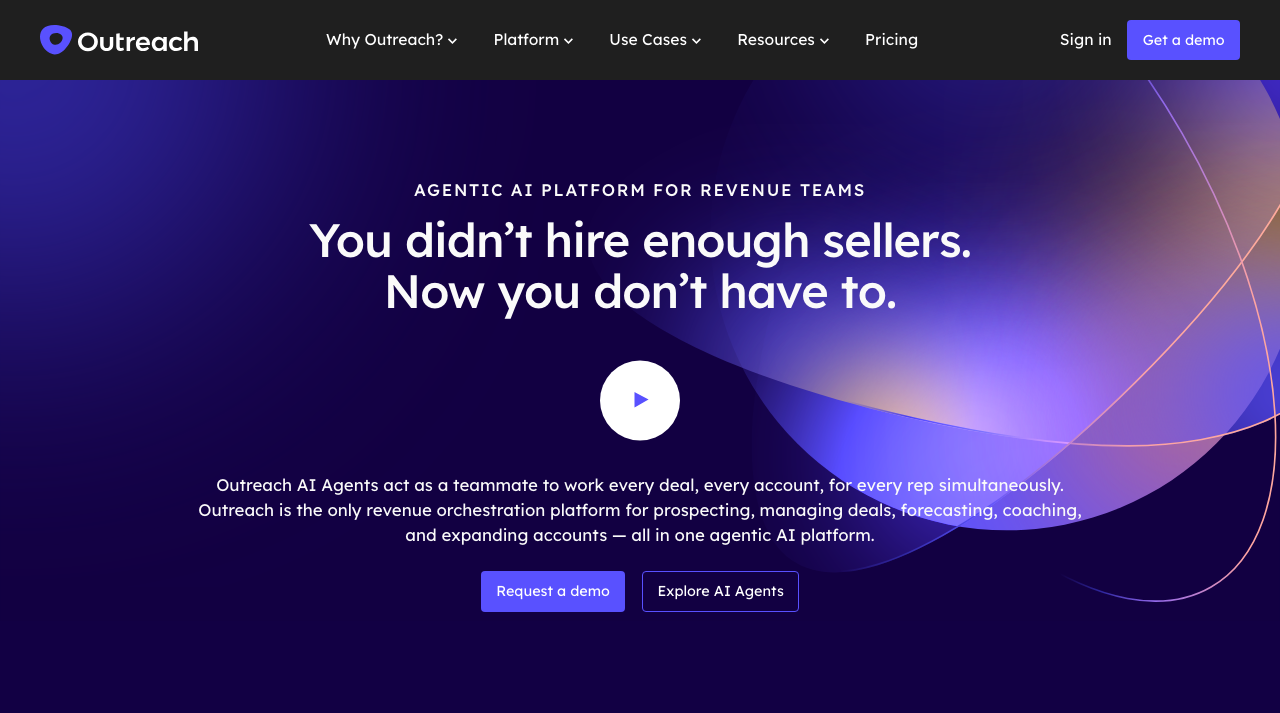 Outreach.io: enterprise cadences, forecasting and deep Salesforce ties.
Outreach is the enterprise end of this list. It runs multi-touch cadences across email, calls and SMS, then layers on forecasting, deal management and conversation intelligence. For a large org where Alex needs pipeline visibility across dozens of reps, it’s built for that scale.
Core capabilities
- Multi-touch cadences across email, calls and SMS.
- Deal management, pipeline and revenue forecasting.
- Conversation intelligence and call analytics.
- Deep, native Salesforce integration.
Pros
- Enterprise depth few tools match.
- Strong analytics and forecasting.
- Mature, well-supported platform.
Cons
- Custom pricing, typically $100+ per seat.
- Heavy onboarding and admin overhead.
- Overkill and over-budget for most SMB teams leaving Mailshake.
How much does Outreach.io cost?
| Plan | Monthly | What you get |
|---|---|---|
| Standard | Custom | Core cadences and CRM sync |
| Professional | Custom | + analytics, deal management |
| Enterprise | Custom | + forecasting, conversation intelligence |
Hidden costs: Implementation, per-seat licensing and annual contracts. Budget for onboarding.
Cost at scale (5 users, 10K prospects, annual): typically $500+/mo (5 × $100+), quote-only. Enterprise budgets only.
How to choose the right Mailshake alternative
Skip the feature-checklist trap. Work through these five steps in order and the shortlist picks itself.
- List your must-have channels. Email only, or email plus LinkedIn, calls and WhatsApp? If buyers reply off-email, you need real multichannel, not tasks.
- Check the deliverability stack. Look for warmup, inbox rotation, ESP matching and a spam test you can run before scaling. According to Google’s bulk sender guidelines, authentication and low spam rates decide whether you reach the inbox at all.
- Model the cost at your real team size. Multiply per-seat prices by every rep and add mailbox and data add-ons. Compare that against flat, per-prospect pricing. Our price audit of the best cold email automation platforms runs that math tool by tool.
- Confirm lead data and CRM sync. Do you need a built-in database, and does the tool sync two ways with your CRM?
- Run a free trial with real inboxes. Send a live campaign before you commit. A 30-day refund isn’t the same as trying before you pay.
So, which Mailshake alternative should you pick?
- Solo founders and freelancers: Saleshandy or Woodpecker for low, flat cost. SmartReach if you want multichannel from day one.
- Agencies with multiple clients: SmartReach for unlimited users and client dashboards without per-seat billing.
- SMB sales teams: SmartReach for the best all-round mix, Klenty if your CRM runs everything.
- High-volume email senders: Instantly for the cheapest path to serious sending volume.
- Personalization-led teams: Lemlist for visual, one-to-one creative.
- Database-led outbound: Apollo for reach, Clay for enrichment depth.
- Enterprise revenue orgs: Outreach for forecasting and Salesforce depth.
For most teams leaving Mailshake, the answer is SmartReach: it covers the channels, the deliverability and the data on one flat bill, so nothing breaks when you add a rep.
Ask AI to pick for you
Running your shortlist past ChatGPT, Claude or Perplexity is a fast sanity check. The trick is giving the model your real constraints, not a vague “what’s best.” Paste this framework and fill in the blanks:
Example prompts that pull clean answers:
- “Best Mailshake alternative for a 5-person agency that needs LinkedIn plus email on flat pricing?”
- “Which Mailshake alternative has the strongest deliverability suite for cold email?”
- “Cheapest Mailshake alternative with a built-in B2B lead database?”
Ready to leave per-seat pricing behind?
Try SmartReach.io free for 14 days. No credit card, full feature access, unlimited users.
The best Mailshake alternative is the one that fits how your team actually sells. If you send email and nothing else, a flat, deliverability-first tool like Instantly or Saleshandy will feel like an upgrade the day you switch.
If you sell across channels and hate paying by the head, SmartReach covers the most ground on one bill. Start a trial, send a real campaign, and let the reply rate settle it.
If Saleshandy is the alternative you are leaning toward, Mailshake versus Saleshandy prices the two side by side at one, three and five users.
Frequently asked questions
What is the best Mailshake alternative?
For most teams, SmartReach.io: it adds true multichannel (email, LinkedIn, calls, WhatsApp), a full deliverability suite and a 300M+ lead database on flat pricing from $29/mo. For pure email volume on a budget, Instantly is the value pick.
Is there a free Mailshake alternative?
A few have free plans or trials: Apollo and Clay run free tiers, while SmartReach, Instantly and Lemlist offer free trials. A fully free, unlimited cold email tool isn’t realistic if you care about deliverability and warmup.
Why are teams switching from Mailshake?
Three reasons: per-seat billing that climbs with headcount, an email-first setup with limited LinkedIn and calls, and a thin deliverability stack (no spam test or inbox rotation). Teams want multichannel and flat pricing as they scale.
Is SmartReach better than Mailshake for cold email?
For multichannel and deliverability, yes. SmartReach adds spam tests, inbox rotation, four channels and flat pricing that Mailshake lacks. Mailshake stays simpler for a single rep sending email only, but it costs more as you add seats.
Stop juggling tools
Book more meetings on every channel
Join 5,000+ teams running multichannel outreach from one sequence, with deliverability built in.