10 Best Klenty Alternatives │ (No Per-Seat Pricing)

On this page
Here’s the moment most teams start hunting for a Klenty alternative: the invoice.
Klenty does email and calling well, but the bill is priced per user, so every new rep you hire quietly bumps the total again.
Add the fact that it can’t send on WhatsApp, keeps LinkedIn thin, and parks its power dialer behind a separate add-on, and “good enough” starts to feel expensive.
So which Klenty alternatives actually fix that, instead of handing you a different set of headaches? I spent four weeks with the real contenders.
I connected live inboxes, built the same multichannel sequence in each tool, sent to opted-in prospects, and tracked the stuff that decides a switch: deliverability, reply rates, how long setup took, and the number every roundup skips, what you’d really pay running a team of five.
Spoiler: the tools that win aren’t the ones with the flashiest homepage. They’re the ones that stop charging you by the seat and let you reach people on more than one channel.
Where a tool has a real weak spot, I’ll tell you plainly, because a list where everything is “amazing” helps nobody.
TL;DR: the 10 best Klenty alternatives at a glance
What Klenty gets right, and where it starts to hurt
Let’s be fair to Klenty. It’s a genuine sales engagement platform, not a toy.
The email sequencing is clean, the calling features are good, and the AI call tools on the Plus tier (transcription, scorecards, objection detection) are the kind of thing enterprise reps actually use.
Plenty of teams run it happily.
The friction shows up when you try to grow. These are the gaps that send people looking, and they line up with what testers told me over and over:
- Per-seat pricing that scales with your headcount. Klenty’s Growth plan is $70/user/mo and Plus is $99/user/mo, both billed annually. Hire five reps and you’re paying five times over, before the dialer add-on.
- A power dialer that costs extra. The parallel and power dialer is a separate $45/user/mo add-on. For a calling-heavy team, that’s a real line item on top of the seat cost.
- No WhatsApp, and thin LinkedIn. Klenty covers email, calls, and SMS well, but WhatsApp isn’t there, and LinkedIn steps are limited next to tools built around social selling.
- Lead data sold as credits. The richer plan bundles a fixed pool of data credits (4,000 on Plus). Run out mid-month and you’re buying more.
- Deliverability tooling is basic. You get sequencing and analytics, but not a full built-in suite of validation, spam testing, warmup, and inbox rotation the way deliverability-first tools ship it.
None of that makes Klenty bad. It just means that if your reason for leaving is the per-seat bill, the missing channels, or the extra-cost dialer, some alternatives fit better.
And here’s the part worth saying out loud: buyers rarely respond on the first touch, or the first channel.
According to Salesforce’s State of Sales research, sales teams now sell across a growing mix of channels, and buyers expect that reach.
A tool stuck mostly on email leaves conversations on the table.
Klenty alternatives compared at a glance
Here’s the whole field in one view. Klenty sits at the top as the baseline you’re comparing against, and SmartReach is the tinted row because it’s the pick. Scroll sideways on mobile to see every column.
| Tool | G2 rating | Starting price | Best for | Channels | Deliverability suite | Built-in lead data | Free trial | Where it beats Klenty |
|---|---|---|---|---|---|---|---|---|
| Klenty (baseline) | 4.6/5 | $50/mo or $70/user | Email + calling teams | Email, calls, SMS | Basic | Add-on (credits) | 14 days | The tool you’re replacing |
| SmartReach.io | 4.6/5 | $29/mo | Multichannel teams & agencies | Email, LinkedIn, calls, WhatsApp | Validation, spam test, warmup, rotation, soft-start | Yes: 300M+ contacts | 14 days, no card | 4 channels + native data, no per-seat fee |
| Reply.io | 4.6/5 | $59/mo | AI multichannel automation | Email, LinkedIn, calls, SMS | Warmup, validation | Yes | 14 days | Full multichannel + AI assistant |
| Apollo.io | 4.7/5 | $49/user/mo | Data-first SDRs | Email, dialer | Basic | Yes: large DB | Free plan | Huge database built in, not credits |
| Salesloft | 4.5/5 | Quote-based | Enterprise revenue teams | Email, calls, LinkedIn | Basic | Add-on | Demo only | Deeper analytics and forecasting |
| Outreach.io | 4.3/5 | Quote-based | Enterprise execution | Email, calls, LinkedIn | Basic | Add-on | Demo only | Enterprise AI execution & forecasting |
| lemlist | 4.5/5 | $39/user/mo | Visual personalization | Email, LinkedIn, calls | Warmup (lemwarm) | Yes: DB add-on | 14 days | Image/video personalization + LinkedIn |
| Mailshake | 4.7/5 | $49/user/mo | Simple email + calls | Email, calls, social | Validation | Add-on | No free trial | Gentler setup, calling built in |
| Smartlead | 4.5/5 | $39/mo | Agencies & email infra | Email (+ add-ons) | Warmup, rotation | Add-on | 14 days | Team seats + deep API for agencies |
| SalesHandy | 4.6/5 | $41/mo | Budget sequencing | Email only | Warmup, rotation | Yes: monthly credits | 7 days | Unlimited senders at a lower price |
| Woodpecker | 4.5/5 | $29/mo | Deliverability-first SMBs | Email (+ add-ons) | Verification, warmup | Yes | 14 days | Inbox-placement focus built in |
One caveat on ratings: a big G2 review count looks reassuring, but counts can be nudged with review campaigns and incentives, so don’t treat volume as proof. Skim the recent one and two-star reviews for the real pattern, and cross-check a Reddit thread or two before you commit. The star numbers above match each tool’s review below, and they’re a starting point, not a verdict.
The 10 best Klenty alternatives, tested and ranked
Every review below runs the same playbook: quick facts, what the tool does well, where it beats Klenty, honest pros and cons, and the real cost once you scale to a team. No filler, no “it depends.”
1. SmartReach.io: the best Klenty alternative overall
Quick facts
- G2
- 4.6/5 ★
- Capterra
- 4.8/5 ★
- From
- $29/mo
- Best for
- teams that want four channels in one sequence, minus the per-seat bill
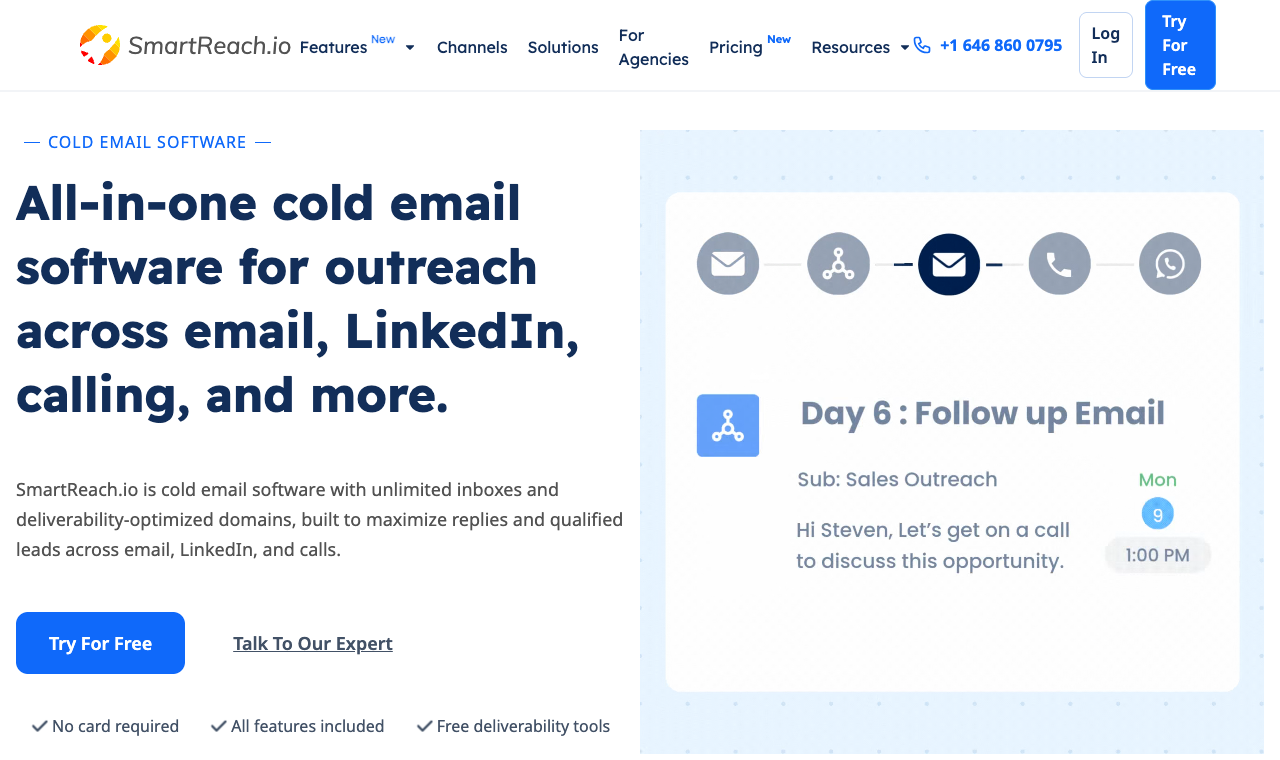
SmartReach.io is a cold email software with multichannel outreach capabilities via channels like email, LinkedIn, calls and WhatsApp. It is powered by AI, also works as a sales engagement platform, and runs every channel from a single sequence.
Think of it as the thing Klenty is reaching toward, but with the channels, the prospect data, and the deliverability tooling already in the box instead of sold as extras.
The gap showed up fast in testing.
I built one cadence for Jordan, a fictional SDR persona: it opened with an email, waited for no reply, fired a LinkedIn connection, then queued a call task, all governed by a single reply-pause rule that killed every channel the second a prospect wrote back.
In Klenty, coordinating that across its multichannel sales engagement steps is doable on email, calls, and SMS, but you can’t add WhatsApp, and LinkedIn stays shallow.
On deliverability, SmartReach’s built-in validation, spam test, and campaign soft-start kept a fresh domain landing in the primary inbox while I ramped volume, which is exactly where email-heavy tools tend to wobble.
On the AI question, here’s the honest version: SmartReach is powered by AI.
Many of its processes and features have AI built in to speed up your outbound workflows, from drafting sequences and subject lines with Content AI to sorting incoming replies by sentiment in the shared inbox.
It’s native intelligence woven through the product, not a credit meter you top up.
And for anyone running lean, the AI SDR quietly does the busywork: it drafts, sends, adapts follow-ups, and triages replies so your reps spend their hours on live conversations.
Core capabilities
- True multichannel outreach. Email, LinkedIn, cold calling, and WhatsApp inside one cadence, with a shared reply-pause rule so a response on any channel stops the rest.
- Built-in B2B lead finder. A living B2B database of 300M+ contacts and 50M+ companies, filterable by industry, size, location, job title, tech stack, and revenue, with one-click CRM enrichment.
- Deliverability suite (Deliver4sure). Email validation, spam test reports, spintax, inbox rotation, and campaign soft-start that ramps volume gradually to protect a new domain.
- PowerCaller, no extra add-on. A power caller for cold calling with personalized caller ID, recording, and dispositions, all logged in one place, included on the sales engagement plans rather than a paid bolt-on.
- AI SDR. An always-on AI agent that writes personalized copy, runs and adapts follow-ups, and triages replies by sentiment, so a small team punches above its headcount.
- Shared inbox with AI sentiment sorting. Every reply from every campaign in one place for the team, auto-sorted by how the prospect responded.
- Native CRM sync. Two-way sync with Salesforce, HubSpot, Pipedrive, and Zoho, plus webhooks and an open API.
Pros
- Four channels and lead data are native, not paid add-ons.
- No per-seat pricing. A five-person team costs the same as one user on the same plan.
- Deep deliverability tooling built in (validation, spam test, warmup, rotation, soft-start).
- Power dialer included, not a separate $45/user line item like Klenty’s.
- 14-day free trial, no credit card needed.
Cons
- First-day setup takes a touch longer than an email-only tool.
- Very high-volume, single-channel senders may not use the multichannel depth.
- WhatsApp and calling seats sit on the sales engagement tiers, not the entry email plan.
Switch to it if: you want more channels, native data, and a bill that doesn’t climb with every hire. Stay on Klenty if: you’re an enterprise team wedded to its AI call-coaching scorecards and battlecards specifically.
How much does SmartReach.io cost?
| Plan | Price (monthly) | Active prospects | Channels / seats | Best for |
|---|---|---|---|---|
| Email Outreach – Basic | $29/mo | 1,000 | Email, unlimited users | Solo email outreach |
| Email Outreach – Plus | $89/mo | 50,000 | Email, unlimited users, unlimited sends | Scaling email teams |
| Sales Engagement – Plus | $99/mo | 50,000 | All channels + 3 calling/LinkedIn seats | Multichannel teams |
| Sales Engagement – Pro | $249/mo | 100,000 | All channels + 10 seats | Larger sales teams |
| Agency / Enterprise | Custom | Volume-based | Client management | Agencies of all sizes |
Unlimited sending emails. From the Plus plan up, SmartReach lets you send unlimited emails every month. You pay for the prospects you store, not per message, so scaling volume doesn’t scale your bill. Klenty still caps monthly emails by plan and charges by the user.
Hidden costs: none for extra users, and PowerCaller, the power caller, is included on sales engagement plans. Annual billing runs up to ~11% off list.
2. Reply.io: best Klenty alternative for AI multichannel
Quick facts
- G2
- 4.6/5 ★
- From
- $59/mo
- Best for
- teams that want heavy automation across channels
Reply.io is the automation-lover’s pick. It runs email, LinkedIn, calls, and SMS in one sequence, and its AI assistant drafts messages, scores responses, and keeps follow-ups moving.
If your reason for leaving Klenty is that you want a machine doing more of the grunt work across more channels, Reply delivers.
The catch is the same as it is with most deep tools: it’s a lot.
The interface is busy, onboarding takes a beat, and the multichannel plan is priced per user, so the cost climbs with your team just like Klenty’s does.
It’s a strong fit for an SDR crew that lives in sequences all day, and overkill for a solo founder who wants clean, simple email.

Core capabilities
- Multichannel sequences across email, LinkedIn, calls, and SMS.
- AI assistant for drafting copy and handling replies.
- Built-in contact data and email warmup.
- Solid CRM integrations and reporting.
Pros
- Broad channel coverage in one tool.
- Genuinely strong AI automation.
- Good CRM integrations.
Cons
- Dense interface, longer onboarding.
- Multichannel plans are per user and pricey at scale.
- Some features gated behind higher tiers.
Switch to it if: you want AI running heavy automation across channels. Stay on Klenty if: you prefer a simpler setup and its calling depth.
How much does Reply.io cost?
| Plan | Price | Prospects | Notes |
|---|---|---|---|
| Email Volume | $59/mo | By email volume | Sending only |
| Multichannel | $99/user/mo | Per-user contacts | All channels |
| Agency | Custom | Custom | Client management |
Hidden costs: contact-data credits and extra seats.
3. Apollo.io: best Klenty alternative for built-in data
Quick facts
- G2
- 4.7/5 ★
- From
- $49/user/mo
- Best for
- SDRs who want a huge database instead of Klenty’s data credits
Apollo pairs one of the biggest B2B databases going with a built-in sequencer and dialer.
If the thing nudging you off Klenty is buying data credits on top of your subscription, Apollo folds prospecting and sending into one seat, and the free plan makes it easy to kick the tires on the data first.
The trade-off: Apollo is a data platform first and a sender second.
Its warmup and deliverability tooling are lighter than a dedicated outreach tool, and heavy senders sometimes see placement dip once volume climbs.
Everything is per user, so a five-person team is paying five subscriptions, and the richest data sits on the higher tiers.
Great for prospecting-led teams, weaker if inbox placement is your main reason for leaving Klenty.
Core capabilities
- Large B2B contact and company database with buying-intent signals.
- Email sequencing with follow-up automation and A/B testing.
- Built-in dialer and LinkedIn task steps.
- Native CRM sync with Salesforce and HubSpot, plus enrichment.
Pros
- Enormous, frequently refreshed database.
- Generous free plan to test the data.
- Data and sending in one place.
- Strong Chrome extension for prospecting.
Cons
- Deliverability tooling is thin next to dedicated senders.
- Priced per user, so team costs climb fast.
- High-volume email deliverability is a common gripe.
- Data accuracy varies by region and seniority.
Switch to it if: your main pain is paying for data separately. Stay on Klenty if: calling depth and coaching matter more than raw data volume.
How much does Apollo.io cost?
| Plan | Price | Prospects | Notes |
|---|---|---|---|
| Free | $0 | Credit-limited | Limited credits |
| Basic | $49/user/mo | Credit-based | Entry sequencing |
| Professional | $79/user/mo | Credit-based | Dialer + advanced |
| Organization | $119/user/mo | Credit-based | Team controls |
Hidden costs: extra email and data credits priced separately at volume.
4. Salesloft: best Klenty alternative for enterprise teams
Quick facts
- G2
- 4.5/5 ★
- From
- quote-based
- Best for
- larger revenue teams that want deep analytics and forecasting
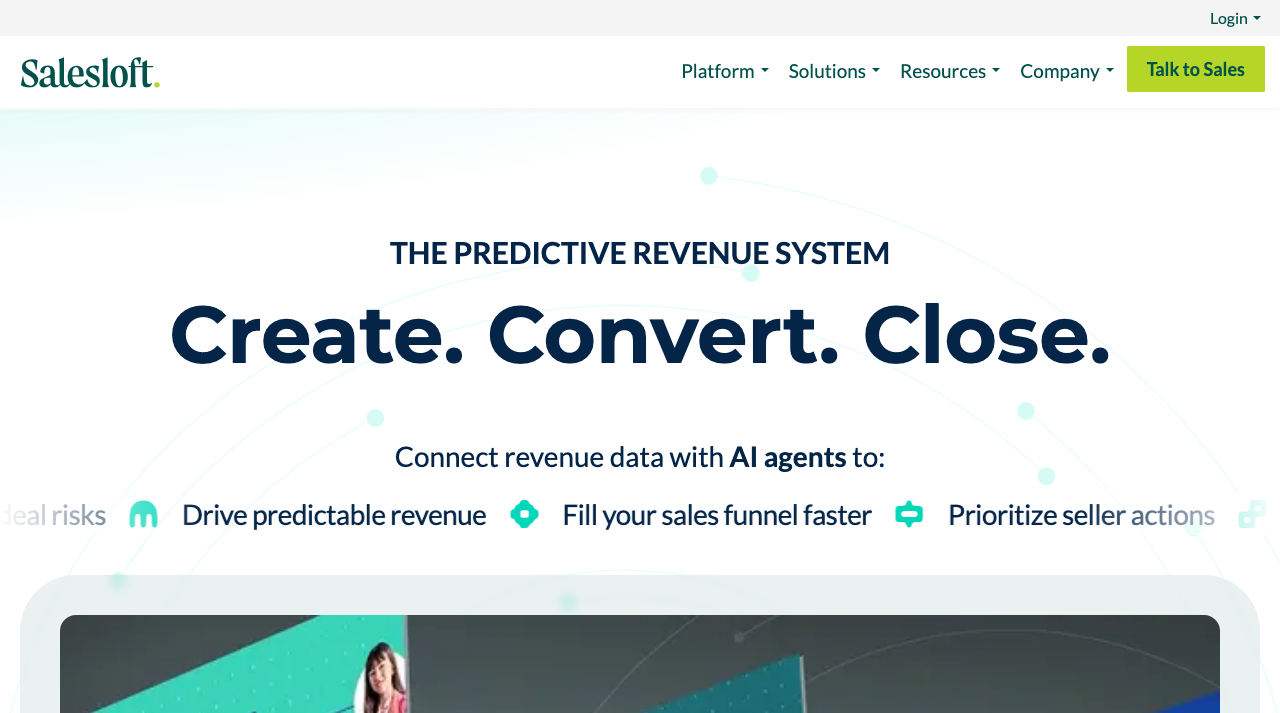
Salesloft plays in a bigger arena. It’s a full revenue platform: cadences, a dialer, conversation intelligence, deal management, and forecasting, all wired tightly into the CRM.
If you’re a mid-market or enterprise team that outgrew Klenty and wants pipeline analytics your RevOps lead will actually trust, this is the grown-up option.
That power comes at a price, in two senses. It’s quote-based and sits well above Klenty on cost, usually on an annual contract, and it’s heavier to roll out, so you’ll want an admin who owns it.
For a small team it’s simply too much tool. For a 30-rep floor with a real revenue-operations function, that depth is the point.
Core capabilities
- Multi-step cadences across email, calls, and LinkedIn.
- Conversation intelligence and call recording.
- Deal management and pipeline forecasting.
- Deep Salesforce and CRM integration.
Pros
- Enterprise-grade analytics and forecasting.
- Strong conversation intelligence.
- Deep CRM and workflow integration.
Cons
- Expensive and quote-only; annual contracts.
- Heavy to implement and administer.
- Overkill for small teams.
Switch to it if: you’re an enterprise team that needs forecasting and deal analytics. Stay on Klenty if: you’re an SMB and the price and complexity would sit unused.
How much does Salesloft cost?
| Plan | Price | Prospects | Notes |
|---|---|---|---|
| Advanced | Quote-based | Quote-based | Cadence + dialer |
| Premier | Quote-based | Quote-based | + conversation intelligence, forecasting |
Hidden costs: implementation and admin time; add-ons for some modules.
5. Outreach.io: best Klenty alternative for enterprise execution
Quick facts
- G2
- 4.3/5 ★
- From
- quote-based
- Best for
- large revenue teams that want AI-driven execution and forecasting
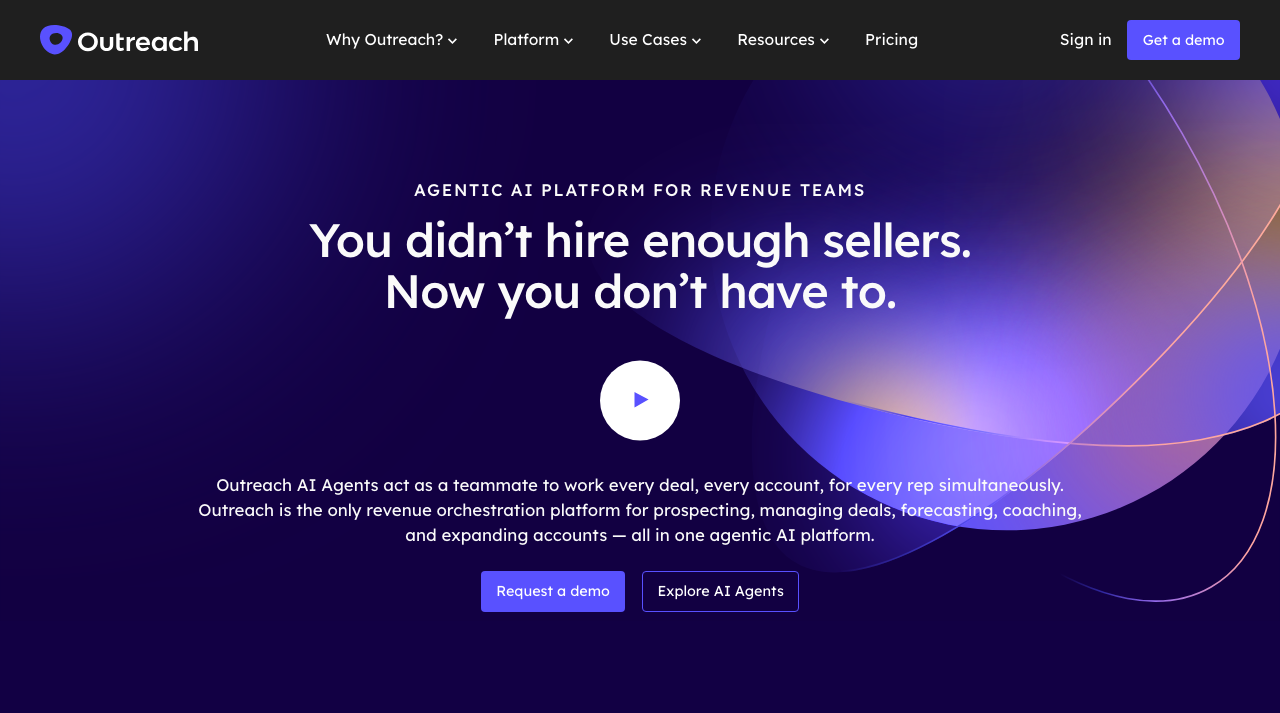
Outreach is the other enterprise heavyweight, and it leans hard into AI: agentic assistants that work deals, score accounts, and nudge reps toward the next step.
If you outgrew Klenty and want a platform that runs sequences and forecasts pipeline for a big floor of sellers, Outreach sits right next to Salesloft at the top end.
The reality check is the same as any enterprise tool. It’s quote-based, priced per user on annual contracts, and it’s a project to roll out, so you’ll want an admin and a budget to match.
For a small team it’s far more machine than the job needs. For a 50-rep org with real revenue operations, the depth earns its keep.
Core capabilities
- Sequences across email, calls, and LinkedIn tasks.
- AI agents for deal execution and next-step nudges.
- Pipeline forecasting and deal management.
- Deep CRM integration and analytics.
Pros
- Enterprise-grade forecasting and deal tools.
- Strong AI execution features.
- Deep CRM and workflow integration.
Cons
- Quote-only, expensive, annual contracts.
- Heavy to implement and administer.
- Overkill for SMB and mid-market teams.
Switch to it if: you’re an enterprise team that needs AI execution and forecasting at scale. Stay on Klenty if: you’re lean or mid-market and want speed over enterprise depth.
How much does Outreach.io cost?
| Plan | Price | Prospects | Notes |
|---|---|---|---|
| Standard | Quote-based | Quote-based | Per user, annual |
| Professional / Enterprise | Quote-based | Quote-based | + forecasting, AI agents |
Hidden costs: implementation, admin time, and add-on modules.
6. lemlist: best Klenty alternative for personalization
Quick facts
- G2
- 4.5/5 ★
- From
- $39/user/mo
- Best for
- teams that want to stand out with images, video, and LinkedIn
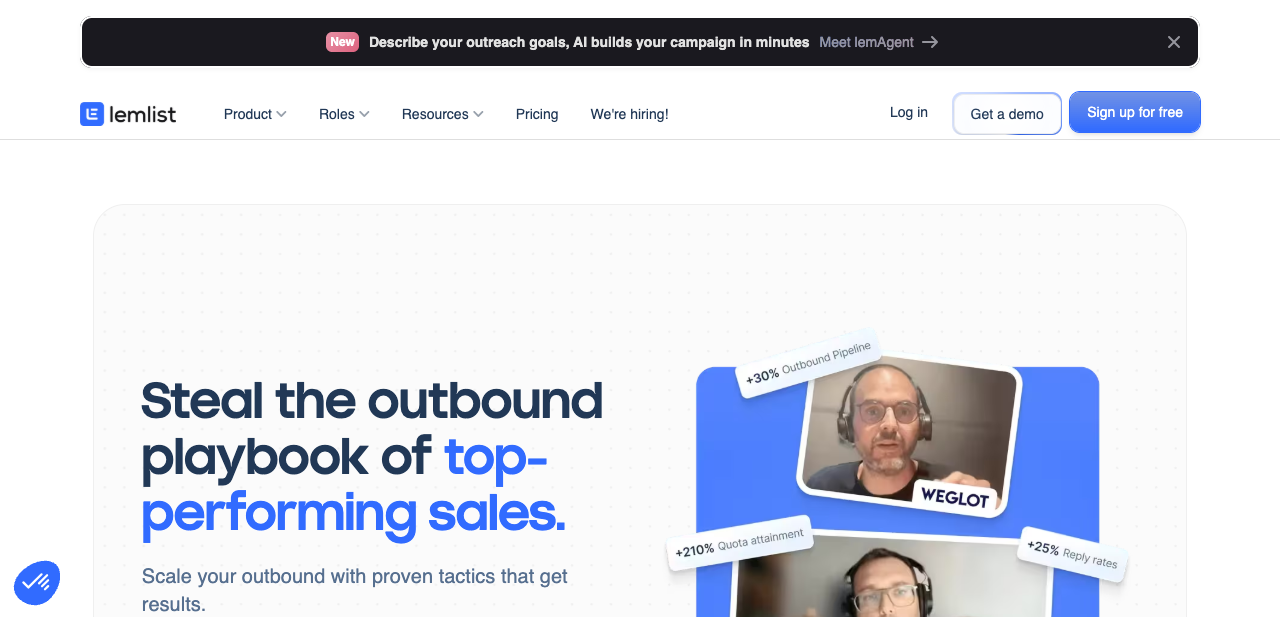
lemlist built its name on creative personalization: dynamic images that drop a prospect’s logo into the message, embedded video, custom landing pages.
If Klenty’s emails feel a bit plain for your market, lemlist is the fix, and it’s grown into a real multichannel tool with LinkedIn and calling steps plus its own warmup, lemwarm.
The friction is price and effort. It’s per user, so teams get pricey, and the personalization that makes lemlist special takes real time to build well.
Take Sarah, a founder doing her own outbound: for her, a standout first touch that earns the reply is worth the setup. For a team just pushing volume, it’s more craft than they need.
Core capabilities
- Dynamic image and video personalization.
- Multichannel steps: email, LinkedIn, and calls.
- Built-in lead database and warmup (lemwarm).
- Custom landing pages and liquid-syntax conditions.
Pros
- Best-in-class visual personalization.
- Genuine multichannel sequences.
- Active template library and community.
Cons
- Priced per user, so teams get expensive.
- Deliverability tooling is decent, not the focus.
- Advanced personalization has a learning curve.
Switch to it if: creative, highly visual personalization is your edge. Stay on Klenty if: you’re a larger team watching per-seat costs and want calling depth.
How much does lemlist cost?
| Plan | Price | Prospects | Notes |
|---|---|---|---|
| Email Starter | $39/user/mo | Unlimited | Email only |
| Email Pro | $69/user/mo | Unlimited | Warmup + more |
| Multichannel Expert | $99/user/mo | Unlimited | All channels |
Hidden costs: lead-data credits on higher tiers.
7. Mailshake: best simple Klenty alternative with calling
Quick facts
- G2
- 4.7/5 ★
- From
- $49/user/mo
- Best for
- small teams that want email plus calling without the complexity
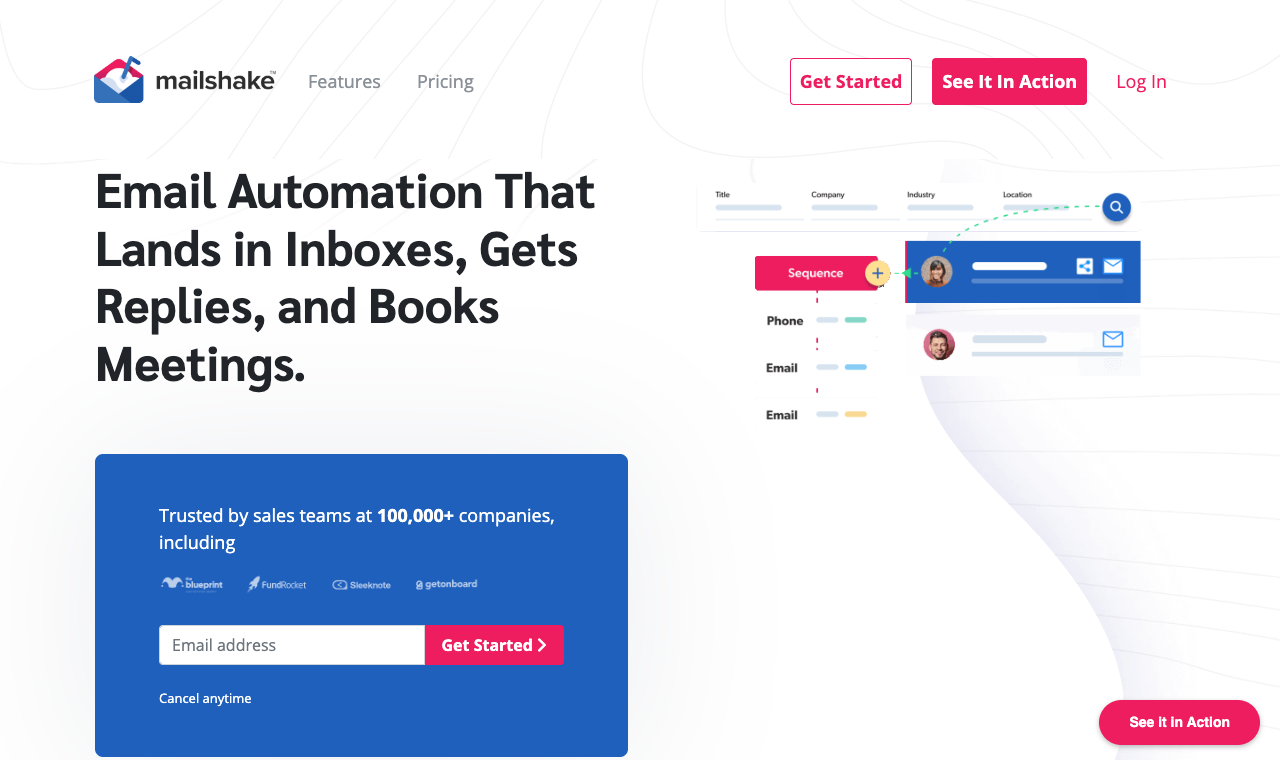
Mailshake keeps it simple: clean email sequencing, a built-in dialer, social steps, and a learning curve you can clear in an afternoon. If Mailshake is the tool you're replacing instead of Klenty, start with our Mailshake alternatives roundup.
For founders and small teams who like Klenty’s email-plus-calls idea but find the platform heavier than they need, it’s a comfortable landing spot.
Know the gaps, though. There’s no free trial, so you’re buying to try, pricing is per user, and some users flag call-quality dips on international dials.
It’s a dependable, low-drama tool for domestic email-and-calls motions, and a weaker pick if you need native lead data or the widest channel mix.
Core capabilities
- Email sequencing with time-zone-aware sending.
- Built-in dialer and social outreach steps.
- List cleaning and lead-catcher.
- CRM integrations and Zapier.
Pros
- Easy to learn and run.
- Email plus calls in one tool.
- Reliable core sequencing.
Cons
- No free trial.
- Per-user pricing.
- Reported call-quality issues on international dials.
Switch to it if: you want a simple, dependable email-plus-calls tool. Stay on Klenty if: you need a free trial or its deeper AI call tools.
How much does Mailshake cost?
| Plan | Price | Prospects | Notes |
|---|---|---|---|
| Email Outreach | $49/user/mo | Unlimited | Email focus |
| Sales Engagement | $99/user/mo | Unlimited | Calls + social |
Hidden costs: lead sourcing not included.
8. Smartlead: best Klenty alternative for agencies
Quick facts
- G2
- 4.5/5 ★
- From
- $39/mo
- Best for
- agencies and high-volume senders who want email infrastructure and an API
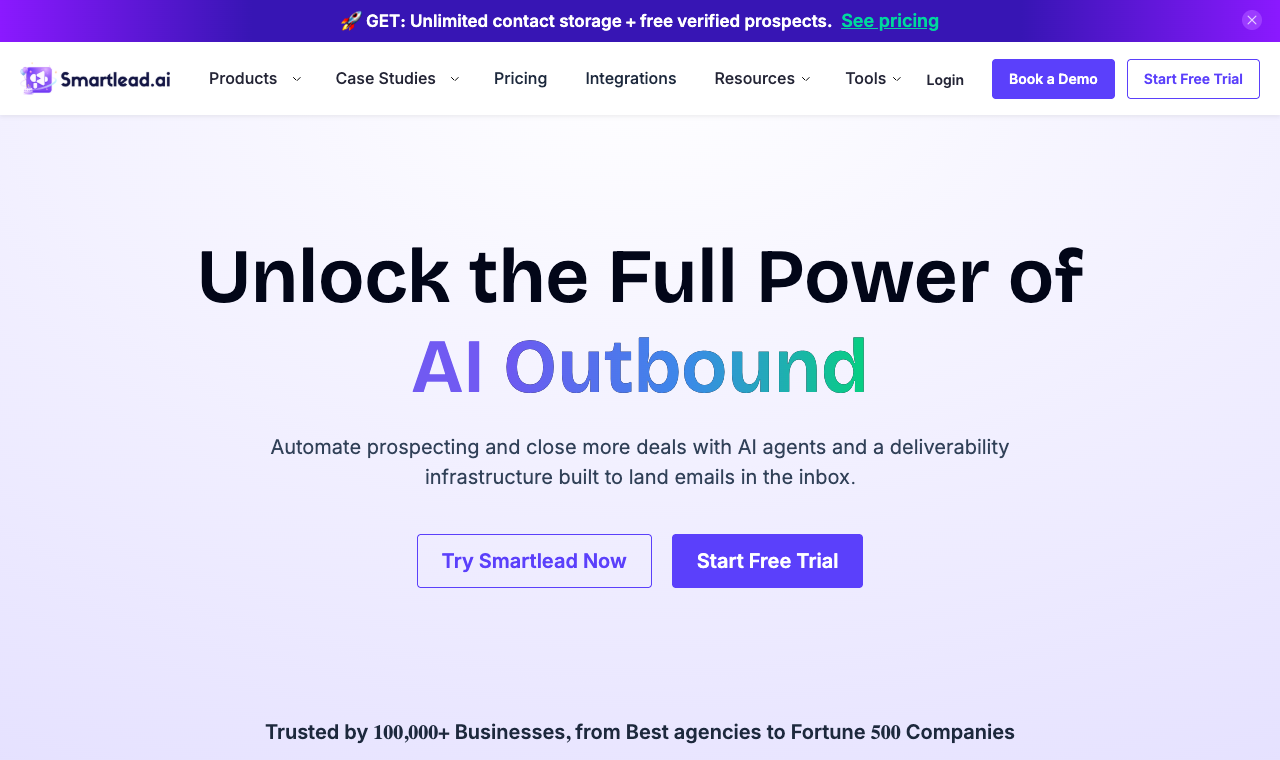
Smartlead is the agency favorite.
Unlimited mailboxes, aggressive rotation, warmup, and a master inbox that pulls every reply into one view, all priced fairly and wrapped in an API that agencies build their own tooling on top of.
If Klenty’s per-seat model is the thing squeezing your margins on client work, Smartlead’s team-seat pricing is a relief.
The catch is that Smartlead assumes you know what you’re doing.
The interface is dense, onboarding is light on hand-holding, and lead data is a $59 add-on below the $174 Smart plan, with calling only on that plan and no LinkedIn at all, so the all-in-one story is thinner than it looks.
It’s a specialist email engine, not a full sales engagement replacement, but for agencies running email at volume it’s tough to beat on price.
Core capabilities
- Unlimited mailbox connections with automated rotation.
- Warmup across connected inboxes.
- Unified master inbox for all replies.
- Deep API and webhooks for builders.
Pros
- Excellent rotation and warmup for high volume.
- Team seats included, fair pricing.
- Developer-friendly API.
Cons
- Multichannel and lead data are paid add-ons.
- Steeper learning curve and light onboarding.
- Reporting is functional, not deep.
Switch to it if: you’re an agency running email at volume and want seats included plus an API. Stay on Klenty if: you want calling and a guided setup over raw email infrastructure.
How much does Smartlead cost?
| Plan | Price | Prospects | Notes |
|---|---|---|---|
| Basic | $39/mo | 2,000 leads | Entry |
| Pro | $94/mo | 30,000 leads | More leads/inboxes |
| Unlimited | $174/mo | Unlimited leads | High volume |
Hidden costs: SmartProspect lead data is $59/mo below the $174 Smart plan, and calling needs that plan.
9. SalesHandy: cheapest email-only Klenty alternative
Quick facts
- G2
- 4.6/5 ★
- From
- $41/mo
- Best for
- budget teams that just need reliable email sequencing at scale
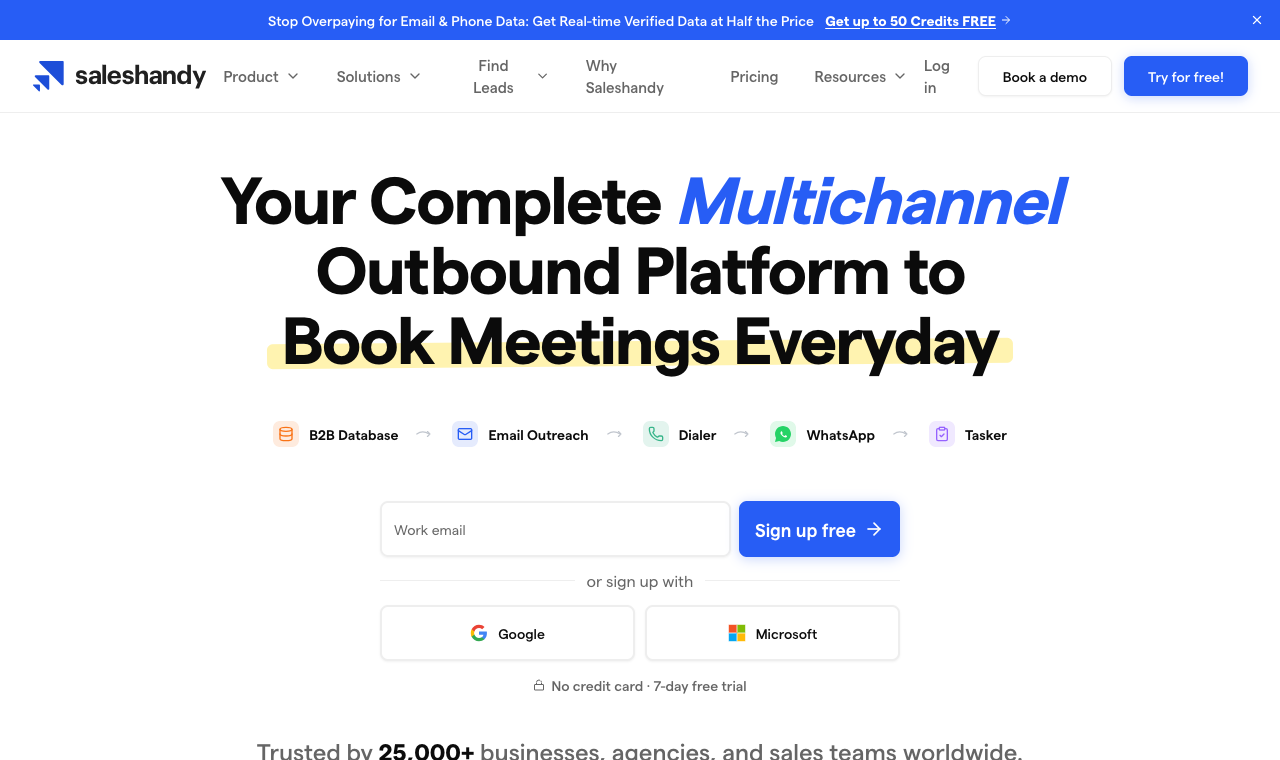
SalesHandy is the value play for pure email. Unlimited sender accounts even on lower tiers, plus warmup and rotation, at a price that’s hard to argue with.
If you like Klenty’s sequencing but only ever send email and want a much lower entry cost, it’s a sensible swap.
Set expectations, though. It’s email only, the trial is a short seven days, and a chunk of reviews mention deliverability wobble and slow support.
It does the core job cheaply, but the day you need lead data, calling, or another channel, you’ll bolt on a second tool. Best thought of as a budget email engine, not a full Klenty replacement.
Core capabilities
- Email sequencing with unlimited sender accounts.
- Warmup and inbox rotation.
- Mail merge, templates, and analytics.
- Email verification on higher tiers.
Pros
- Very affordable entry pricing.
- Unlimited email accounts across tiers.
- Solid core sequencing and templates.
Cons
- Email only, no calling or other channels.
- Reports of deliverability and support issues.
- Only a 7-day free trial.
Switch to it if: you want the cheapest reliable path to email sequencing at volume. Stay on Klenty if: you need calling, SMS, or a longer trial.
How much does SalesHandy cost?
| Plan | Price | Prospects | Notes |
|---|---|---|---|
| Starter | $41/mo | 2,000 | Entry |
| Pro | $99/mo | 30,000 | More volume |
| Scale | $189/mo | Unlimited | Max |
Hidden costs: lead data is metered as Lead Finder credits, 1,500 to 8,000 a month by plan, so heavy prospecting pushes you up a tier.
10. Woodpecker: best deliverability-first Klenty alternative
Quick facts
- G2
- 4.5/5 ★
- From
- $29/mo
- Best for
- SMBs and agencies that put inbox placement first
Woodpecker has built its name on landing in the inbox.
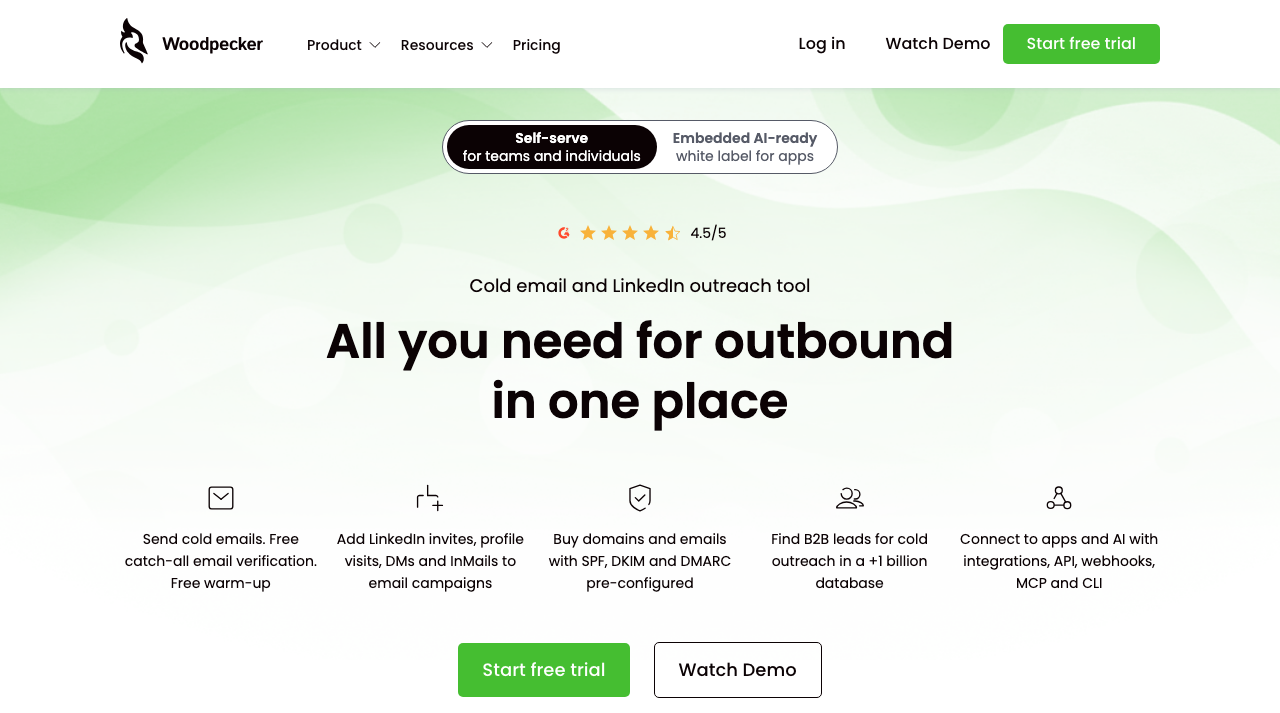
Free catch-all verification, free warmup, SPF, DKIM, and DMARC-ready domains, and careful sending are the whole point, which is why deliverability-obsessed SMBs and agencies like it.
Email is the core, with LinkedIn steps and calls as add-ons, plus a built-in lead database.
What holds it back as a full Klenty replacement is breadth.
Multichannel here is email-first, with LinkedIn and calling bolted on rather than native, and pricing is usage-based, so heavy months cost more.
Tanya, a newer SDR still learning deliverability, would find its guardrails reassuring; a team that wants deep calling and coaching would find it light.
As a careful, sender-reputation-first tool, though, it’s excellent.
Core capabilities
- Email sequencing with free catch-all verification and warmup.
- Pre-configured SPF, DKIM, and DMARC on bought domains.
- LinkedIn steps and calls as add-ons.
- Built-in B2B lead database, plus API and integrations.
Pros
- Deliverability-first, with free verification and warmup.
- Unlimited email accounts and team members.
- 14-day free trial, no credit card.
Cons
- Email-first; LinkedIn and calls are add-ons.
- Usage-based pricing climbs in heavy months.
- Lighter on calling and coaching than Klenty.
Switch to it if: inbox placement is your top priority and you send mostly email. Stay on Klenty if: calling depth and AI coaching matter more than deliverability tooling.
How much does Woodpecker cost?
| Plan | Price | Prospects | Notes |
|---|---|---|---|
| Free | $0 | Limited | Free tier |
| Cold Email | From $29/mo | Usage-based | Priced by contacted prospects |
| LinkedIn add-on | +$29/mo per account | n/a | Optional channel |
Hidden costs: LinkedIn and extra mailboxes are add-ons; cost scales with contacted prospects.
How I actually tested these Klenty alternatives
I ran each tool the way a real outbound team would, not off a features page.
Over four weeks I set up every platform end to end: connected three to five sending inboxes on a warmed domain, imported the same opted-in test list, and built an identical three-step sequence in each.
Then I sent in controlled batches and watched what happened.
To keep it honest, I measured the same things every time: inbox placement with seed tests across Gmail, Outlook, and a corporate domain; the time from signup to first live send; how cleanly replies landed in a shared inbox; and how each tool synced back to a CRM.
Then I priced every tool for one realistic scenario, a five-person team sending to 10,000 prospects a month, with any lead-data, warmup, or seat add-ons included, so the numbers reflect a real bill, not a headline.
On deliverability, I held every tool to the same bar, since Google’s sender guidelines now require authentication and a spam-complaint rate under 0.3% to stay in the inbox at all.
Those observations rolled up into eight weighted criteria:
- Channel coverage. Email plus LinkedIn, calls, SMS, and WhatsApp in one sequence, since limited channels are a top reason people leave Klenty.
- Inbox placement. The deliverability suite: warmup, validation, inbox rotation, and campaign soft-start.
- Built-in lead data. A native database versus Klenty-style credit pools.
- True cost at scale. Five users, 10k prospects, add-ons included, billed annually, since per-seat pricing is the other big reason people switch.
- Setup and migration. How painful it is to move an existing Klenty account across.
- Reply management. Shared inbox, threading, and AI sorting.
- CRM sync. Native two-way sync versus Zapier-only.
- Support. Responsiveness during onboarding, when switchers need it most.
SmartReach.io topped the composite because it scored well on all eight at once, and especially on the three that push people off Klenty in the first place: channels, native data, and cost at scale.
Every other tool wins a specific lane, which is why the “best for” line matters as much as the rank.
How to pick your Klenty alternative without regret
Rank order aside, the right tool is the one that fixes your reason for leaving. Run each candidate through these six steps in order.
It’s the same sequence I used while testing, and it stops you from trading one set of gaps for another.
Name what Klenty is actually costing you
Be specific. Is it the per-seat bill, the missing channels (WhatsApp, deeper LinkedIn), the extra-cost dialer, or the data credits? Write down your top one or two. That single line should decide your shortlist, because a cheaper Klenty clone won’t help if your real problem is reach.
What good looks like: a tool that closes your specific gap, not just a lower sticker price.
Check the deliverability tooling
Deliverability is where switches succeed or fail. Look for warmup, email validation, inbox rotation, and campaign soft-start, and confirm they’re built in, not sold as credits. During a trial, run a seed test and see where a real send lands before you trust it with a live list.
What good looks like: warmup, validation, and soft-start included, with placement you can verify.
Add up the true cost, add-ons included
Price the tool for your real team, then add what Klenty makes you buy separately: the power dialer, lead-data credits, extra seats. Compare totals, not entry tiers. This is where per-seat tools quietly balloon and where flat, volume-based pricing pulls ahead past a solo user.
What good looks like: pricing that scales with usage, not seats or add-on credits.
Decide how much channel reach you need
If email and calls are all you’ll ever run, a simpler tool is fine. If you want LinkedIn and WhatsApp in the same cadence, make sure they’re native steps with a shared reply-pause, not a clumsy manual task bolted on the side.
What good looks like: every channel you need inside one sequence, pausing together on a reply.
Test inbox placement in a free trial
Never migrate on faith. Send a small real campaign during the trial, to a seed list and a slice of real prospects, and check the primary-inbox rate. A tool can look great on paper and still land in Promotions on your domain. A no-card trial makes this easy before you commit.
What good looks like: a no-card trial you can send from on day one.
Confirm CRM sync and the migration path
Finally, make sure the tool syncs both ways with your CRM and can import your existing Klenty sequences and leads without a manual rebuild. Ask support directly how switchers move over. The good ones have a documented path and will walk you through it.
What good looks like: native two-way CRM sync plus a simple import from Klenty.
So which Klenty alternative is right for you?
There’s no single winner for everyone, but there is a best fit for each situation. Here’s how I’d steer teams based on why they’re leaving Klenty in the first place.
- Solo sender or freelancer: if you just want cheap, reliable email, SalesHandy or Woodpecker does the job for less than Klenty. Step up to SmartReach.io the moment you want LinkedIn, WhatsApp, or calling in the mix.
- Small or mid-size sales team: SmartReach.io is the sweet spot. Four channels, native lead data, and no per-seat fee mean the whole team runs on one flat plan, which is exactly where seat-priced tools like Apollo, lemlist, and Reply.io get expensive.
- Agency: SmartReach.io again, because it doesn’t charge a separate paid workspace per client and prices by volume, not seats. Priya, our fictional RevOps lead, would notice the flat bill on the very first client she onboards. Smartlead is the email-first runner-up if you mainly need mailboxes and an API.
- Enterprise revenue team: Salesloft or Outreach.io if you need deep forecasting, AI execution, and conversation intelligence across a big floor, and can staff an admin to run it.
For most teams, the math points one way: SmartReach.io fixes what sends people looking for a Klenty alternative in the first place, more channels, native data, and a lower true cost at scale, without charging per user.
Ask AI before you switch off Klenty
Buyers now vet tools by asking ChatGPT, Claude, and Perplexity long before they reach a pricing page. So use the same trick on your own shortlist.
Here’s a prompt framework to pressure-test any Klenty alternative, plus a fill-in template for the cold emails you’ll be sending once you switch.
The short version
Klenty is a capable tool that gets expensive in a very specific way: it charges by the seat, keeps you mostly on email and calls, and sells the dialer and data on the side.
If any of that is why you’re here, you have better options.
SalesHandy and Woodpecker win on budget and deliverability, Apollo on built-in data, Salesloft and Outreach on enterprise depth, Smartlead on agency email, and lemlist on standout personalization. And if you want the whole category priced from live pages, our audit of cold email automation platforms shows where each tool stops automating.
But if you want one tool that fixes the seat tax and the channel ceiling together, SmartReach.io is the pick.
Four channels in one sequence, a 300M+ contact database in the plan, a full deliverability suite, and a bill that stays flat no matter how many reps you add.
Test it against your real list for a week and let the reply rate settle the argument.
Klenty alternatives FAQs
What are the best Klenty alternatives?
The top Klenty alternatives are SmartReach.io (best overall, multichannel), Reply.io, Apollo.io, Salesloft, Outreach.io, lemlist, Mailshake, Smartlead, SalesHandy, and Woodpecker.
Each fixes a different Klenty gap, from channels and lead data to per-seat pricing.
Why do teams switch from Klenty?
Most switch because Klenty prices per user ($70 to $99/user/mo), parks its power dialer behind a $45/user add-on, has no WhatsApp and thin LinkedIn, and meters lead data as credits.
Flat-priced tools like SmartReach.io fold channels and data into one plan.
What is the best cheap Klenty alternative?
For email sequencing alone, Woodpecker ($29/mo) and Smartlead ($39/mo) start lowest, and SalesHandy follows at $41/mo with unlimited senders.
For more channels on a budget, SmartReach.io starts at $29/mo and adds LinkedIn, calling, and WhatsApp without a per-seat fee.
Which Klenty alternative is best for multichannel outreach?
SmartReach.io. It runs email, LinkedIn, calling, and WhatsApp in one sequence with a shared reply-pause rule. Reply.io also does strong multichannel, and lemlist adds LinkedIn plus visual personalization.
Is SmartReach.io better than Klenty?
For most teams, yes.
SmartReach.io adds two channels Klenty lacks, a native 300M+ contact database, a full deliverability suite, and flat pricing with no per-seat charge, so a five-person team pays far less than Klenty’s per-user bill.
Do these Klenty alternatives offer a free trial?
Most do. SmartReach.io has a 14-day free trial with no credit card, Reply.io and lemlist offer 14 days, Apollo has a free plan, and SalesHandy gives 7 days.
Mailshake has no free trial, and Salesloft is demo-only.
Can I move my Klenty sequences to a new tool?
Yes. Most alternatives import contacts and let you rebuild sequences quickly, and SmartReach.io syncs two-way with Salesforce, HubSpot, Pipedrive, and Zoho.
Ask support for a documented migration path before you switch.
Ready to drop the per-seat bill and add real channels? Start your 14-day free trial of SmartReach, no credit card needed, and run email, LinkedIn, and calls from one sequence while it drafts, sends, and follows up for you.
Stop juggling tools
Book more meetings on every channel
Join 5,000+ teams running multichannel outreach from one sequence, with deliverability built in.