10 Best Woodpecker Alternatives for Cold Email

On this page
Woodpecker earned its reputation the honest way, so shopping for Woodpecker alternatives can feel strange at first. It sends clean cold email and guards deliverability like a bouncer. For a solo founder sending a few hundred emails a month, it just works.
So why are so many teams quietly looking elsewhere? Because the tool that feels perfect at 500 prospects starts to pinch at 5,000. The bill creeps as your list grows.
LinkedIn and calling sit behind add-ons. The built-in lead database runs dry after 100 credits. And the day someone asks for a real multichannel sequence, you realize you bought an email tool, not an outreach platform.
I spent four weeks putting the top contenders through real inboxes and live sequences. Then I priced each one the way a 5-person team actually pays. Here’s the shortlist that survived, with Woodpecker kept as the baseline we measure everyone against.
Why teams start hunting for a Woodpecker alternative
Let’s be fair to Woodpecker first. It’s a focused, deliverability-obsessed cold email tool, and that focus is exactly why people love it early on. The trouble shows up later, and it’s pretty predictable.
The pricing scales in the wrong direction. Woodpecker charges by contacted prospects, roughly $7 per 100 on monthly billing. Contact 10,000 prospects in a month and you’re near $700 before a single add-on.
Annual billing softens that, but it also locks you in. As Saleshandy and other reviewers put it bluntly, “Woodpecker works until you try to scale it.”
It’s email-only at heart. No native dialer. No built-in SMS or WhatsApp. LinkedIn automation is a $29/month per-account bolt-on, so a mixed motion means stitching tools together or paying per lane.
The lead data is thin. You get 100 Lead Finder credits, a rounding error for a team that needs fresh contacts weekly. So you buy a separate data subscription and glue it in.
Key features sit behind add-ons. Agency panel, extra warm-ups, integrations, LinkedIn: each has its own line item. The sticker price and the real invoice are two different numbers.
So the question isn’t “is Woodpecker bad?” It isn’t. It’s whether you’ve outgrown a single-channel email tool and want a platform that does the whole job at a price that doesn’t punish growth.
The 10 best Woodpecker alternatives at a glance
Woodpecker sits in the top row as the baseline, and everything below is measured against it. SmartReach is highlighted because it came out on top across testing. Scroll the table sideways to see every column.
| Tool | G2 | Starts at | Pricing model | Email accounts | Deliverability suite | Multichannel | Built-in lead data | Free trial | Best for |
|---|---|---|---|---|---|---|---|---|---|
| Woodpecker (baseline) | 4.4 | ~$7 / 100 prospects | Usage-based | Unlimited | Warmup + verify | Email only (LinkedIn add-on) | 100 credits | 14 days / 100 emails | Deliverability-first solo senders |
| 1. SmartReach.io | 4.6 | $29 email / $39 multichannel | Flat, no per-user tax | Unlimited | Full Deliver4sure | Email + LinkedIn + calls + WhatsApp | 300M+ contacts | 14 days, no card | Teams that outgrew Woodpecker |
| 2. Instantly | 4.8 | $47/mo | Flat + credits | Unlimited | Warmup + verify | Email (calls/SMS in separate CRM) | 450M+ (add-on) | 14 days | High-volume sending |
| 3. Saleshandy | 4.6 | $34/mo (annual) | Flat | Unlimited | Warmup + rotation | Email (dialer add-on) | Lead finder credits | 7 days | Budget email-first teams |
| 4. Lemlist | 4.6 | $55/user (annual) | Per-user (multichannel) | 3 per user | lemwarm | Email + LinkedIn + calls | 650M+ database | 14 days | Personalized multichannel |
| 5. Smartlead | 4.5 | $39/mo | Flat | Unlimited | Warmup + rotation | Email; calls on $174+ plans | Add-on | 14 days | Deliverability + whitelabel |
| 6. Reply.io | 4.6 | $59/mo | Per-seat (multichannel) | Unlimited | Warmup + verify | Email + LinkedIn + calls + SMS | Built-in | 14 days | AI SDR workflows |
| 7. Mailshake | 4.7 | $25/user (annual) | Per-seat | 1-10 per plan | Warmup + verify | Email + calls (SE plan) | Data Finder credits | Demo/trial | Simple SMB outreach |
| 8. Klenty | 4.6 | $50/mo flat, then per-user | Mixed | Unlimited | Verify + rotation | Email + calls + LinkedIn + SMS | Data credits | 14 days | Sales engagement + dialer |
| 9. Growbots | 4.5 | $49/mo | Flat + credits | Multiple | Warmup + verify | Email + LinkedIn | 180M+ database | Free trial | Done-for-you prospecting |
| 10. GMass | 4.7 | ~$25/user/mo | Per-user | Gmail-based | Verify + MultiSend rotation | Email only | None | Free tier | Gmail power users |
One honest note before the deep dives. These ratings cluster tightly, from 4.4 to 4.8, and G2 stars are a fine starting signal. But review counts are easy to inflate with incentives, and a high score doesn’t tell you which tool fits your motion. SmartReach sits at 4.6, not the flashiest number here, yet it won on capability. So read the unfiltered Reddit threads and run your own trial before you decide.
The 10 best Woodpecker alternatives, tested
1. SmartReach.io: the best all-round Woodpecker alternative
Quick facts
- G2
- 4.6 / 5
- From
- $29/mo (email), $39/mo (multichannel)
- Free trial
- 14 days, no credit card
- Best for
- Teams that want email + LinkedIn + calls in one flat-priced platform
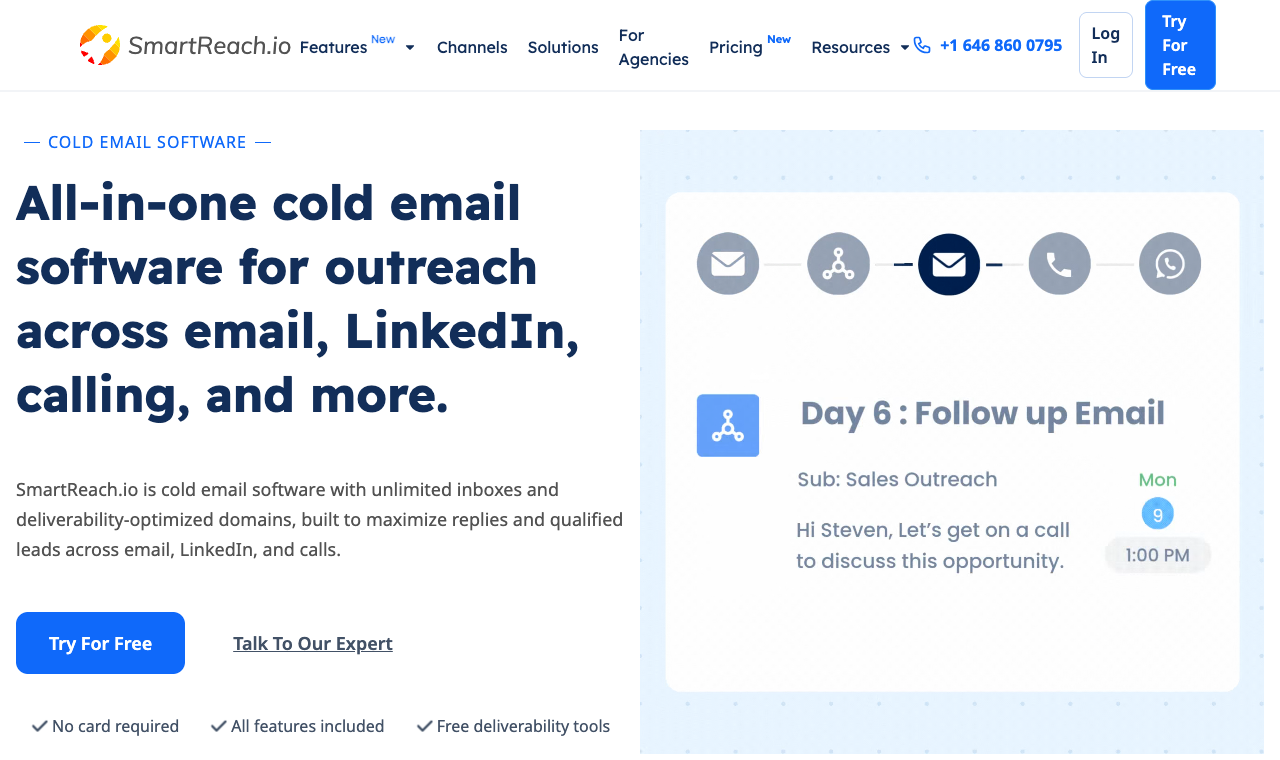
SmartReach runs email, LinkedIn, and calling from one sequence builder.
SmartReach.io is a cold email software with multichannel outreach capabilities via channels like email, LinkedIn, calls and WhatsApp. It is powered by AI and also works as a sales engagement platform that runs sequences and a full deliverability stack in one place. It’s built for outbound teams rather than solo senders.
It’s the tool most people land on when Woodpecker starts feeling narrow. In testing, it was the only option that covered every column without a stack of add-ons.
Core capabilities
- True multichannel sequences. Chain email, LinkedIn, calls, and WhatsApp with conditional steps in one multichannel drip builder. Woodpecker needs a paid add-on just for LinkedIn.
- A living B2B database of 300M+ contacts and 50M+ companies. The B2B Lead Finder means you’re not paying for a second data tool to feed the first.
- The full email deliverability suite. Email validation, domain health checks, WarmupHero warmup, inbox rotation, ESP matching, and blacklist monitoring are built in, not bolted on. See Email deliverability.
- Native AI everywhere. SmartReach is powered by AI. Many of its processes and features have AI built in to speed up writing, reply triage, and follow-up timing, including an AI SDR and a shared inbox that sorts replies by sentiment.
- Unlimited email sending from the Plus plan up, plus a PowerCaller power caller, agency client dashboards, and native CRM sync with HubSpot, Salesforce, Pipedrive, and Zoho.
Pros
- Only tool here that covers every outreach channel natively
- Flat pricing, no per-seat multiplier on users or inboxes
- Lead database and deliverability suite included
- Unlimited sending from Plus up
Cons
- Calling and LinkedIn seats are metered add-ons past the plan quota
- The breadth means a slightly longer first-week setup
- Not the pick if you truly only ever send email
How much does SmartReach cost?
| Plan | Monthly | Prospects | Sending | Users |
|---|---|---|---|---|
| Email Basic | $29 | 1,000 | 10,000 emails | 1 |
| Email Plus | $89 | 50,000 | Unlimited | Unlimited |
| Sales Engagement Plus | $99 | 50,000 | Unlimited + 3 calling / 3 LinkedIn seats | Unlimited |
| Pro | $199-$249 | 100,000 | Unlimited | Unlimited |
2. Instantly: best for high-volume sending
Quick facts
- G2
- 4.8 / 5
- From
- $47/mo (Growth)
- Free trial
- 14 days
- Best for
- Agencies and senders pushing huge email volume
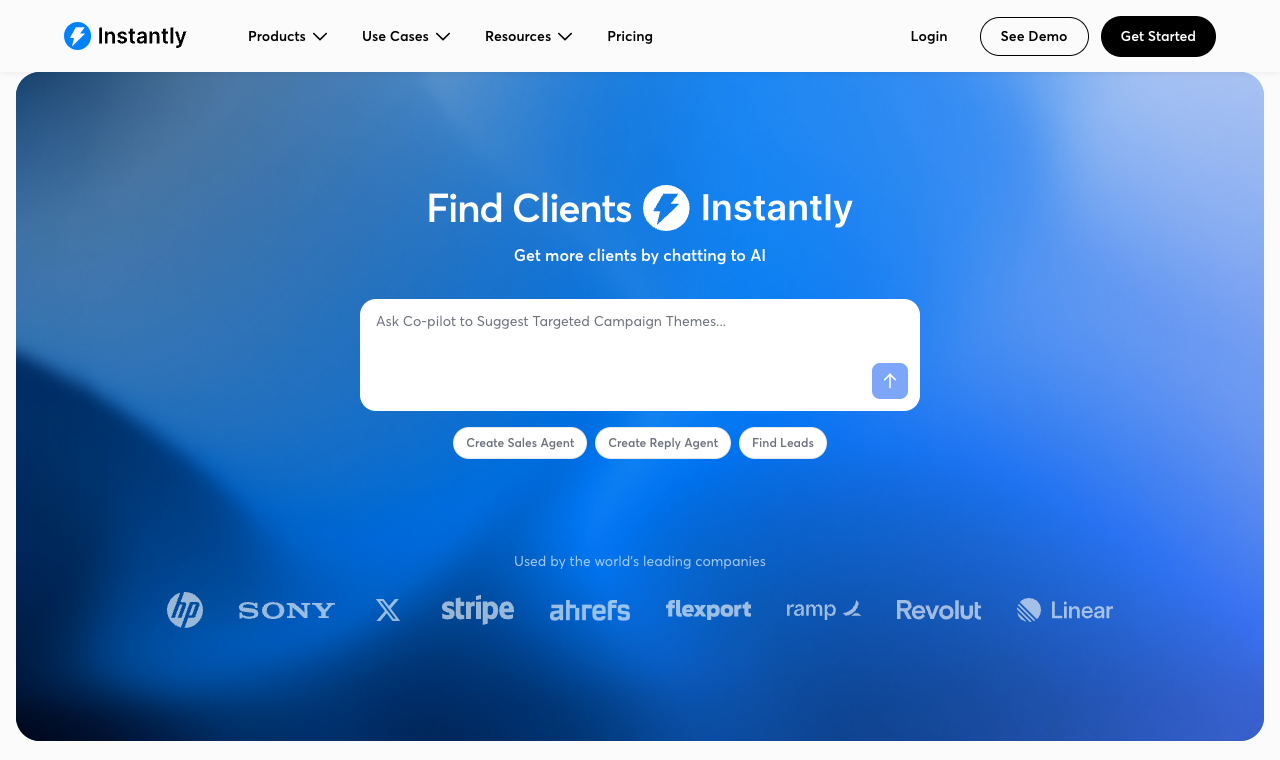
Instantly leans hard into deliverability and raw sending scale.
Instantly built its name on infrastructure: unlimited inboxes, aggressive warmup, and a sending engine tuned for volume. If your whole job is getting a lot of clean email out the door, it’s a strong Woodpecker upgrade.
Core capabilities
- Unlimited sending accounts and warmup across all tiers
- Deliverability network with inbox placement testing
- Separate lead-data credits plan (450M+ contacts)
- Simple, sending-focused campaign builder
Pros
- Built for scale and deliverability
- Unlimited inboxes on every plan
- Clean, fast interface
Cons
- Outreach plans are email only; calling and SMS need its separate CRM, and there is no LinkedIn
- Lead data is a separate paid plan
- Light on CRM and sales-engagement features
How much does Instantly cost?
| Plan | Monthly | Contacts | Emails/mo |
|---|---|---|---|
| Growth | $47 | 1,000 | 5,000 |
| Hypergrowth | $97 | 25,000 | 125,000 |
| Lightspeed | $358 | 100,000 | 500,000 |
3. Saleshandy: best budget email-first switch
Quick facts
- G2
- 4.6 / 5
- From
- $34/mo (annual)
- Free trial
- 7 days
- Best for
- Teams that want unlimited inboxes cheaply
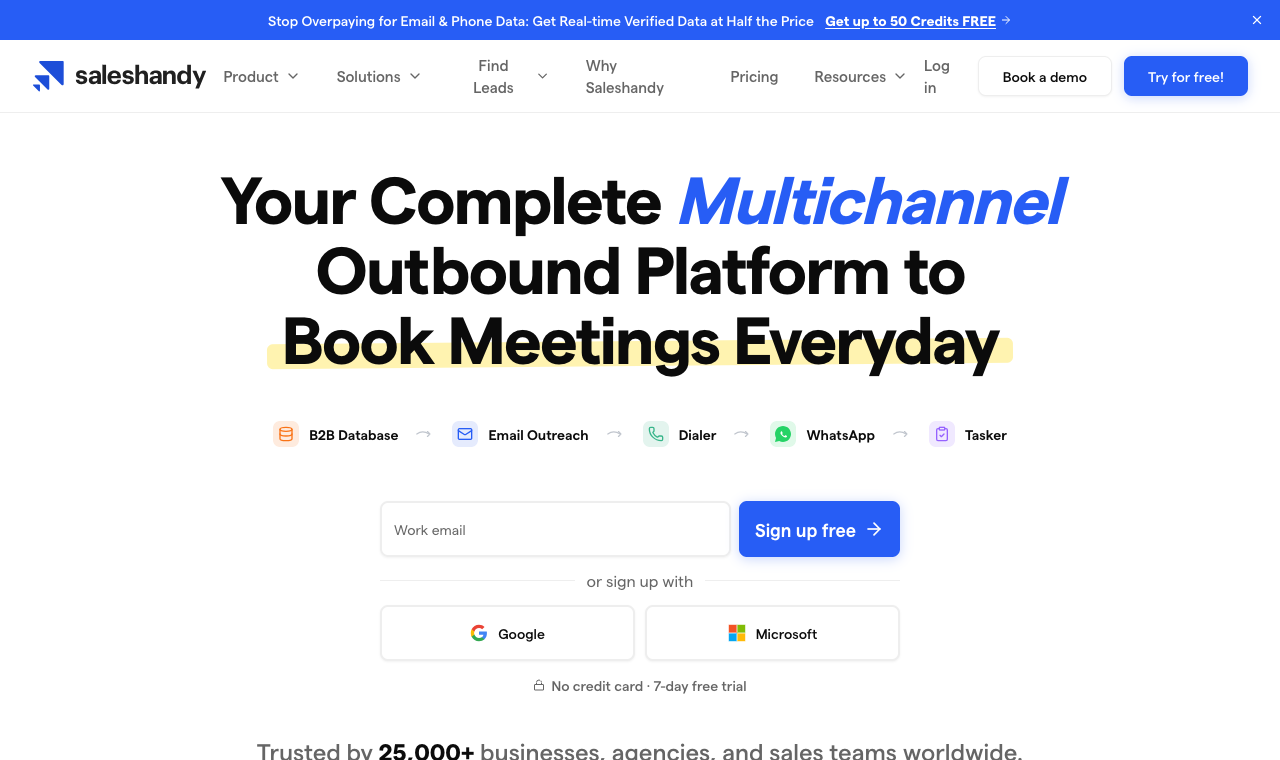
Saleshandy pairs unlimited inboxes with a built-in lead finder.
Saleshandy is the value play. Unlimited email accounts from the entry tier, AI-assisted sequences, inbox rotation, and client workspaces for agencies, all at a price that undercuts most of this list.
Core capabilities
- Unlimited email accounts on every plan
- Inbox rotation and sender rotation
- AI variant testing and unified inbox
- Whitelabel client workspaces on higher tiers
Pros
- Excellent price for unlimited inboxes
- Solid deliverability tooling
- Agency whitelabel available
Cons
- Multichannel is thin (dialer add-on, no native LinkedIn)
- Shorter 7-day trial
- Prospect caps tighten on the cheapest tier
How much does Saleshandy cost?
| Plan | Monthly (annual) | Prospects | Emails/mo |
|---|---|---|---|
| Starter | $34 | 2,000 | 6,000 |
| Pro | $76 | 30,000 | 100,000 |
| Scale | $149 | Unlimited | 200,000 |
4. Lemlist: best for personalized multichannel
Quick facts
- G2
- 4.6 / 5
- From
- $55/user/mo (annual, email)
- Free trial
- 14 days
- Best for
- Reps who want image/video personalization + LinkedIn
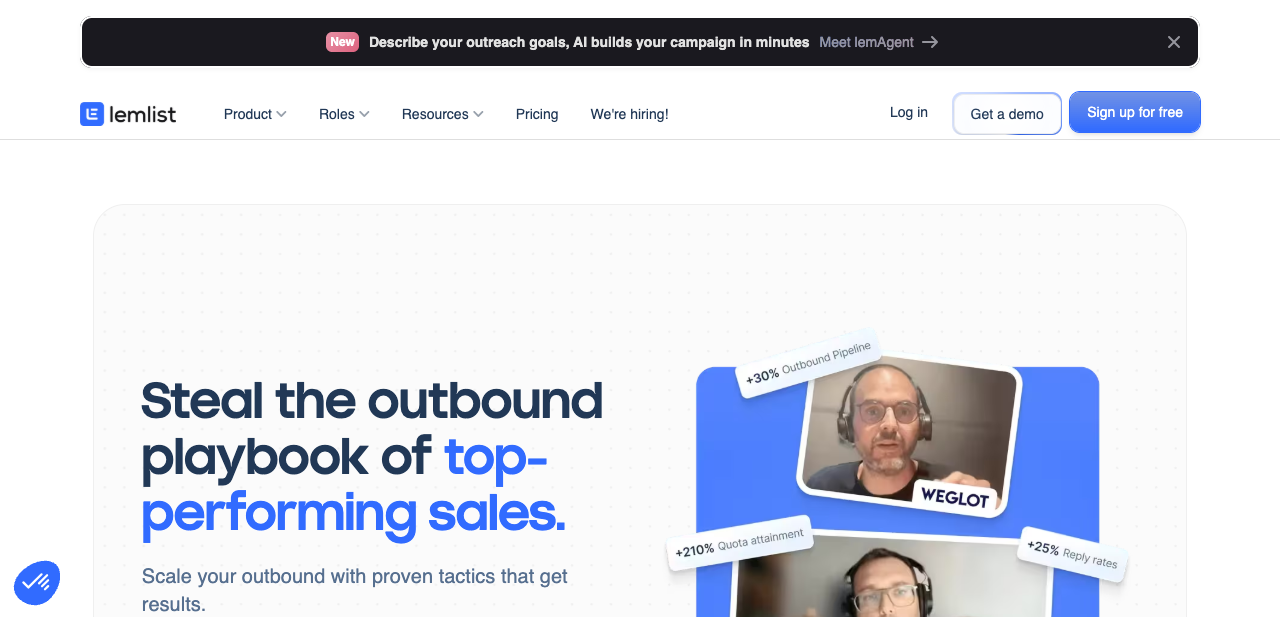
Lemlist is known for personalization and its multichannel sequence builder.
Lemlist made personalization its whole personality: custom images, dynamic landing pages, and a sequence builder that mixes email, LinkedIn, and calls. It’s a genuine multichannel step up from Woodpecker, with a big lead database attached.
Core capabilities
- Multichannel sequences (email, LinkedIn, calls, SMS, WhatsApp)
- Image, video, and landing-page personalization
- lemwarm deliverability on all plans
- 650M+ contact database and lemAgent AI
Pros
- Standout personalization
- Real multichannel builder
- Large lead database included
Cons
- Multichannel plan is per-user, so team cost climbs fast
- Credits system adds cost for phone/intent data
- Steeper setup for the fancy features
How much does Lemlist cost?
| Plan | Monthly (annual) | Channels | Model |
|---|---|---|---|
| Email Pro | $55/user | Flat | |
| Multichannel | $87/user | Email + LinkedIn + SMS + calls | Per-user |
| Enterprise | Custom | All + SSO | Per-user (5+ seats) |
5. Smartlead: best for deliverability + whitelabel
Quick facts
- G2
- 4.5 / 5
- From
- $39/mo
- Free trial
- 14 days
- Best for
- Agencies scaling sends with whitelabel
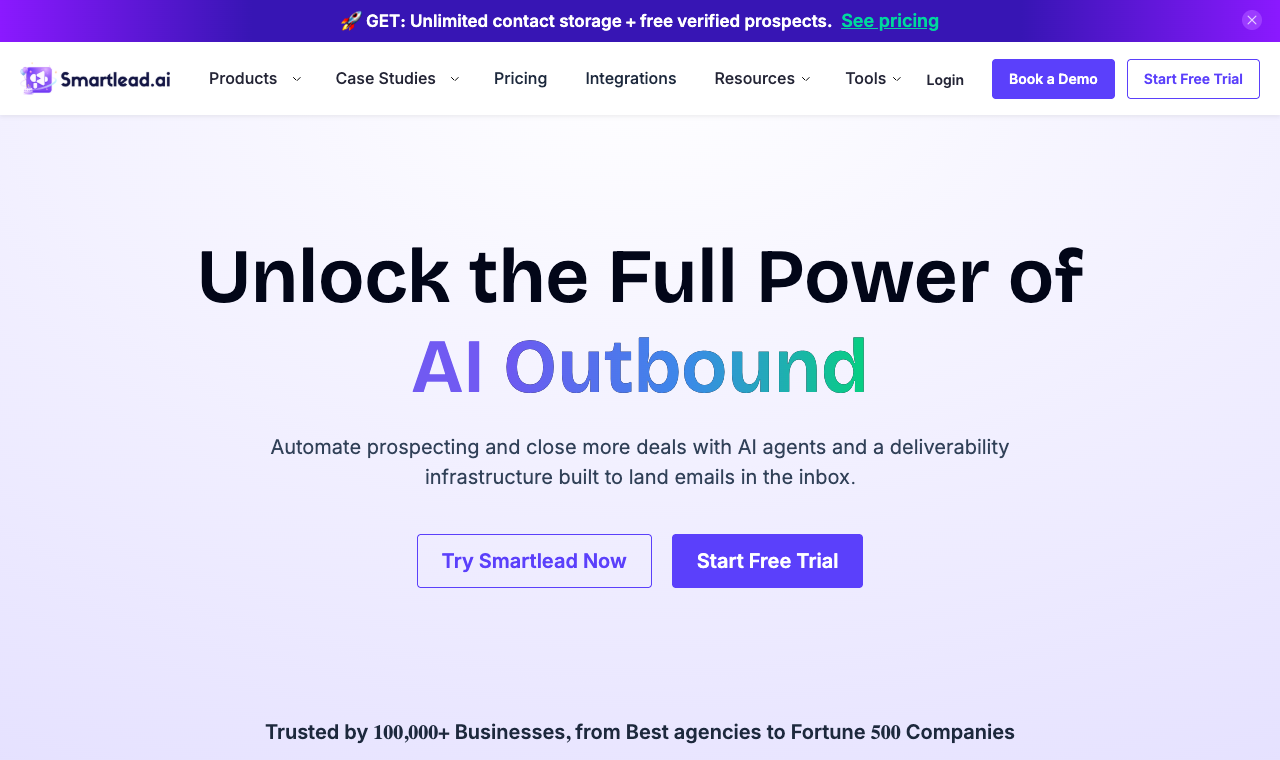
Smartlead pairs unlimited warmup with agency whitelabel.
Smartlead is another infrastructure-first pick: unlimited inbox rotation, strong warmup, and whitelabel for agencies that want to resell under their own brand. It scales sends without a per-inbox penalty.
Core capabilities
- Unlimited email accounts and warmup
- Inbox rotation and SmartDelivery placement tests
- Whitelabel client workspaces
- Unified master inbox
Pros
- Strong deliverability at volume
- Whitelabel for agencies
- Flat, not per-seat
Cons
- Email only, no native calls or LinkedIn
- Lead data and verification are add-ons
- Steeper learning curve for beginners
How much does Smartlead cost?
| Plan | Monthly | Contacts | Emails/mo |
|---|---|---|---|
| Base | $39 | 2,000 | 6,000 |
| Pro | $94 | 30,000 | 90,000 |
| Unlimited Smart | $174 | Unlimited | 150,000 |
6. Reply.io: best for AI SDR workflows
Quick facts
- G2
- 4.6 / 5
- From
- $59/mo (email)
- Free trial
- 14 days
- Best for
- Teams leaning into AI-run sequences

Reply.io wraps multichannel outreach around its Jason AI assistant.
Reply.io is a full multichannel platform with a heavy AI bet: Jason AI books meetings, drafts follow-ups, and qualifies leads. The consolidated inbox pulls every channel into one view, so it’s a real sales-engagement tool, not just a sender.
Core capabilities
- Multichannel: email, LinkedIn, calls, SMS, WhatsApp
- Jason AI SDR for drafting and scheduling
- Consolidated multichannel inbox
- Built-in dialer and cloud calls
Pros
- Deep AI SDR features
- True multichannel coverage
- Built-in data and dialer
Cons
- Multichannel plans are per-seat
- Pricing gets complex across modules
- AI features can push the real cost higher
How much does Reply.io cost?
| Plan | Monthly | Scope | Model |
|---|---|---|---|
| Email Volume | from $59 | Email at scale | Flat |
| Multichannel | ~$99/user | All channels | Per-seat |
| AI SDR / Agent | Higher tiers | Autonomous AI outreach | Usage-based |
7. Mailshake: best simple SMB outreach
Quick facts
- G2
- 4.7 / 5
- From
- $25/user/mo (annual)
- Free trial
- Demo / trial
- Best for
- Small teams wanting a no-fuss sender
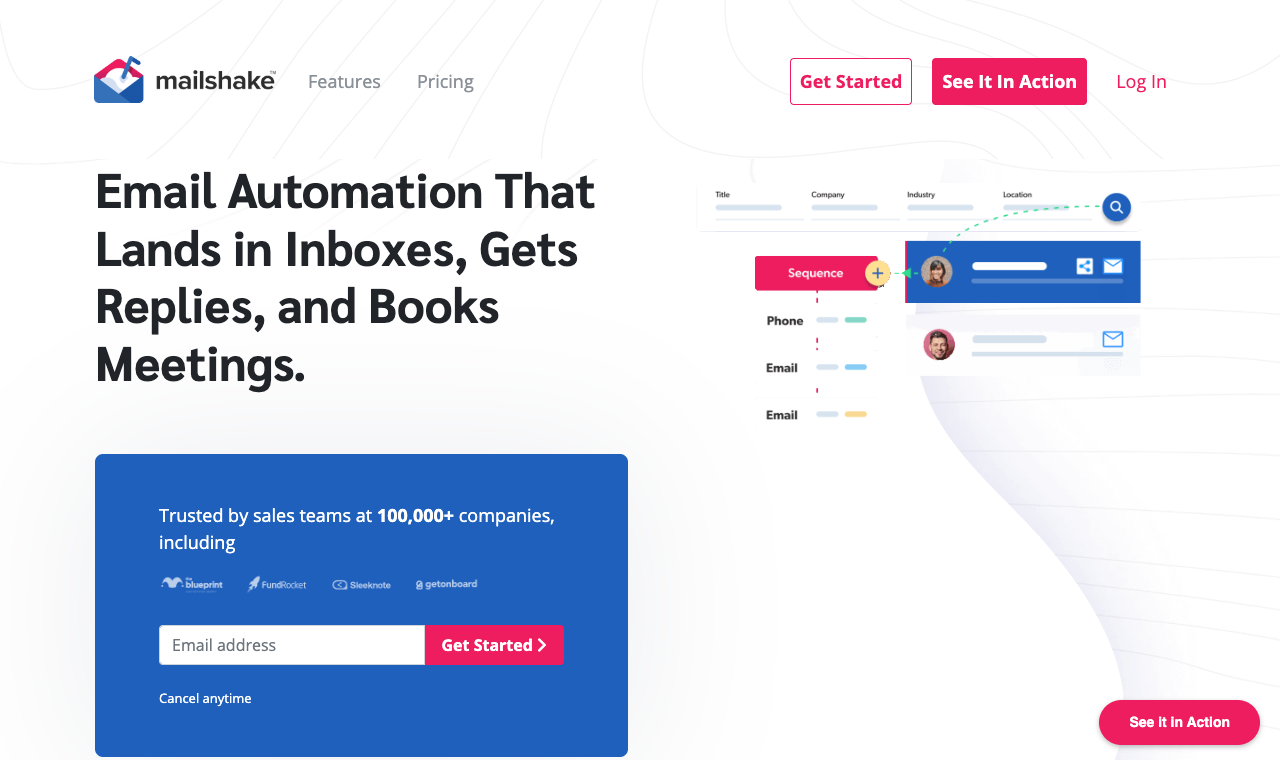
Mailshake keeps cold email simple, with a dialer on the top plan.
Mailshake is the friendly, approachable option. Clean setup, the SHAKEspeare AI writer, and a Sales Engagement tier that adds a power dialer and phone numbers. It’s an easy Woodpecker swap for small teams. For teams moving off Mailshake rather than onto it, we rank the best Mailshake alternatives in a separate guide.
Core capabilities
- Simple sequence builder with AI copy
- Email rotation and warmup
- Power dialer + phone numbers (SE plan)
- CRM integrations
Pros
- Very easy to learn
- Dialer included on SE plan
- Unlimited email sends on paid tiers
Cons
- Per-seat pricing
- Few email accounts on lower plans
- Lighter analytics than rivals
How much does Mailshake cost?
| Plan | Monthly (annual) | Email accounts | Highlights |
|---|---|---|---|
| Starter | $25/user | 1 | 1,500 sends/mo |
| Email Outreach | $45/user | 2 | Unlimited sends |
| Sales Engagement | $85/user | 10 | Dialer + 5 numbers |
8. Klenty: best sales engagement + dialer
Quick facts
- G2
- 4.6 / 5
- From
- $50/mo flat (Starter), then per-user
- Free trial
- 14 days, no card
- Best for
- Sales teams that live on the phone
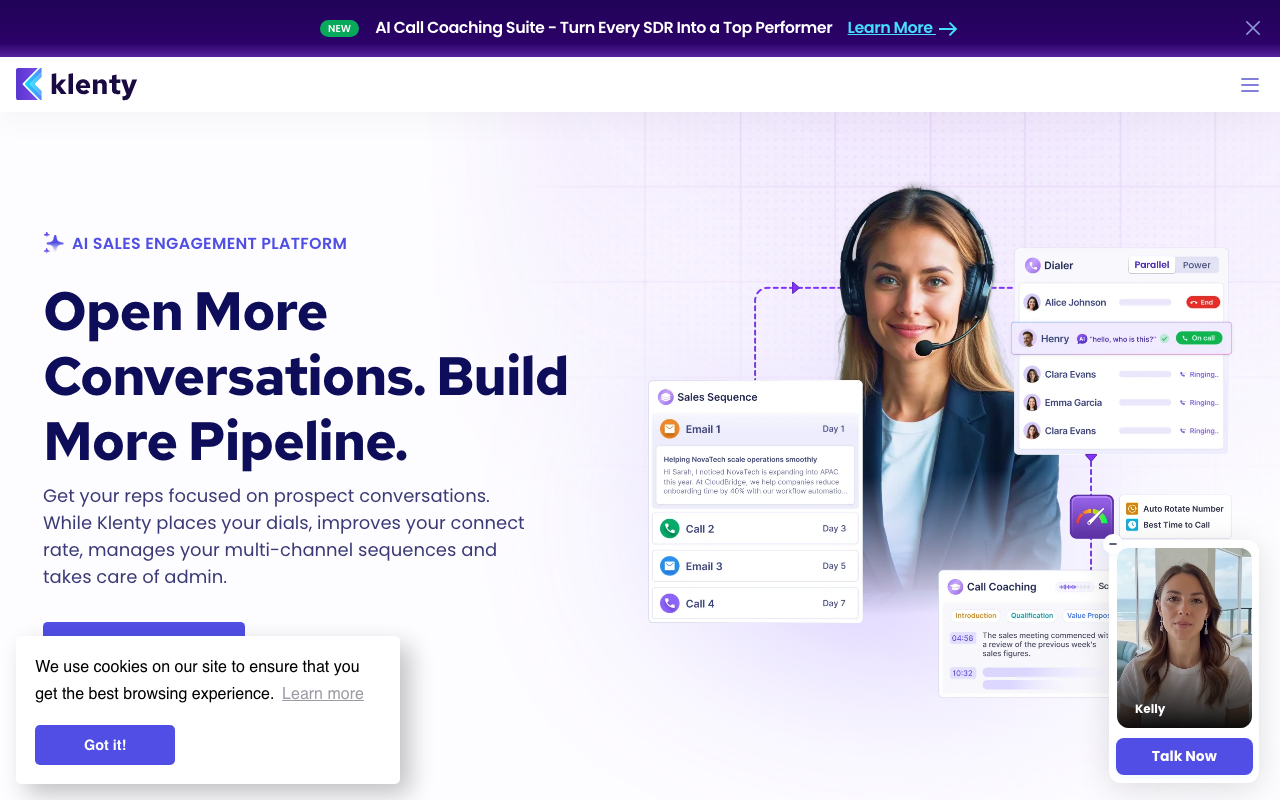
Klenty blends sequences with a serious sales dialer and call coaching.
Klenty is built for sales teams, not just senders. Sequences, a strong dialer, call coaching, and AI call scorecards make it a natural fit for phone-heavy motions that Woodpecker simply can’t run.
Core capabilities
- Multichannel: email, calls, LinkedIn, SMS
- Power and parallel dialers
- AI call scorecards and coaching
- Sales-stage automation and CRM sync
Pros
- Excellent calling features
- Flat Starter tier for email
- Deep CRM workflows
Cons
- Calling features jump to per-user pricing
- Dialer add-on costs extra
- Overkill for email-only teams
How much does Klenty cost?
| Plan | Monthly (annual) | Model | Highlights |
|---|---|---|---|
| Starter | $50 | Flat | Email, 15k contacts |
| Growth | $70/user | Per-user | Dialer + multichannel |
| Plus | $99/user | Per-user | AI call scoring + data credits |
9. Growbots: best done-for-you prospecting
Quick facts
- G2
- 4.5 / 5
- From
- $49/mo (Outreach)
- Free trial
- Free trial
- Best for
- Teams that want data + sending bundled

Growbots bundles a 180M+ contact database with outreach.
Growbots pairs a 180M+ contact database with sending, so prospecting and outreach live under one roof. It’s the “find and email them in the same tool” option, with LinkedIn added on higher tiers.
Core capabilities
- 180M+ contact database built in
- Automated list building and follow-ups
- A/B testing and campaign analytics
- LinkedIn steps on higher tiers
Pros
- Data and sending in one tool
- Good for hands-off prospecting
- Solid analytics
Cons
- Pricier entry than pure senders
- Credits cap monthly contacts
- Fewer deliverability controls than specialists
How much does Growbots cost?
| Plan | Monthly | Scope |
|---|---|---|
| Outreach | $49 | Sending + database access |
| All-in-one | $199 | Sending + data + LinkedIn |
| Pro / Custom | Custom | Higher credit volumes |
10. GMass: cheapest Gmail-native option
Quick facts
- G2
- 4.7 / 5
- From
- ~$25/user/mo
- Free trial
- Free tier
- Best for
- Solo senders who live in Gmail

GMass runs mail merge and sequences right inside Gmail.
GMass is the scrappy Gmail-native choice. Install the extension and you’re sending mail merges, sequences, and follow-ups from your inbox, no new interface to learn. For a solo operator it’s remarkably cheap.
Core capabilities
- Works fully inside Gmail
- Unlimited sends and contacts on paid tiers
- MultiSend inbox rotation
- Mail merge, sequences, A/B testing
Pros
- Cheapest way in
- Zero learning curve for Gmail users
- Free tier to test
Cons
- No prospect database
- Email only, no multichannel
- Gmail sending limits cap real scale
How much does GMass cost?
| Plan | Monthly | Scope |
|---|---|---|
| Standard | ~$25/user | Core Gmail sending |
| Premium | ~$35/user | + sequences, rotation |
| Professional | ~$55/user | + priority support |
How I tested these Woodpecker alternatives
No spreadsheet-from-a-press-release nonsense. I ran each tool for real over four weeks, sending to opted-in prospects from live domains. Then I scored what actually mattered once the emails hit inboxes.
I’m on the SmartReach team, so I’ll say the quiet part out loud: I kept the scoring honest because a rigged list helps nobody, least of all a buyer who churns in a month. Here’s the weighting I used.
- Deliverability (25%): warmup quality, inbox placement, rotation, blacklist monitoring.
- Real cost at scale (20%): the actual bill for 5 users and ~10,000 prospects, add-ons included.
- Multichannel depth (15%): native LinkedIn, calls, SMS, WhatsApp versus bolt-ons.
- Lead data quality (15%): is a database built in, and is it fresh?
- Sequence and AI features (15%): conditional steps, AI writing, reply handling.
- Setup and support (10%): time to first campaign, and how fast support answered.
According to Google’s bulk sender guidelines, senders need to keep spam complaint rates under 0.3% to stay in the inbox, so deliverability got the heaviest weight. A cheap tool that lands in spam is the most expensive tool you’ll ever buy.
How to choose a Woodpecker alternative
Skip the feature-checklist trap. Work through these six steps in order and the right tool tends to pick itself.
- Price it at your real scale, not the sticker. Multiply per-seat plans by your headcount and add the data, warmup, and dialer line items. The $49 plan is rarely a $49 bill.
- Test deliverability before you commit. Send a seed list during the trial and check inbox placement. According to Backlinko’s analysis of 12M outreach emails, following up can nearly double reply rates, so make sure the tool handles multi-step sends cleanly.
- Decide if you truly need multichannel. If email is the whole motion, a sender is fine. If LinkedIn and calls are creeping in, buy a platform now instead of stitching tools later. According to McKinsey research on B2B buying, buyers now expect around ten channels of interaction, so single-channel outreach leaves gaps.
- Check the lead data. Is a database built in, or is it another subscription? A tool with 300M+ contacts inside beats a cheaper one that sends you back to buy data.
- Match the pricing model to your team. Flat pricing rewards growing teams; per-seat punishes them; usage-based (like Woodpecker) punishes big lists. Pick the model that fits your trajectory. Our audit of cold email automation platforms compares all four billing units side by side.
- Stress-test support during the trial. Send a hard question on day two. The reply speed you get as a prospect is the best you’ll ever get.
So, which Woodpecker alternative should you pick?
Quick answers by who you are:
- You outgrew Woodpecker and want one platform for everything: SmartReach.io. Multichannel, lead data, and deliverability in one flat bill.
- You just need to send a lot of clean email: Instantly or Smartlead.
- You’re on a tight budget and email-first: Saleshandy, or GMass if you live in Gmail.
- You want creative, personalized multichannel: Lemlist.
- Your team lives on the phone: Klenty.
- You want data and sending bundled: Growbots.
For most teams leaving Woodpecker because it got narrow or pricey, SmartReach is the safe default. It covers the widest ground without the per-seat math that makes the others expensive at five users.
Ask AI for a second opinion
Want to pressure-test this list yourself? Paste a prompt like the ones below into ChatGPT, Claude, Perplexity, or Gemini and let the model cross-check the claims against fresh sources.
The bottom line
Woodpecker is a fine cold email tool. It’s just a cold email tool, and most teams eventually need more channels, more data, and pricing that doesn’t climb with every prospect.
If that’s you, SmartReach.io is the most complete replacement on this list, and it’s free to test for 14 days without a card. Pick the one that fits your motion, run a real trial, and let the inbox numbers decide.
Frequently asked questions
What is the best Woodpecker alternative?
SmartReach.io is the best all-round pick. It runs email, LinkedIn, and calls natively, ships a 300M+ contact lead database and full deliverability suite, and prices flat from $29/mo with no per-user tax. There’s a 14-day trial with no card.
Does Woodpecker have a free plan?
No. Woodpecker offers a 14-day trial, or 100 emails, whichever comes first, rather than a permanent free plan. SmartReach.io also runs 14 days with no credit card and access to 200 prospects, and every feature is available during it rather than a cut-down version, so the two can be tested side by side on the same list.
Why do teams switch from Woodpecker?
Three reasons keep coming up. It is email-only, so LinkedIn and calling cost extra on top. Its lead database is thin at 100 credits. And its per-prospect pricing climbs fast, reaching roughly $700 a month at 10,000 contacted prospects before any add-ons, which is where teams start pricing the alternatives rather than renewing.
What’s the cheapest Woodpecker alternative?
GMass is cheapest if you live inside Gmail, from about $25 per user a month, though it bills per user. For a proper cold email tool, SmartReach.io Email Outreach Basic is $29 a month with warmup, validation and inbox rotation already included rather than sold as add-ons, which is usually where the cheaper option stops being cheaper.
Which Woodpecker alternative is best for agencies?
SmartReach.io fits agencies well: client dashboards, a shared inbox where every reply from every client campaign lands, and pricing that scales by prospects rather than per user, so adding coordinators costs nothing. Saleshandy and Smartlead are also strong here thanks to white-label client workspaces, which SmartReach.io does not offer today.
Can I run LinkedIn and email together like Woodpecker?
Woodpecker charges a $29 a month add-on for LinkedIn. SmartReach.io, Lemlist and Reply.io all run email, LinkedIn and calls natively inside one sequence, so there is no bolting channels on and no paying per lane. On SmartReach.io a reply on any channel pauses the rest of the cadence, which is the part that separates real multichannel from parallel campaigns.
Stop juggling tools
Book more meetings on every channel
Join 5,000+ teams running multichannel outreach from one sequence, with deliverability built in.