9 Best HeyReach Alternatives for LinkedIn Outreach

On this page
LinkedIn automation got a lot harder this year. LinkedIn quietly tightened its detection algorithms, and teams using LinkedIn-only tools like HeyReach started running into more account restrictions, plan changes that raised the real cost of staying, and integration bugs that made an already complex workflow messier. Reddit threads filled up with users saying they spent more time managing the tool than running outreach.
So if you're comparing HeyReach alternatives, here's what most guides get wrong: they list features without telling you which tools keep your account safe, what each one actually costs right now, and which ones go beyond LinkedIn to build a full outreach system.
This guide fixes that. Every price below was verified against the vendor's live pricing page on July 30, 2026 (several changed this year, including HeyReach's own), every tool gets its own pricing table, and the safety notes come from real user reports, not marketing pages.
TL;DR: the best HeyReach alternatives at a glance
HeyReach alternatives compared at a glance
Prices are starting month-to-month rates from live vendor pages, July 2026. Scroll the table sideways on mobile.
| Tool | Type | Channels | From (mo) | Free trial / tier | G2 | Best for |
|---|---|---|---|---|---|---|
| SmartReach.io | Cloud, sales engagement | LinkedIn + email + calls + WhatsApp | $39 | 14-day, no card | 4.6 | All-in-one multichannel |
| Expandi | Cloud, dedicated IP | LinkedIn (+ email) | $99 | 7-day (card required) | 4.2 | Safest pure LinkedIn |
| Dripify | Cloud | $59 | 7-day, no card | 4.5 | Simple solo drips | |
| Waalaxy | Chrome extension | LinkedIn + email | Free / €19 | Free tier + 14-day trial | 4.5 | Free entry point |
| MeetAlfred | Cloud | LinkedIn + email + X | $59 | 14-day, no card | 3.4 | Adding X/Twitter |
| PhantomBuster | Cloud automation engine | Multi-platform (data) | $69 | 14-day, no card | 4.4 | Data extraction |
| La Growth Machine | Cloud | LinkedIn + email + calls (+ X) | ~$70 | 14-day, no card | 4.6 | Conditional workflows |
| Skylead | Cloud, dedicated IP | LinkedIn + email | $100 | 7-day | 4.5 | Flat all-inclusive pricing |
| Kaspr | Chrome extension (data) | LinkedIn (prospecting only) | Free / $65 | Free plan | 4.4 | Contact data + enrichment |
Pricing models differ: Waalaxy bills in euros, La Growth Machine bills per identity (one LinkedIn account plus its email), and PhantomBuster bills per workspace by execution time, not per user. Where a plan carries a seat minimum or a bundled commitment, it's flagged in that tool's pricing section below.
Why teams look for a HeyReach alternative in 2026
Teams leave HeyReach for four reasons: per-sender pricing that compounds, a mid-2026 plan restructure, reliability complaints, and the ceiling of a single channel.
The pricing part deserves numbers, because it changed this year. Here's HeyReach's live pricing as of July 30, 2026:
| HeyReach plan | Monthly | LinkedIn senders |
|---|---|---|
| Growth | $79 | Priced per sender |
| Agency | $999 | 25 bundled, you pay for all 25 regardless |
| Unlimited | $2,999 | Unlimited |
The reliability and support themes are consistent across recent reviews. A July 2026 analysis of 500+ HeyReach customers and 400+ Reddit discussions surfaced repeat complaints about campaigns switching off mid-run, sequence saving failures, and support responses taking days on urgent issues. One G2 reviewer put the pricing complaint plainly: they loved the tool but couldn't justify $79/month when they only used 3 LinkedIn accounts.
To be fair, HeyReach still does its core job well. Its unified inbox across dozens of accounts is genuinely good, its G2 rating sits at a healthy 4.6, and for lead-gen agencies running 25+ senders the Agency plan can still work out cheaper per account than per-seat rivals. If that's you, staying is defensible.
For everyone else, the list below covers what to move to, whether you want a cheaper single-channel tool, a safer architecture, or a platform that runs LinkedIn and email in one sequence. I ranked the broader category in my guide to the best LinkedIn automation tools; this list re-scores the field specifically as HeyReach replacements.
How I picked and tested these tools
Every tool here went through the same filter, so you're comparing like with like:
- Account safety first. Architecture (cloud with dedicated IP vs browser extension riding your live session), warm-up behavior, and whether the daily caps are real or decorative. A banned account costs more than any subscription.
- Verified pricing. Every number came from the vendor's live pricing page on July 30, 2026, not from other blogs (several of which still carry HeyReach's old plan structure).
- Verified ratings. G2 and Capterra figures were cross-checked against live product data in July 2026. Where a rating rests on a handful of reviews, I say so instead of dressing it up as a trust signal.
- Sequence depth. Conditional branching and multi-step follow-ups, not just "send one message."
- What users actually report. Recurring complaint themes from G2, Capterra, Trustpilot, and Reddit, including the uncomfortable ones.
- Fit as a HeyReach replacement. Multi-account handling, unified inbox, and whether the tool closes HeyReach's gaps (prospecting data, native email) or shares them.
One disclosure: I work at SmartReach.io, and it's ranked first. The rubric was identical for every tool, and I've handed use-case wins to rivals wherever they earned them (Expandi for pure LinkedIn safety, Waalaxy for free entry, Skylead for flat pricing).
The 9 best HeyReach alternatives, reviewed in depth
Each entry follows the same shape: what it's genuinely best at, the capabilities that matter, honest pros and cons, a full current pricing table, the hidden costs nobody lists, and what it runs you at scale.
1. SmartReach.io: best overall HeyReach alternative for LinkedIn + multichannel
- From
- $39/mo (by prospects)
- Free trial
- 14-day, no card
- Best for
- Teams that want LinkedIn automation (full or semi) plus email, calls, and WhatsApp in one platform.
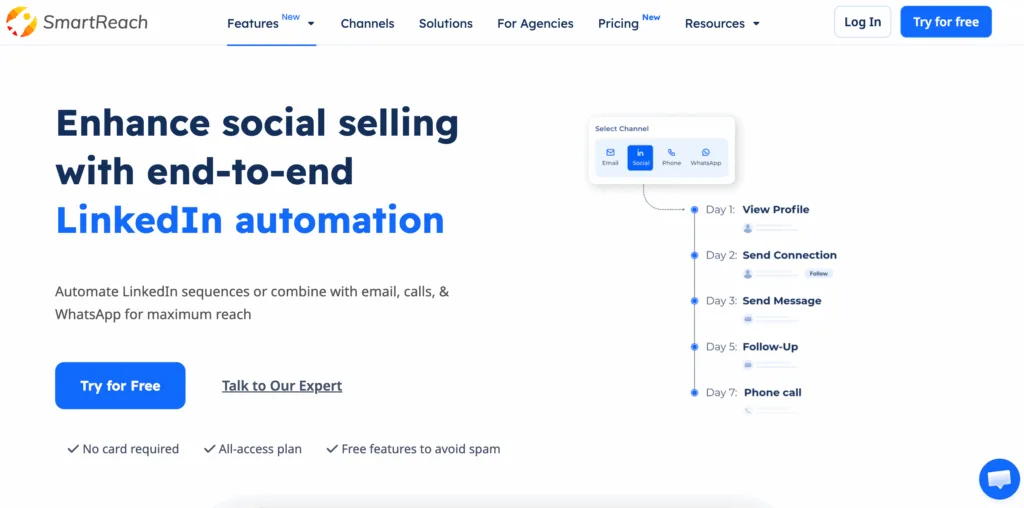 SmartReach.io: full automation or Co-pilot review for LinkedIn, inside one multichannel campaign.
Full disclosure up front, this is my tool, so read the score knowing that. SmartReach.io is a cold email software whose Sales Engagement plans run LinkedIn, email, calls and WhatsApp in one sequence, and the honest reason it tops a HeyReach-alternatives list is that it removes HeyReach's two biggest gaps in one move. It adds the channels HeyReach lacks, and it gives you a choice in how much automation risk you take on.
Most tools make you choose between full LinkedIn automation and a safer manual approach. SmartReach.io gives you both, per campaign:
Full automation handles connection requests, profile views, and messages automatically through the SmartReach Chrome extension. Set the campaign and daily limits once and it runs hands-off. Best for large lists with consistent messaging.
Co-pilot mode (semi-automated) puts every LinkedIn action into a task manager for you to review, personalize, and approve before it goes out. This is the smarter choice for high-value accounts where a wrong message costs a deal, and it's included at no extra cost on every Sales Engagement plan.
Most experienced users run both in parallel: full automation for top-of-funnel volume, Co-pilot for accounts that have shown interest.
Here are the core capabilities that matter most:
- Two LinkedIn modes. Task-based Co-pilot with human review on every plan, or full automation via the extension (an add-on, available on Plus plans and above), switchable per campaign.
- ProspectDaddy built in. A Chrome extension that pulls business emails, LinkedIn URLs, job titles, and companies straight from LinkedIn search results (up to 100 prospects per session) and feeds them into your campaigns. HeyReach assumes you already have a list; this builds one.
- True multichannel sequences. Email, LinkedIn, calls, and WhatsApp in one workflow. A LinkedIn reply pauses the email follow-ups automatically; a booked meeting stops everything.
- Deliverability tooling. ESP matching, inbox rotation, and global blacklist monitoring keep the email leg of your sequence out of spam.
- Shared inbox with sentiment tagging. Replies from every channel land in one place, tagged as interested, out of office, or meeting booked.
- Built-in prospect finder. The B2B lead finder sources decision-makers by ICP, so list and sender live in one login.
Pros
- Full automation and human-reviewed Co-pilot in one tool, priced separately so you only pay for the risk you take.
- ProspectDaddy prospecting included in the subscription, closing HeyReach's biggest workflow gap.
- Real multichannel: the email, calls, and WhatsApp legs are native, not integrations.
- Deliverability suite included, no separate warmup vendor needed.
Cons
- Full LinkedIn automation is a paid add-on, and only from the Plus plan up (Basic is Co-pilot only).
- No GIF or image personalization in LinkedIn messages (Expandi and Skylead have it).
- More to set up than a single-channel tool, because it does more.
How much does SmartReach.io cost?
LinkedIn lives on the Sales Engagement plans, and the tier is set by how many prospects you contact each month, not by seats. Every tier includes task-based LinkedIn with Co-pilot; each step up adds prospect volume and LinkedIn accounts.
| Sales Engagement plan | Monthly | Active prospects | LinkedIn accounts | Best for |
|---|---|---|---|---|
| Basic | $39 | 1,000 | 1 | Solo reps on one account |
| Plus | $99 | 50,000 | 3 | Small teams with a few accounts |
| Pro | $249 | 100,000 | 10 | Growing sales teams |
| Scale | $599 | 500,000 | 100 | Agencies and large fleets |
Full automation is a $29 per account add-on, available on Plus plans and above. Hands-off sending (connection requests, messages, profile views firing without you) is a separate LinkedIn automation add-on at $29/month per LinkedIn account, on top of the plan. It's not available on Basic: the $39 tier runs LinkedIn in Co-pilot mode only. Co-pilot itself stays free on every tier, and there's a 14-day free trial with 200 prospects, no credit card required.
Hidden costs: none beyond that add-on; warmup, validation, and blacklist monitoring are included.
Cost at scale: a team running 10 LinkedIn accounts lands on Pro at $249, plus $29 per automated account if they want full automation on all of them ($539 total). The same 10 senders on HeyReach's Growth plan cost $790 before any email tooling.
2. Expandi: best for safe, cloud-based LinkedIn automation
- From
- $99/mo per account
- Free trial
- 7-day, card required
- Best for
- Agencies and SMBs that want pure LinkedIn automation with the strongest safety architecture.
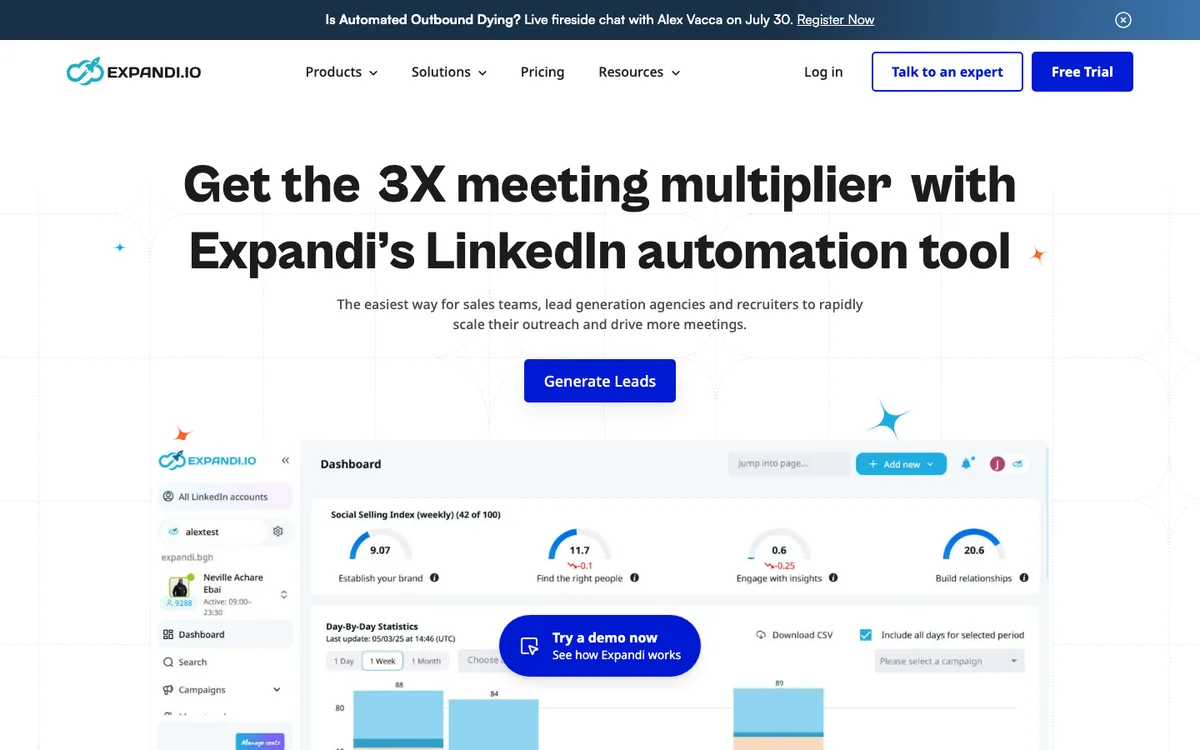 Expandi's homepage: cloud-based LinkedIn automation pitched at sales teams, agencies, and recruiters.
Expandi is the most safety-focused pure LinkedIn tool on this list. It runs entirely from the cloud with a dedicated IP address per LinkedIn account, human-like randomized timing, and automatic warm-up. No Chrome extension, nothing injected into your browser session.
Here are the core capabilities that matter most:
- Cloud automation with a dedicated IP per account, the architecture LinkedIn's detection flags least.
- Smart sequences with conditional logic and A/B testing.
- Personalized images and GIFs in LinkedIn messages (via integration).
- Campaign analytics and per-account performance tracking.
What users report: Expandi's safety reputation is stronger than extension-based rivals, but not spotless; some users still report restrictions even at moderate limits, and Expandi's own terms note use is at your own risk. The most consistent complaints are price (it compounds fast per account) and slow support responses. Users who hold conservative daily limits fare noticeably better.
Pros
- Dedicated IP infrastructure and auto warm-up, the safest pure-LinkedIn setup.
- Good conditional sequence logic with A/B testing.
- Established product with the largest review base among pure LinkedIn cloud tools.
Cons
- LinkedIn only; email exists but isn't the product's core.
- $99 per account compounds fast at scale.
- Trial requires a card and auto-converts if you don't cancel.
How much does Expandi cost?
| Plan | Monthly | What you get |
|---|---|---|
| Business | $99 per account | Full automation, dedicated IP, smart sequences, auto warm-up |
| Agency | Custom | Roles and permissions, client reports, white-label option |
Minimum commitment: the Agency tier starts at 10 seats; below 10 accounts you're on Business at $99 each.
Hidden costs: image and GIF personalization needs a Hyperise (~$69/mo) or Sendspark subscription; the 7-day trial requires card details and converts to paid unless cancelled.
Cost at scale: 10 accounts run ~$990/month, right at HeyReach Agency territory but for 10 senders instead of 25. Expandi wins on safety architecture, not on bulk economics.
3. Dripify: best for solo SDRs who want simple LinkedIn drips
- From
- $59/mo per user
- Free trial
- 7-day, no card
- Best for
- Individual SDRs running LinkedIn-only prospecting at moderate volume.
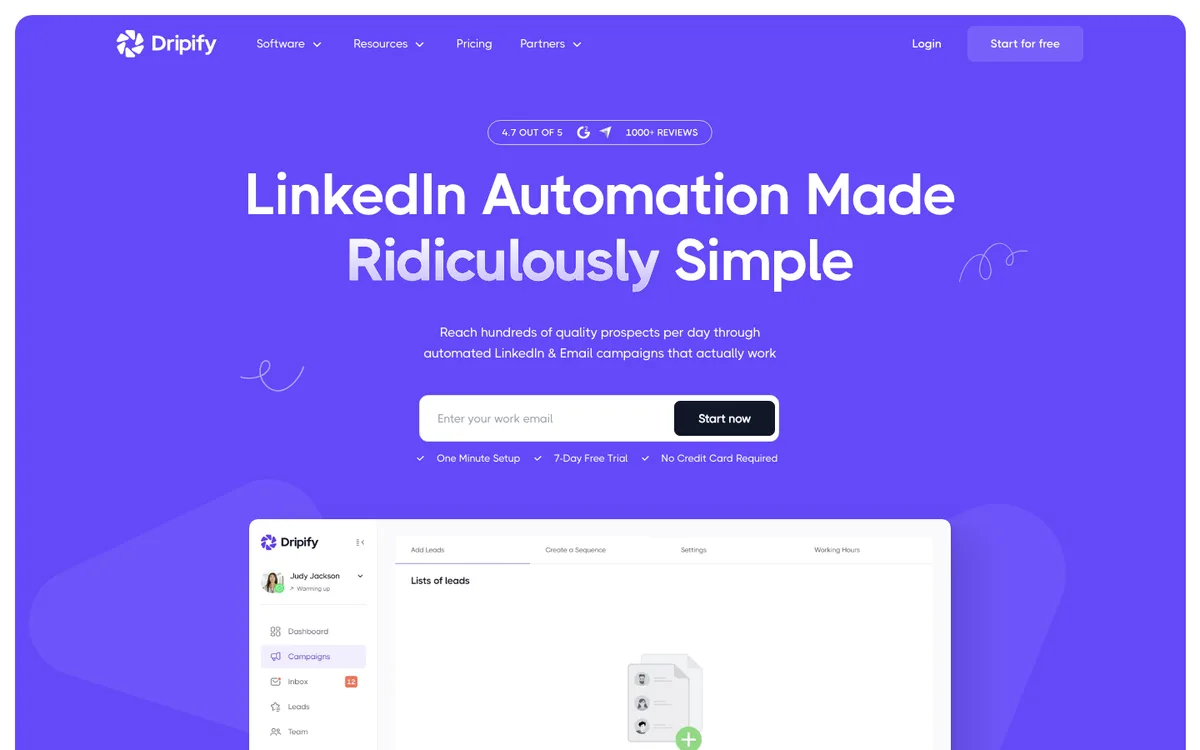 Dripify's pitch: LinkedIn automation made simple, with a 7-day trial and no card.
Dripify is a widely used cloud-based LinkedIn automation platform with a clean UI and a built-in email finder, aimed at individual SDRs who want drip campaigns without managing a separate prospecting tool. (It moved from dripify.io to dripify.com this year; same product.)
Here are the core capabilities that matter most:
- Automated LinkedIn actions: connection requests, messages, profile visits, endorsements.
- Drip campaigns with conditional branching and A/B testing.
- Built-in email finder with 100 credits/month on every plan.
- 20+ personalization variables and performance analytics.
What users report: support is the most consistent complaint across Reddit, G2, and Capterra, described as slow and unresponsive by multiple independent reviewers. More seriously, several users report LinkedIn appearing to detect Dripify activity even when no campaigns were running. That said, its 4.7/5 Capterra score shows plenty of SDRs run it happily at conservative limits.
Pros
- One of the cleanest UIs in the category; new users are sending within an hour.
- Email finder credits included on every plan.
- Solid automation depth for the price, with a large verified review base.
Cons
- Poor support record across multiple review platforms.
- Recurring LinkedIn-detection reports from users.
- Per-user pricing scales badly for teams.
How much does Dripify cost?
Per user, billed monthly, no minimum.
| Plan | Monthly | What you get |
|---|---|---|
| Basic | $59 | 1 drip campaign, limited daily quotas |
| Pro | $79 | Unlimited campaigns, full quotas, dedicated inbox |
| Advanced | $99 | Team management, advanced LinkedIn protection, tagging |
| Enterprise | Custom | Premium onboarding, dedicated support |
Hidden costs: the Basic tier's single-campaign limit pushes most real users to Pro quickly; email finder credits cap at 100/month on all tiers.
Cost at scale: 5 users on Pro run $395/month billed monthly. At that spend, flat-rate or prospect-based tools are cheaper.
4. Waalaxy: best free entry point for LinkedIn + email
- From
- Free, then €19/mo
- Free trial
- Free tier + 14-day trial
- Best for
- New SDRs and solo reps testing LinkedIn automation before spending anything.
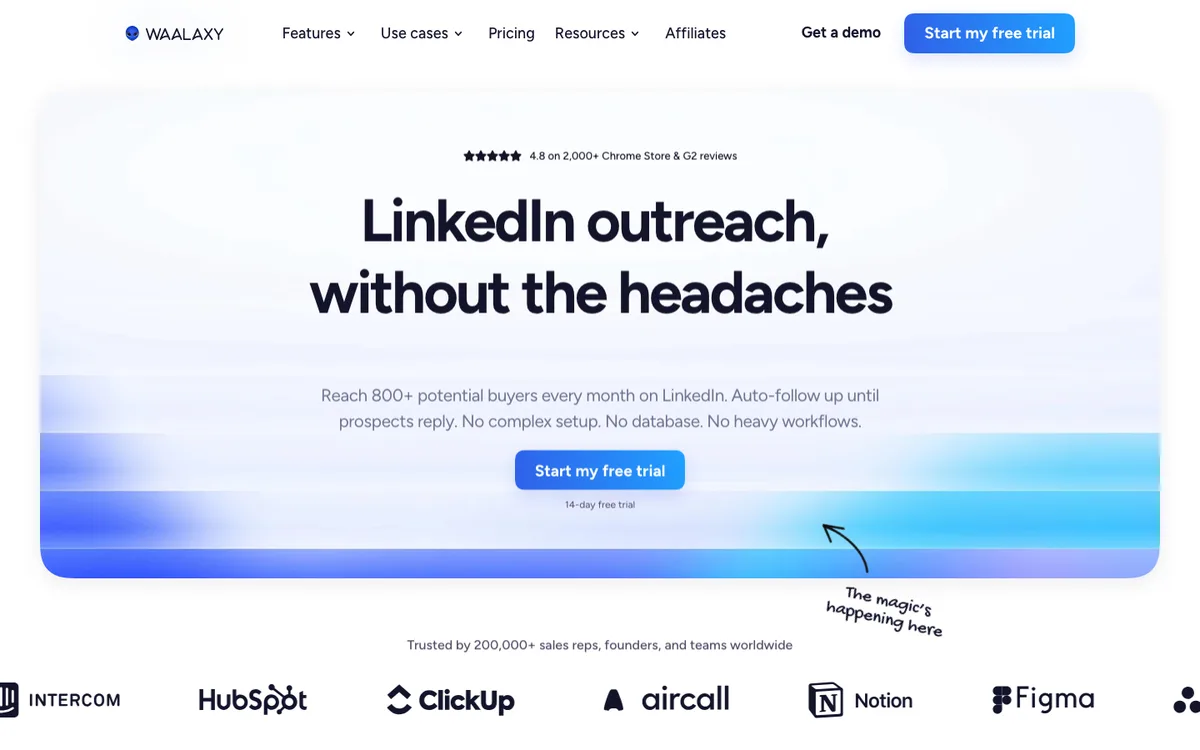 Waalaxy's homepage: LinkedIn outreach for solo users, with the free trial front and center.
Waalaxy is a Chrome extension-based tool with the one thing nobody else on this list offers: a genuine free-forever tier. Think of Tanya, a junior SDR in her first sales job with no tool budget of her own: the free tier is the lowest-risk way for her to find out whether LinkedIn automation moves the needle before anyone commits money.
Here are the core capabilities that matter most:
- LinkedIn automation via Chrome extension with pre-built campaign templates.
- Email outreach on the Business tier, with email enrichment credits.
- AI message suggestions and prospect import from LinkedIn searches.
- Free tier currently allowing roughly 80 invitations/month (Waalaxy has trimmed these limits over time, so check the current allowance when you sign up).
What users report: the Chrome extension architecture is the trade-off for the price. Because it operates inside your logged-in browser session, LinkedIn can more easily flag non-human patterns, and community threads include suspension reports attributed directly to Waalaxy use. Users who stay well within the 3-4 requests/day starting range report far fewer issues. Support response is described as inconsistent.
Pros
- Real free-forever plan, the best zero-cost test in the category.
- Lowest paid entry point on this list at €19/mo.
- Fast setup with templates; you're running in minutes.
Cons
- Extension architecture carries the highest detection risk profile here.
- Invite caps by tier (300/mo on Pro) limit scale.
- Not built for sustained high-volume or multi-account work.
How much does Waalaxy cost?
Waalaxy bills in euros, per user, monthly, with no minimum.
| Plan | Monthly | What you get |
|---|---|---|
| Free | €0 | ~80 invites/month, core automation |
| Pro | €19 | 300 invites/month |
| Advanced | €49 | 800 invites/month, sequences, CRM sync |
| Business | €69 | Adds email outreach + 500 enrichment credits/mo |
Hidden costs: the invite caps are the real price lever; growing teams graduate out of Waalaxy fast, which is by design.
Cost at scale: it isn't built for scale, and that's fine. Treat it as a proving ground, then move up.
5. MeetAlfred: best for adding X/Twitter to the mix
- From
- $59/mo per user
- Free trial
- 14-day, no card
- Best for
- Small teams that want LinkedIn + email + X in one affordable tool and can tolerate rough edges.
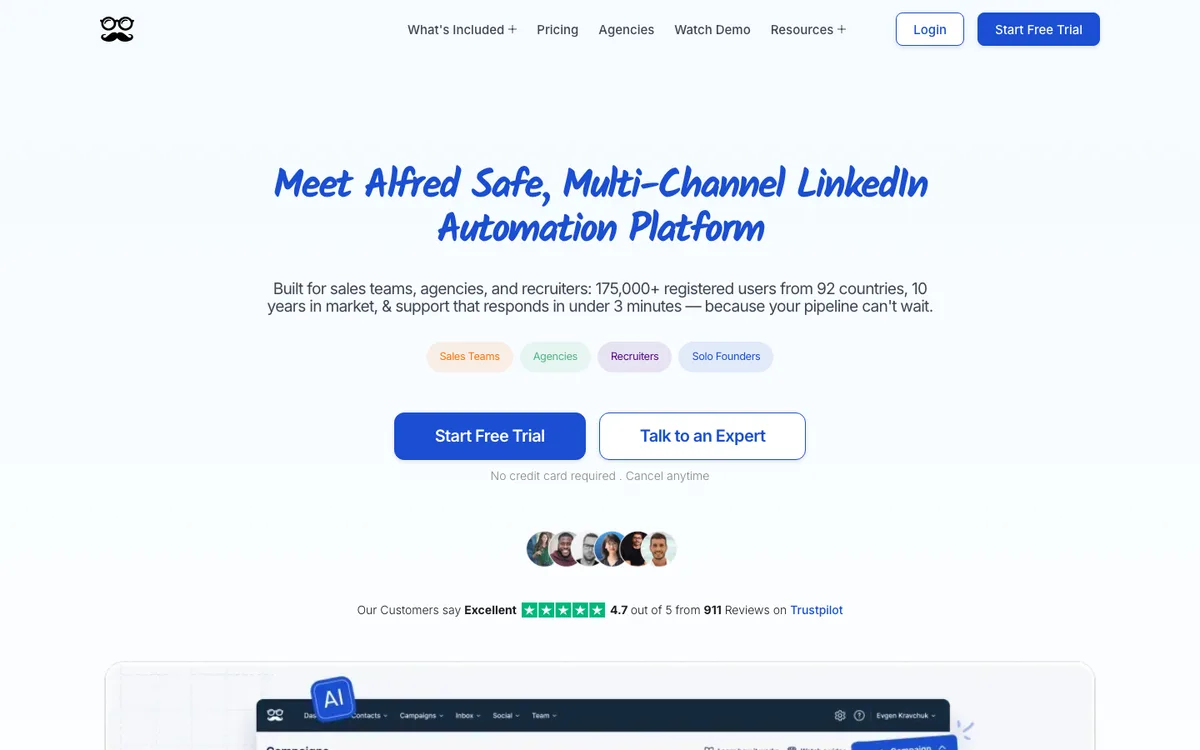 MeetAlfred positions on safe, multichannel LinkedIn automation for teams and agencies.
MeetAlfred has been operating since 2016 and runs LinkedIn, email, and X/Twitter campaigns from the cloud, with post retargeting (targeting people who engaged with specific LinkedIn posts) as its standout feature. I'll be blunt though: its review record is the weakest on this list, and you should walk in knowing that.
Here are the core capabilities that matter most:
- LinkedIn + email + X sequences in unified campaigns.
- Post retargeting, a genuine differentiator for warm audiences.
- Lead Finder for building prospect lists by plan tier.
- Unified inbox across channels and a white-label option for agencies.
What users report: the gap between platforms is stark. Trustpilot shows 4.4, while G2 sits at 3.4 and Capterra at 2.8 (from a small review base). Independent reviews consistently cite bugs, inconsistent campaign behavior, and slow support. And a warning that applies to every tool but gets cited most here: never point automation at a new LinkedIn account without months of manual warm-up first.
Pros
- Cheapest way to add X/Twitter to LinkedIn + email outreach.
- Post retargeting is genuinely clever for warm outreach.
- Long track record and a white-label option for agencies.
Cons
- Weakest G2/Capterra record on this list by some distance.
- Frequent bug and support complaints from smaller teams.
- Odd tier structure (the "Team" plan is cheaper than "Pro").
How much does MeetAlfred cost?
Per user, billed monthly.
| Plan | Monthly | What you get |
|---|---|---|
| Basic | $59 | LinkedIn automation, 3 active campaigns, basic CRM |
| Team | $79 | Volume tier: white label, discounts for 10+ users |
| Pro | $99 | Unlimited campaigns, full multichannel |
Minimum commitment: the Team tier is a volume plan; MeetAlfred doesn't publish its seat floor, and third-party reviews report around 3 users minimum, so solo users belong on Basic or Pro.
Hidden costs: reviewers note the realistic stack cost lands well above the sticker once you add Sales Navigator and email verification.
Cost at scale: the Team tier exists for exactly this, but given the review record, trial hard before rolling it out to a team.
6. PhantomBuster: best for multi-platform data extraction
- From
- $69/mo per workspace
- Free trial
- 14-day, no card
- Best for
- Growth and ops teams extracting data across LinkedIn, Instagram, X, and more, then sending elsewhere.
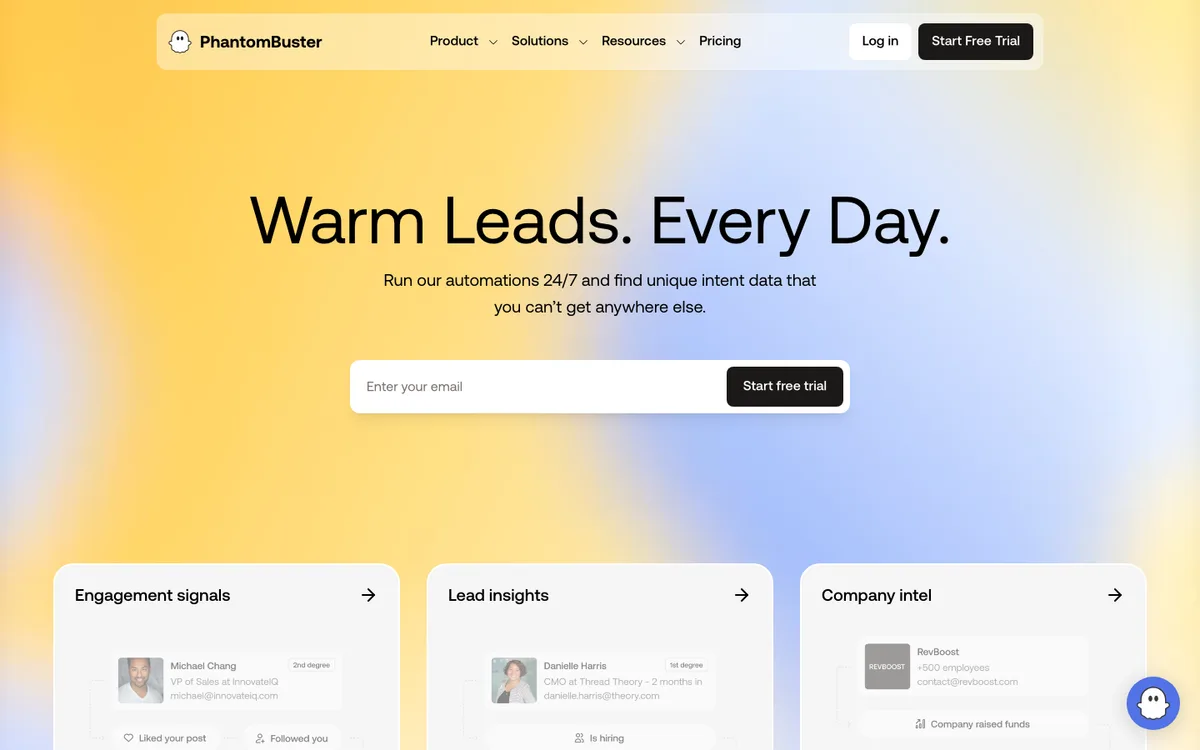 PhantomBuster sells data and intent signals, not outreach campaigns.
PhantomBuster isn't an outreach platform, and treating it like one is how people get burned. It's a workflow automation engine with 150+ pre-built "Phantoms" that extract data and automate actions across LinkedIn, Instagram, X, Facebook, and other platforms. Used as the data layer in front of a proper sender, it's excellent.
Here are the core capabilities that matter most:
- 150+ pre-built automations across platforms.
- LinkedIn scraping and enrichment at scale, priced by execution time rather than seats.
- API and integrations to pipe extracted data into CRMs and outreach tools.
- Free plan after the trial (30 minutes of execution/month) to keep small workflows alive.
What users report: solid scores on G2 (4.4) and Capterra (4.5), with a much weaker Trustpilot record citing unreliable executions and slow support. For LinkedIn specifically, its Phantoms simulate browser actions, which LinkedIn actively detects; multiple users report account flags after running LinkedIn scraping jobs. Extract carefully, and don't use it as your sender.
Pros
- Unmatched platform breadth for data extraction.
- Execution-time pricing suits ops teams running many small jobs.
- Strong API ecosystem; plays well with a separate outreach platform.
Cons
- Not an outreach tool; you still need a sender.
- LinkedIn detection risk on scraping Phantoms is real.
- Execution hours run out faster than you expect, and they don't roll over.
How much does PhantomBuster cost?
Priced per workspace by execution time and Phantom slots, not per user. Billed monthly, no minimum.
| Plan | Monthly | What you get |
|---|---|---|
| Starter | $69 | 5 slots, 20 h execution/mo, 500 email credits |
| Pro | $159 | 15 slots, 80 h execution/mo, 2,500 email credits |
| Team | $439 | 50 slots, 300 h execution/mo, shared team workspace |
Hidden costs: execution hours are the meter that actually bills you; heavy scraping burns through the Starter allowance quickly. It finds emails only, no phone numbers.
Cost at scale: pair Starter or Pro with an outreach platform. Extraction here, sending there (SmartReach.io covers the sending side and imports the data cleanly).
7. La Growth Machine: best for conditional multichannel workflows
- From
- $70/mo per identity
- Free trial
- 14-day, no card
- Best for
- European teams and agencies running complex conditional LinkedIn + email + calls workflows.
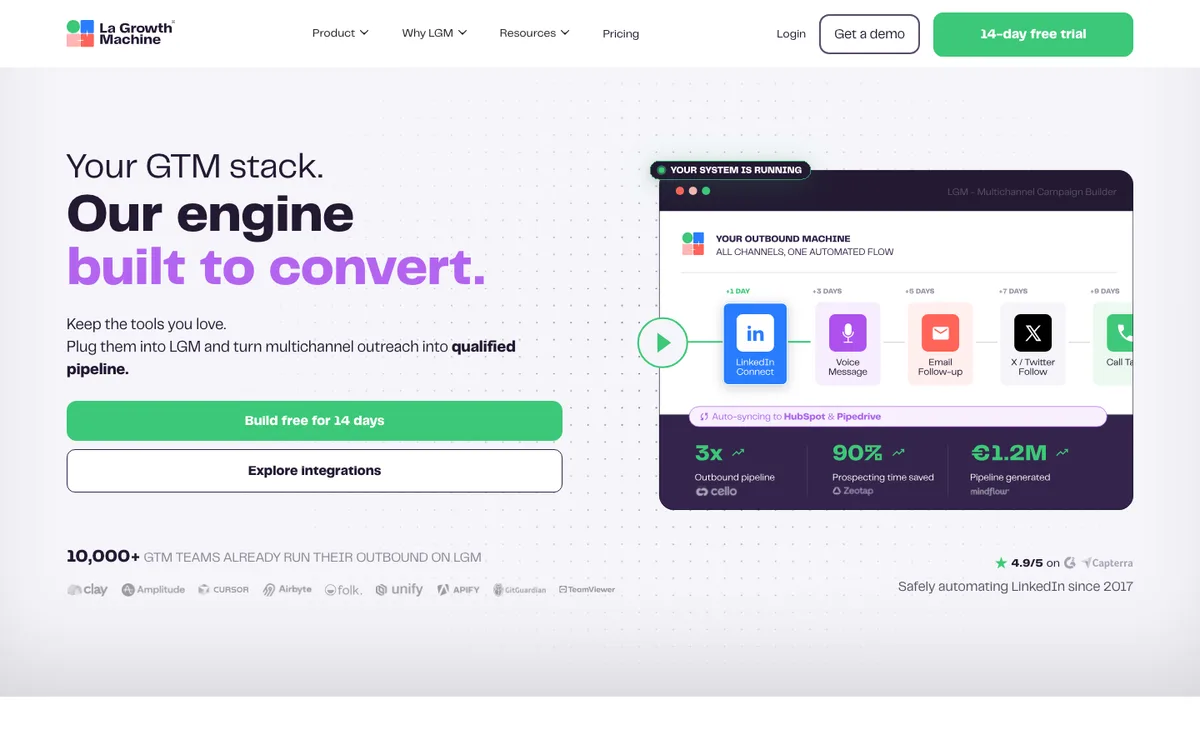 La Growth Machine's homepage: multichannel sequences as your outbound engine.
La Growth Machine (LGM) is the workflow specialist. Its visual builder handles logic like "if connected, send email; if no reply in 3 days, send LinkedIn voice message" without needing Zapier, and its enrichment fills missing contact data mid-sequence. Its 4.9/5 Capterra score is the best on this list.
Here are the core capabilities that matter most:
- Visual conditional sequences across LinkedIn, email, and calls (X on the top tier), branching on prospect behavior.
- Native enrichment that auto-completes emails and profile data as the sequence runs.
- LinkedIn voice messages and profile visits for warmer touches than a plain DM.
- Direct CRM sync with HubSpot and Pipedrive, no middleware.
What users report: well-regarded in the European outbound community, with praise for workflow depth and clean integrations. The recurring complaint is the per-identity pricing model, which stacks quickly across senders. Safety complaints are rarer than with extension tools, since LGM paces activity conservatively by default.
Pros
- The best conditional workflow logic in this comparison.
- Enrichment included, not an add-on.
- Cloud-based with conservative default pacing.
Cons
- Per-identity billing makes every extra sender a full subscription.
- Euro-native pricing; the USD list prices run higher than spot conversion.
- Best features (calls, X) sit on the higher tiers.
How much does La Growth Machine cost?
Billed per identity (one LinkedIn account plus its sending email). USD list prices shown; EUR runs €60/€120/€180 monthly.
| Plan | Monthly (per identity) | What you get |
|---|---|---|
| Basic | $70 | LinkedIn + email sequences, enrichment |
| Pro | $135 | Adds calls, inbox rotation, more team seats |
| Ultimate | $195 | Adds X, unlimited campaigns, dedicated manager |
Minimum commitment: the standard tiers start at one identity, but the Agency and Custom plans carry a 6-identity minimum, and Custom adds a 6-month term.
Hidden costs: enrichment beyond the plan quota is pay-per-use credits.
Cost at scale: 5 identities on Pro run $675/month billed monthly. Model your headcount before the workflow canvas seduces you.
8. Skylead: best for flat, all-inclusive pricing
- From
- $100/mo per user
- Free trial
- 7-day
- Best for
- Teams and agencies that want every feature at one predictable flat price.
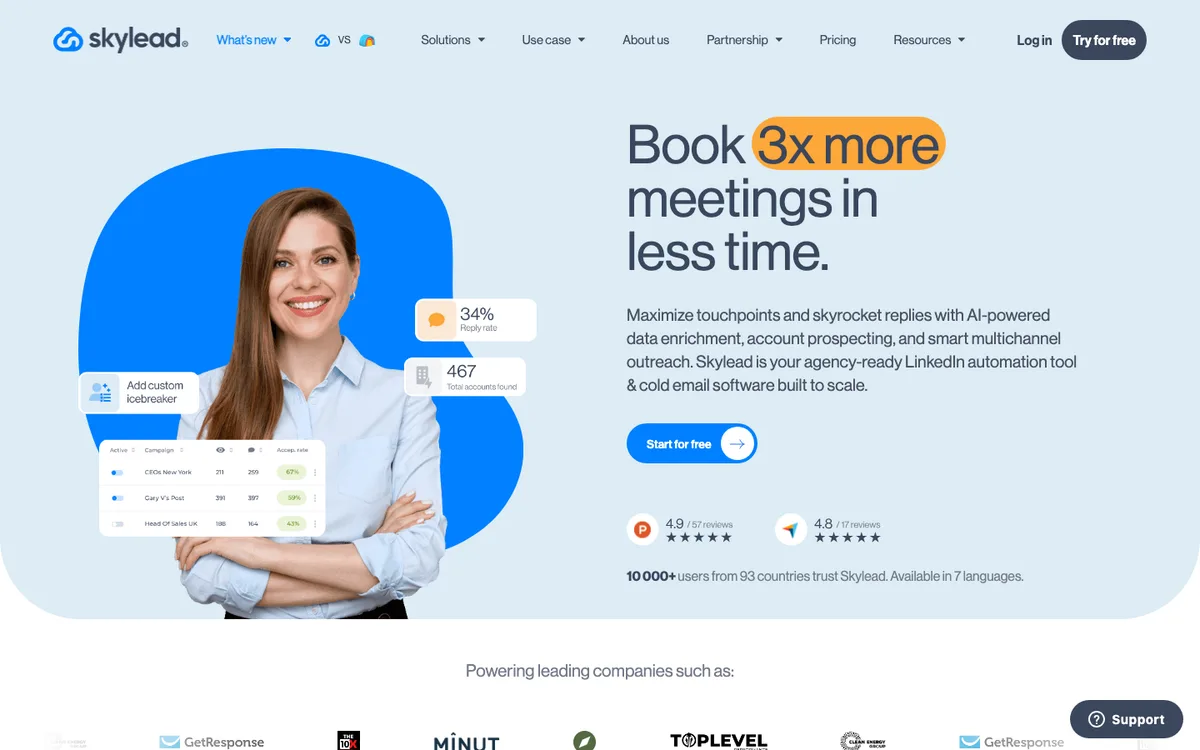 Skylead's homepage: LinkedIn plus cold email at one flat price per seat.
Skylead's pitch is the absence of a pricing page maze: $100 per user per month, everything included, no feature gating. That covers cloud-based LinkedIn automation with a dedicated IP, Smart Sequences with if/else branching, unlimited connected email accounts with free warm-up, and image/GIF personalization.
Here are the core capabilities that matter most:
- Smart Sequences: if/else workflows combining LinkedIn actions, email, and InMails.
- Unlimited email accounts + free warm-up, unusual at this price point.
- Email discovery and verification built in.
- Image and GIF personalization included rather than sold as an add-on.
What users report: a smaller community than Expandi or Dripify, which cuts both ways: fewer horror stories, less peer support. Users who follow the warm-up guidance report good account-safety outcomes. The main criticism is simply cost at headcount: $100 per user is easy math and not cheap math. One thing I couldn't verify: whether the trial requires a card (reports conflict, so assume it might).
Pros
- Genuinely all-inclusive flat pricing, no add-on math.
- Smart Sequences are close to LGM's logic depth at a lower per-sender price.
- Unlimited email accounts with warm-up included.
Cons
- $500/month for a team of five, before you've sent an email.
- Smaller support community than the big names.
- New AI add-ons (AI SDR, data enrichment) are priced separately.
How much does Skylead cost?
Per user (one seat = one LinkedIn account), billed monthly, no minimum.
| Plan | Monthly | What you get |
|---|---|---|
| All-in-one | $100/user | Everything: LinkedIn + email, Smart Sequences, warm-up |
| White label | Custom | Skylead under your own brand, dedicated manager |
Hidden costs: the new AI SDR and AI data enrichment add-ons sit outside the flat price; budget for them if you want them.
Cost at scale: 10 seats run a flat $1,000/month. Simple, predictable, and worth comparing directly against HeyReach Agency ($999 for 25 senders) if pure volume is your goal.
9. Kaspr: best for LinkedIn prospecting data, not sending
- From
- Free, then $65/mo per user
- Free trial
- Free plan, no card
- Best for
- SDRs building verified contact lists from LinkedIn before running outreach elsewhere.
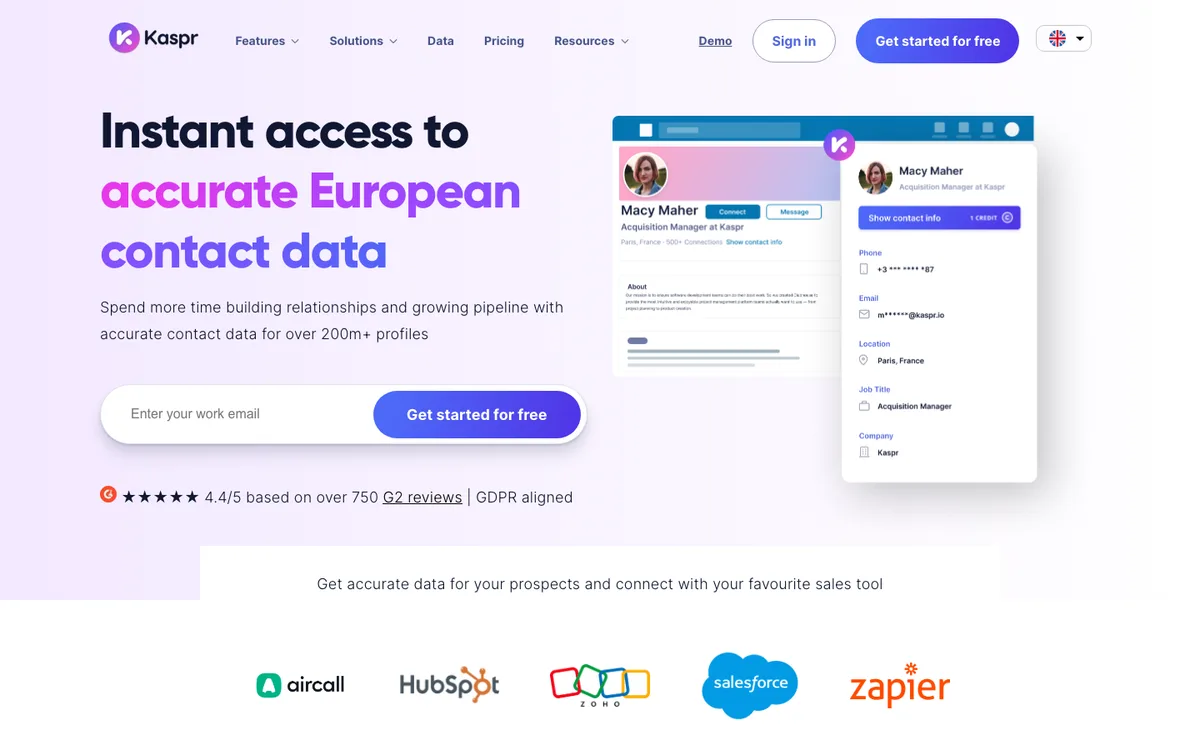 Kaspr's homepage: contact data from LinkedIn profiles, the layer before outreach.
Kaspr is different from every other tool here: it doesn't automate outreach at all. It's a Chrome extension that pulls verified emails and phone numbers from LinkedIn profiles, the layer that comes before outreach. It earns its place because the prospecting gap is one of the first things teams hit when leaving HeyReach, which assumes you already have a list.
Here are the core capabilities that matter most:
- One-click contact reveal on LinkedIn profiles, with Sales Navigator and Recruiter Lite compatibility on paid tiers.
- A claimed 500M+ database of phone numbers and emails, GDPR and CCPA aligned.
- Bulk enrichment for existing lead lists, plus HubSpot, Salesforce, and Pipedrive integrations.
- Unlimited B2B email reveals even on the free plan (a recent change; older reviews still cite 15/month).
What users report: a solid 4.4/5 on G2, with praise for email accuracy and the LinkedIn-native workflow. The recurring complaint is the credit system: phone credits run out fast on lower tiers, and monthly caps bottleneck high-volume teams. (Its Capterra listing has too few reviews to mean anything, so I'm not quoting it.)
Pros
- Free plan with unlimited B2B email reveals, a real working tier.
- Accurate business email data with a clean LinkedIn workflow.
- GDPR/CCPA alignment matters if you sell into Europe.
Cons
- Does no outreach; you need a sending platform on top.
- Phone credits are the real constraint on cheaper tiers.
- Per-user pricing for what is essentially a data faucet.
How much does Kaspr cost?
Per user, billed monthly, no minimum. USD list prices shown (Kaspr is euro-native: Starter €59, Business €99 monthly).
| Plan | Monthly | What you get |
|---|---|---|
| Free | $0 | 5 phone + 5 direct email credits/mo, unlimited B2B emails |
| Starter | $65 | 100 phone credits/mo, Sales Navigator support |
| Business | $99 | 200 phone + 200 email credits/mo, full API |
| Enterprise | Custom | Unlimited credits, SSO, intent data |
Hidden costs: add-on credits are purchasable but stack up; heavy phone-number users often end up on Business sooner than planned.
Cost at scale: pair a Kaspr tier with your outreach platform, or use SmartReach.io's ProspectDaddy (free with the subscription) and skip the extra line item if business emails are what you mainly need.
HeyReach vs SmartReach.io vs Expandi: head-to-head
Narrowed down to the serious multi-account picks? These three come up most. Here's how they line up on the things that decide it.
| HeyReach | SmartReach.io | Expandi | |
|---|---|---|---|
| Best for | Agencies, 25+ senders | Multichannel teams and agencies | Safest pure LinkedIn |
| Architecture | Cloud, dedicated IP | Cloud + extension, per-campaign modes | Cloud, dedicated IP |
| Channels | LinkedIn (+ newer email) | LinkedIn + email + calls + WhatsApp | LinkedIn (+ email) |
| Pricing model | Per sender / flat tiers | By active prospects; $29/account automation add-on (Plus and up) | Per LinkedIn account |
| Starting price | $79/sender/mo | $39/mo | $99/account/mo |
| Prospecting data | Enrichment credits | ProspectDaddy + B2B lead finder included | None native |
| Free trial | 14-day, no card | 14-day, no card | 7-day, card required |
| G2 rating | 4.6 | 4.6 | 4.2 |
The short version: stay on HeyReach if you're an agency running 25+ LinkedIn-only senders and the unified inbox is your whole workflow. Pick Expandi if you're LinkedIn-only and safety architecture is everything. Pick SmartReach.io if you want LinkedIn plus email in one sequence, with prospecting included and automation priced per account instead of per seat.
How to choose the right HeyReach alternative
Four honest questions get you to the answer faster than any feature grid.
1. How much LinkedIn risk can you carry? If a restriction on your profile would be an annoyance, an extension tool like Waalaxy is a fine cheap start. If that profile is how you earn a living, choose cloud architecture (Expandi, Skylead, SmartReach.io) or a human-reviewed mode where every action gets approved before it fires. And whichever you pick, respect the ramp: 3-4 connection requests a day at the start, 12-15 a day at maturity. LinkedIn's own User Agreement prohibits unapproved automation, so every tool here operates in a gray zone; the ramp is what keeps you out of the detection net.
2. Do you have a list, or do you need one? HeyReach assumes you arrive with data. If you don't, buy the layer: Kaspr for phone-heavy prospecting, or a platform with prospecting built in (ProspectDaddy plus the B2B lead finder on SmartReach.io). Sending automation pointed at a bad list just gets you to "no" faster. My LinkedIn prospecting strategies guide covers building that list properly.
3. Is LinkedIn actually enough? Watch your own funnel: if connections accept and then go cold after the first message, you don't need a better LinkedIn tool, you need a second channel. A coordinated LinkedIn + email sequence, where a reply on either channel pauses the other, consistently outperforms either channel alone in B2B (SmartReach's State of LinkedIn Outreach data measured the reply lift at 1.6x). That's the moment to move from a specialist to a platform.
4. What does the price look like at your real size? Per-sender and per-identity models (HeyReach, Expandi, LGM) punish growth; flat models (Skylead) and prospect-based models (SmartReach.io) get cheaper per head as you scale. Picture Alex, a sales director scaling from 5 to 12 SDRs: on per-identity pricing that growth more than doubles the bill, while on prospect-based pricing it's the same plan with add-ons only for the accounts that need full automation. Model your team six months out, not today, and include the add-ons in the math.
The bottom line
Most teams outgrow LinkedIn-only tools faster than they expect. Account-safety ceilings, sender-based pricing, and single-channel dependency all push in the same direction: toward either a cheap focused specialist (Waalaxy, Dripify) or a platform that runs LinkedIn and email together.
SmartReach.io covers the platform path: full automation and Co-pilot mode for LinkedIn, ProspectDaddy for prospecting, deliverability tooling for the email leg, and a $29 per account add-on with transparent pricing instead of a per-seat tax. If you're leaving HeyReach because the pricing stopped making sense, that math is worth five minutes of your time.
Frequently asked questions
What is the best HeyReach alternative for LinkedIn outreach?
SmartReach.io is the strongest all-around HeyReach alternative because it runs both full LinkedIn automation and a safer semi-automated Co-pilot mode, includes ProspectDaddy for LinkedIn prospecting, and adds email, calls, and WhatsApp in the same sequence.
Expandi is the best pick for pure LinkedIn automation, Waalaxy is the best free entry point, and Skylead suits teams that want flat all-inclusive pricing.
Why are teams switching away from HeyReach?
Four themes come up across G2, Trustpilot, and Reddit: per-sender pricing that compounds at $79/month per LinkedIn account, a mid-2026 restructure that halved the Agency plan's included senders from 50 to 25 and raised the Unlimited plan from $1,999 to $2,999/month, reliability complaints like campaigns stopping mid-run, and the lack of a native email channel.
How much does HeyReach cost compared to alternatives?
HeyReach starts at $79/month per LinkedIn sender, with the Agency plan at $999/month for 25 senders and Unlimited at $2,999/month.
Most alternatives cost less to start: SmartReach.io from $39/month (full LinkedIn automation is a $29 per account add-on on Plus plans and above), Waalaxy from €19/month with a free tier, and Skylead at a flat $100/user/month.
Is HeyReach safe for LinkedIn automation in 2026?
HeyReach has real safety features, being cloud-based with dedicated IPs and human-like pacing, but no LinkedIn automation tool is risk-free and any vendor claiming otherwise is overselling. LinkedIn tightened detection in 2026, and users of every tool report occasional warnings and restrictions. Whatever you use, start at 3 to 4 connection requests a day per account and scale gradually from there.
How many LinkedIn connection requests can I send per day safely?
Start with 3-4 per day per account and scale gradually over 4-6 weeks. A realistic safe maximum is 12-15 per day per account for established, warmed-up accounts. LinkedIn's stated limit of around 100 per week is not a safe target, accounts sending near that limit frequently end up under scrutiny.
What is the cheapest HeyReach alternative?
Waalaxy is the cheapest HeyReach alternative on this list, with a genuine free tier plus paid plans from €19/month. SmartReach.io starts at $39/month and adds email, calls, and WhatsApp to LinkedIn in the same sequence. If you only need prospecting data rather than automation, Kaspr's free plan includes limited monthly credits.
Which HeyReach alternative is best for agencies managing multiple LinkedIn accounts?
Expandi and Skylead are strong for pure LinkedIn account management. For agencies that run multichannel campaigns across email and LinkedIn, SmartReach.io's Scale plan covers up to 100 LinkedIn accounts with unlimited users and a shared inbox, and full automation is a transparent $29 per account add-on. La Growth Machine fits agencies that need complex conditional workflows.
Are the prices and ratings in this guide verified?
Yes. Every price was checked against the vendor's live pricing page on July 30, 2026, and ratings were cross-checked against G2 and Capterra product data the same week. Prices change often (HeyReach restructured its plans in mid-2026), so confirm on each vendor's page before you buy.
Stop juggling tools
Book more meetings on every channel
Join 5,000+ teams running multichannel outreach from one sequence, with deliverability built in.