What’s the Best Business Phone System for Small Businesses?

If you’ve spent any time shopping for a business phone system lately, you already know the drill. Every vendor claims to be the top pick. Every pricing page hides something.
And every “starting from $19/user” turns into $60/user once you add the features you actually need.
Small business owners, sales teams, and remote-first companies all run into the same wall: the phone system either costs too much per seat, drops too many calls, or refuses to talk to the CRM they already pay for.
This guide cuts through that. We’ll go through the 12 best business phone systems, what each one does well, what it doesn’t, and what each one actually costs for a 10-person team not just the marketing-page starting price.
TL;DR: Our top picks at a glance
If you’re in a hurry:
- Best overall for small businesses: dialnote, unlimited seats, AI voice agents, flat pricing
- Best for mid-market teams: RingCentral
- Best for solo founders: OpenPhone (now Quo)
- Best for sales-heavy teams: Aircall
- Best for customer support: Nextiva
Now let’s get into the details.
Why your phone system is doing more work than you think
A few years ago, “business phone system” meant a desk phone and a voicemail box. That’s not the job anymore.
Today, your phone system is where deals start, where customers vent, where remote teammates check in, and where AI quietly takes notes so nobody has to type.
It sits between your sales team, your support team, and every customer who picks up the phone. When it breaks, a lot of other things break with it.
A few real things have changed:
- Remote teams need a phone that works from anywhere, not just the office
- Buyers expect a response in minutes, not days, and missed calls are silent revenue loss
- AI is now sitting in on calls, summarizing, transcribing, even answering when nobody else can
- Most teams already pay for a CRM, and they need their phone system to actually talk to it
If your current setup can’t keep up with all of that, you’re paying for a glorified landline.
What to look for in a business phone system
Before we get to the list, here’s a short checklist of what actually matters when comparing tools:
- Pricing model. Per-seat pricing punishes you for hiring. Flat or unlimited-seat pricing rewards you for growing.
- Unlimited calling claims. Probably the biggest gotcha in this category, more on this in a second.
- AI features. Call summaries, AI voice agents, transcription, and after-call CRM logging are becoming standard, not a luxury.
- CRM integrations. If it doesn’t connect to HubSpot, Salesforce, Pipedrive, or your stack of choice, it’ll create more work, not less.
- Call quality and uptime. Look for a documented 99.99% uptime SLA. Anything less is a problem at scale.
- Mobile and desktop apps. Your team isn’t always at a desk. The mobile app needs to be more than an afterthought.
- Setup time. Some tools take 20 minutes. Others take three weeks and a consultant.
- Customer support. Read the reviews. Slow support during a phone outage is its own kind of disaster.
- International calling. If you sell across borders, per-minute rates add up fast.
Quick comparison
| Tool | Pricing Model | Starting Price | Cost for a 10-User Team / Year | AI Features | Best For |
| dialnote | Flat, unlimited seats | $49/mo flat | ~$588–$1,188 | AI voice agents, AI call handling, transcription, summaries | Small businesses & growing teams |
| RingCentral | Per-seat | $20/user/mo (annual) | ~$3,000 (Advanced) | Call summaries, transcription | Mid-market teams |
| Nextiva | Per-seat | $15/user/mo (annual) | ~$3,000 (Engage) | AI assistants, sentiment analysis | Customer support teams |
| Dialpad | Per-seat | $15/user/mo (annual) | ~$3,000 (Pro) | Native AI on calls, real-time coaching | AI-first sales teams |
| OpenPhone (Quo) | Per-seat | $15/user/mo | ~$2,760 (Business) | Basic AI summaries | Solo founders & tiny teams |
| Aircall | Per-seat (3-user min) | $30/user/mo (annual) | ~$3,600 (Essentials) | Call transcription, AI summaries | Sales teams on HubSpot/Salesforce |
| Zoom Phone | Per-seat | $10/user/mo (metered) | ~$1,800 (Unlimited) | Summaries via Zoom AI | Teams already on Zoom |
| 8×8 | Per-seat | $24/user/mo | ~$2,880 (X2) | Speech analytics | Global teams |
| GoTo Connect | Per-seat | ~$27/user/mo | ~$3,240 | Limited AI features | Unified communications |
| Grasshopper | Flat, capped extensions | $18/mo flat | ~$960 (Partner plan) | None native | Virtual numbers for tiny teams |
| Vonage Business | Per-seat | $19.99/user/mo | ~$2,400 (Mobile) | AI add-ons available | Developer customization |
| Ooma Office | Per-seat | $19.95/user/mo | ~$2,394 (Essentials) | Basic AI on higher tiers | Budget-conscious teams |
Prices reflect annual billing on entry or mid plans. Most teams end up on a higher tier once they add AI features and integrations, actual bills usually land 20-40% higher than the numbers above.
Now let’s get into each one.
The 12 best business phone systems
1. dialnote | Best overall for small businesses
Best for: Small businesses, startups, agencies, and growing teams tired of being charged per seat.
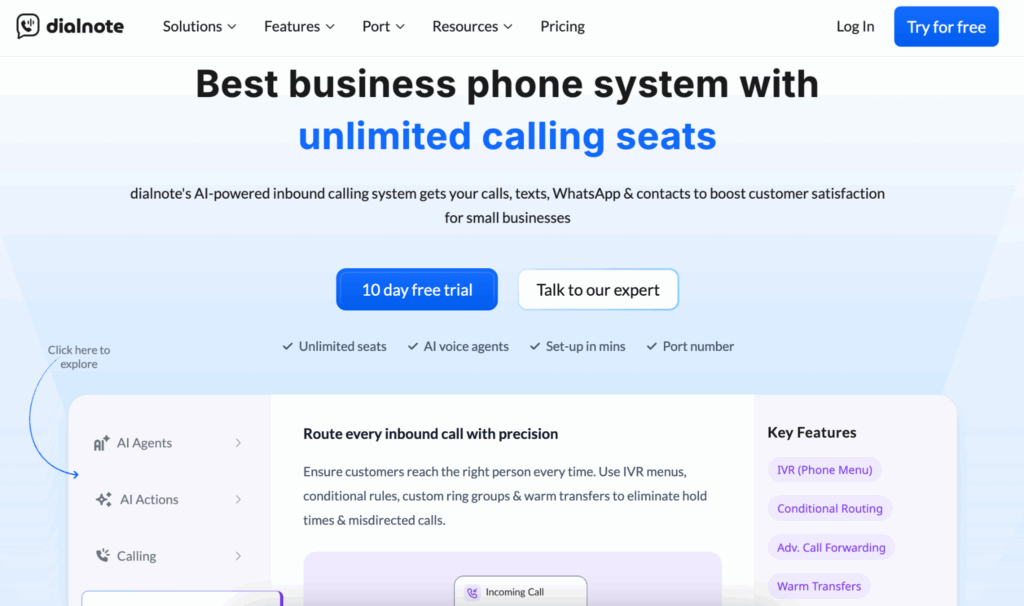
dialnote sits at the top of this list for one main reason: it doesn’t penalize you for hiring. While most business phone systems charge $20 to $50 per user per month, dialnote runs on a flat plan with unlimited seats and the bill stays the same whether you have 5 people or 50.
Beyond pricing, it’s built around how teams actually use the phone. AI voice agents pick up calls when your team can’t including after hours and during busy stretches so you stop bleeding revenue on missed calls.
AI call handling takes care of routing, transcription, and CRM updates automatically, so nobody is typing notes at 7pm. The shared inbox, internal threads, and warm transfers keep remote teams aligned without bouncing between three apps.
dialnote’s 3 team plans (billed monthly):
| Plan | Price | Phone Numbers | Included Minutes | AI Voice Agents | Best For |
| Team | $49/mo flat | 2 | 700/mo | 1 | Growing teams just getting started |
| Business | $99/mo flat | 3 | 1,400/mo | 5 | Scaling businesses that need more AI |
| Pro | $199/mo flat | 5 | 2,800/mo | 10 | Larger teams and call-heavy operations |
Every team plan includes unlimited seats, automatic call recording, free number porting, CRM integrations, and a 15% wallet credit each cycle to cover international calls and overages. Annual billing knocks 20% off all plans.
Also: a Solo plan for one-person operations. $19/month for 1 user, 1 phone number, 250 included minutes, and manual call recording. It’s the cleanest entry point for freelancers, consultants, and solo founders who just need a professional business line without the team features.
Standout features:
- Unlimited seats on a flat plan ($49–$199/month for the whole team)
- AI voice agents that handle calls 24/7
- AI call handling, transcription, and post-call summaries on every plan
- Native CRM integrations (HubSpot, Pipedrive, Zoho, Shopify)
- Zapier, n8n, Make, Slack, WhatsApp, and Calendly integrations
- Shared inbox, internal threads, and warm transfers for remote teams
- Local numbers in 200+ countries, including India
- Setup in under 30 minutes
Cost for a 10-user team: Around $588–$1,188/year total (not per user). A 10-person team on the $49 plan pays the same as a 1-person team. A 50-person team on the $99 plan still pays $99/month.
Limits: Published openly on the pricing page, 700/1,400/2,800 included minutes per plan (Team/Business/Pro), 250 minutes on Solo. Overages draw from your wallet credit at a clear per-minute rate. Full terms at dialnote.com/fair-use-policy. No surprise caps.
Pros:
- Predictable pricing no matter how fast you grow
- AI voice agents and AI call handling on the base plan, not as a $60/user add-on
- Local numbers in 200+ countries
- Fast onboarding with no consultant required
- Built by the SmartReach.io team, so it works well alongside sales outreach workflows
Cons:
- Newer brand than the incumbents
- Fewer enterprise-grade reporting features than RingCentral
- Some integrations still being added
Verdict: If you’re a small business or growing team and you don’t want to be punished for adding people, dialnote is the easiest pick. The math becomes obvious the moment you hit five users.
2. RingCentral | Best for mid-market teams
Best for: Teams that have outgrown small-business tools and need a deep feature set with strong enterprise reporting.
RingCentral is the safe, established choice. It’s been around long enough to have ironed out most of the wrinkles, with a 99.999% uptime claim, 330+ integrations, and a feature list that covers almost every edge case.
Three plans cover most use cases: Core ($20/user/month annual), Advanced ($25), and Ultra ($35). The catch: it’s priced for companies that can absorb $25–$45 per seat without flinching, and most of the features people actually want, CRM integrations, automatic call recording, advanced analytics, sit on the Advanced plan or higher.
A few real frustrations show up in reviews. SMS is capped at 25–200 messages per user per month depending on plan, with overages billed separately. AI features like RingSense for conversation intelligence start at $60/user/month as a separate add-on.
The interface can feel heavy after a few months, and support response times are a common complaint.
Standout features:
- Phone, video, and messaging in one app
- 330+ integrations, including deep Salesforce, HubSpot, and Zendesk
- Strong enterprise reporting and admin controls
- Global calling in 100+ countries
- 99.999% uptime SLA
Cost for a 10-user team: Around $3,000/year on the Advanced plan ($25/user/month annual). Move to Ultra and that climbs to $4,200/year. Add RingSense AI and it crosses $10,000/year.
Limits: RingCentral’s Acceptable Use Policy explicitly states that “all unlimited plans are subject to fair usage.” SMS is hard-capped at 25 (Core), 100 (Advanced), or 200 (Ultra) messages per user per month, with $0.0085/message overages. Toll-free minutes are capped at 100, 1,000, or 10,000 per account, depending on plan.
Pros:
- Reliable and full-featured
- Strong international support
- Mature integrations
Cons:
- Expensive at scale
- SMS limits feel arbitrary
- AI features cost extra
- Interface can feel cluttered
- Setup takes longer than newer tools
Verdict: Great if you have the budget and a 50+ person team. For most small businesses under 20 people, it’s overkill and overpriced.
3. Nextiva | Best for customer support teams
Best for: Teams handling high call volume, complex customer relationships, and omnichannel support.
Nextiva has built a strong reputation among support-heavy teams. Its strength is in workflow tools, call queues, IVR routing, and sentiment analysis that flags unhappy customers in real time.
Three small-business tiers cover most setups: Core ($15/user/month annual, $23 monthly), Engage ($25 annual, $50 monthly), and Power Suite CX ($75/user/month). The Engage plan is where most teams land once they want call recording, advanced reporting, and the AI tools that actually move the needle.
The price tag tells half the story. Nextiva’s AI add-on plan starts at $99/month on top of per-seat pricing, regulatory recovery fees add about $3.50 per line, and the Core plan doesn’t include call recording, which most growing teams want from day one. The mobile app gets mixed reviews, and contract renewals catch some teams off guard.
Standout features:
- Built-in CRM and contact management
- AI-driven sentiment analysis and call analytics
- Strong reporting and call queue management
- Video meetings for up to 250 participants
- 24/7 support
Cost for a 10-user team: Around $3,000/year on the Engage plan ($25/user/month annual). Add the AI plan and regulatory fees and the real number is closer to $4,500/year.
Limits: “Unlimited” US/Canada calling is subject to fair use. SMS caps: 100/user/month (Core), 250 (Engage), unlimited only on Power Suite. Toll-free minutes capped at 2,000 (Engage) or 10,000 (Power Suite), with 2.5¢/min overage after that.
Pros:
- Reliable call quality
- Good for service teams handling high call volume
- Solid built-in CRM saves you a separate tool
Cons:
- AI is a separate add-on starting at $99/month
- Mobile app is hit or miss
- Regulatory recovery fees add up
- Per-user pricing scales poorly past 20 seats
Verdict: Worth considering if customer support is your main use case and you can absorb the Engage tier. Below 5 users, the math doesn’t work out.
4. Dialpad | Best for AI-first sales teams
Best for: Sales teams that live inside their phone system and want AI baked into every call.
Dialpad was one of the first to build AI directly into the calling experience, and it shows. Real-time coaching cards pop up during a call when a rep needs them. Live transcription runs throughout.
Post-call summaries are written before the rep hangs up. Two plans cover most use cases: Standard ($15/user/month annual) and Pro ($25/user/month annual), with Enterprise reserved for teams of 100+.
The catch is Dialpad’s product split. Dialpad Connect (the core business phone) is one product. Dialpad Support (the contact center) is a separate product starting at $80/user/month. AI Agents for automated inbound handling uses a credit-based pricing model with no published per-conversation rate.
Teams that want the full “AI-first” experience often end up paying for two or three stacked products. Also worth knowing: the Standard plan doesn’t include CRM integrations or phone support, so most growing teams jump straight to Pro.
Standout features:
- Real-time AI coaching cards during live calls
- Live transcription on every call
- Sentiment tracking and call summaries on every plan
- Native Salesforce, HubSpot, and Zendesk integrations (Pro and up)
- Clean, modern interface
Cost for a 10-user team: Around $3,000/year on the Pro plan ($25/user/month annual). Add the AI Sales add-ons and it can climb past $7,000/year.
Limits: Outbound SMS capped at 250/user/month with $0.008/message overage. The “Global Unlimited Calling” add-on caps at 8,000 minutes per license per month; after that, calls bill from your Calling Credits balance. Confirmed in Dialpad’s own help docs.
Pros:
- AI features feel mature and useful, not gimmicky
- Clean, modern interface
- Real-time coaching is genuinely helpful for sales teams
Cons:
- Standard plan is too stripped down for most teams
- Three-user minimum on Pro
- Contact center is a separate product
- Some users report voice latency and transcription lag
Verdict: A strong fit for sales teams that want AI built into the call, not bolted on as long as the Pro plan fits the budget.
5. OpenPhone (now Quo) | Best for solo founders and small teams
Best for: Solopreneurs, freelancers, and 2–5 person teams that want a modern, clean phone system without enterprise complexity.
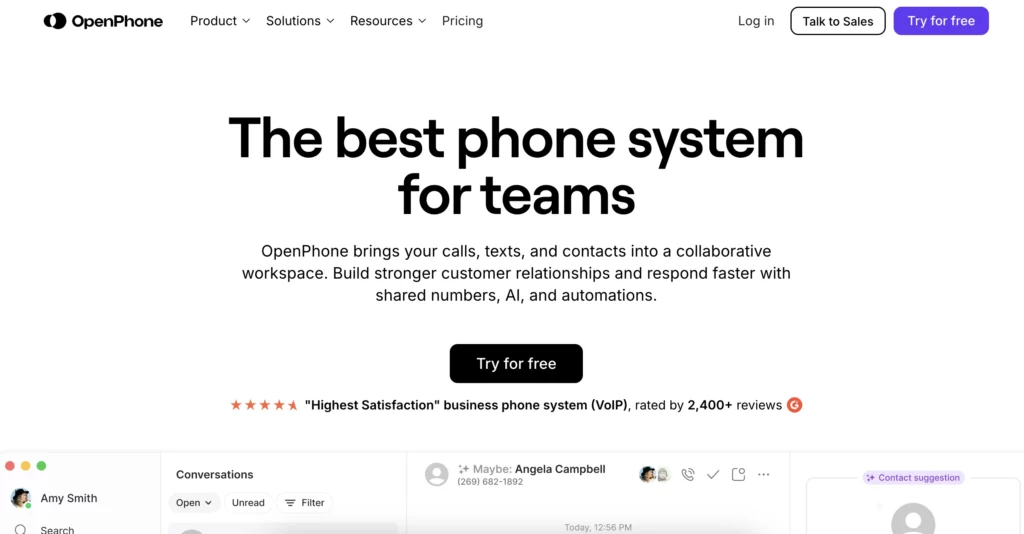
OpenPhone rebranded to Quo in late 2025 after raising $105M, but the product is the same: a mobile-first business phone with shared numbers, threaded conversations, and a clean interface that feels more like a messaging app than a phone system.
Three plans cover the range: Starter ($15/user/month), Business ($23/user/month), and Scale ($35/user/month). The Business plan is where most teams land once they want HubSpot and Salesforce integrations and call transfers.
What sets it apart is the experience. The mobile app gets consistently strong reviews. Shared phone numbers let multiple people answer the same line without confusion. Internal threads keep team conversations tied to customer history.
The Sona AI agent handles after-hours calls on higher tiers. It’s not the most feature-dense option on this list, but for the right team size, it’s one of the most pleasant to use.
Standout features:
- Shared phone numbers with thread-style inbox
- Internal team threads tied to customer conversations
- Voicemail transcription and AI call summaries
- HubSpot, Salesforce, and Slack integrations on Business plan
- Free number porting
Cost for a 10-user team: Around $2,760/year on the Business plan ($23/user/month). On Starter, it’s $1,800/year, but you lose CRM integrations and call transfers.
Limits: Has a published Fair Use Policy. “Unlimited” calling and texting to US/Canada is explicitly “subject to our Fair Usage Policy,” with reports suggesting around 1,000 minutes and 3,000 messages per user per month as soft limits before review. Worth reading their fair use page before high-volume use.
Pros:
- Easy to set up, under 30 minutes
- Genuinely good mobile app
- Clean, modern interface
- Affordable for tiny teams
Cons:
- Per-seat pricing adds up past 10 people
- No native video calling
- Lighter on advanced features than enterprise tools
- No HIPAA compliance on standard tiers
Verdict: Perfect for very small teams that value simplicity. You’ll outgrow it once headcount crosses 15–20.
6. Aircall | Best for sales teams on HubSpot or Salesforce
Best for: Sales and support teams that already live in HubSpot or Salesforce and want a phone that disappears into the workflow.
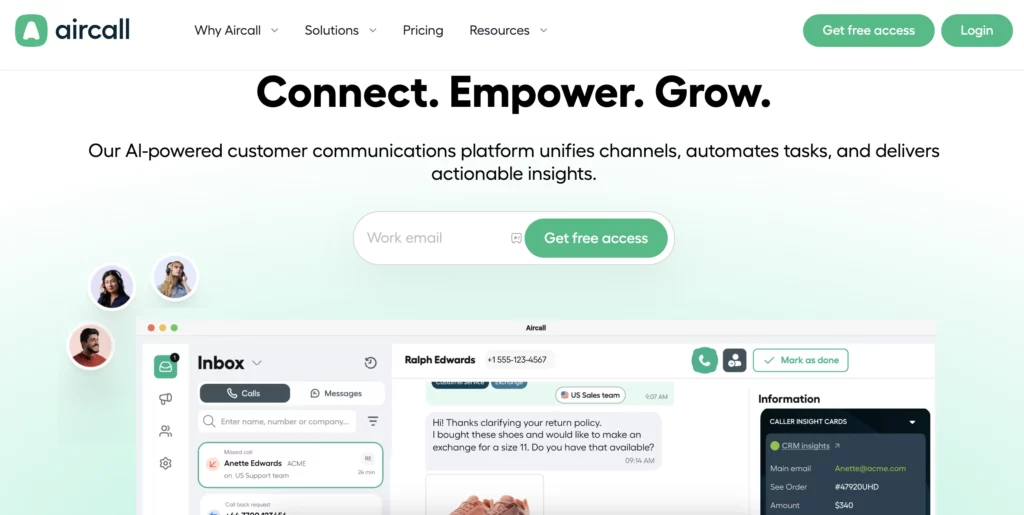
Aircall is built for tight CRM connections. If your team logs every call into HubSpot or Salesforce, Aircall makes that loop almost invisible, calls auto-log, dispositions sync, and follow-ups trigger automatically.
Two main plans: Essentials ($30/user/month annual, three-user minimum) and Professional ($50/user/month annual). That three-user minimum means even a tiny team is paying at least $90/month to get started.
Aircall sits at the higher end of this list on price, and the AI features that compete with Dialpad cost extra, AI Conversational Intelligence is $9/user/month, Analytics+ is $15/user/month. Call quality is generally solid but some users report dropped calls and echo, especially when scaling beyond 20 seats.
The brand is well-recognized, the integrations are deep, and the platform feels mature, but you pay for it.
Standout features:
- Deep CRM integration with HubSpot, Salesforce, and Zendesk
- Power dialer, voicemail drop, and call monitoring (listen, whisper, barge)
- Call tagging and disposition workflows
- 100+ integrations
- Strong analytics on the Professional plan
Cost for a 10-user team: Around $3,600/year on the Essentials plan. On Professional with AI add-ons, it climbs to $7,000+/year.
Limits: Aircall’s Permissible Use Policy reserves the right to impose limits on any “unlimited” usage. Outbound SMS is capped at around 4,000 segments per user/month with overage charges after. Unlimited international calling only on the Custom plan (25-user minimum), and country bundles still apply.
Pros:
- CRM workflow feels native
- Strong call center features for sales teams
- Recognized brand
Cons:
- Three-user minimum hurts small teams
- Expensive at $30/user and up
- AI features locked to paid add-ons
- Some users report dropped calls at scale
Verdict: Great for established sales teams on HubSpot or Salesforce that can absorb the price. Painful for tiny teams.
7. Zoom Phone | Best if you already live in Zoom
Best for: Teams that already use Zoom for everything else and want to add calling without adding another vendor.
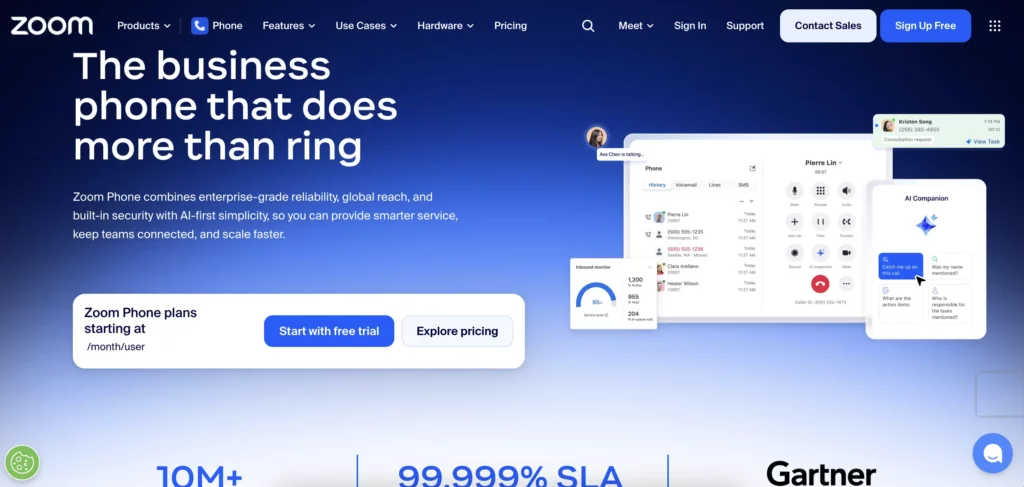
If your team already runs on Zoom, Zoom Phone is the path of least resistance. Same login, same app, same admin panel. Two main plans: US & Canada Metered ($10/user/month, pay per minute) and US & Canada Unlimited ($15/user/month).
It’s one of the most affordable options on this list, and the integration with Zoom Meetings is genuinely useful, you can escalate a phone call into a video meeting with one click.
The trade-off is that Zoom Phone is best when paired with the rest of Zoom Workplace. Standalone, it feels lighter than RingCentral or Nextiva. Call routing is solid but less customizable.
SMS is paid as an add-on. AI Companion summaries are useful but less mature than what Dialpad offers. For teams that aren’t already Zoom-heavy, the cost savings don’t always justify the more limited feature set.
Standout features:
- Tight integration with Zoom Meetings
- AI Companion call summaries
- Affordable starting price
- Available in 45+ countries
- Strong mobile and desktop apps
Cost for a 10-user team: Around $1,800/year on the Unlimited plan ($15/user/month). The Business Plus bundle with Zoom Workplace is $22.49/user/month.
Limits: Unlimited domestic calling plans are subject to Zoom’s acceptable use terms. Minute caps aren’t always published; high-volume teams should confirm specifics with sales before signing.
Pros:
- Easy adoption for Zoom-heavy teams
- Affordable starting price
- Good video escalation workflow
Cons:
- Limited if you don’t use the rest of Zoom
- SMS is a paid add-on
- Some advanced features need higher tiers
- Shared numbers capped at 10 team members
Verdict: Solid choice for Zoom-first companies. Less compelling for everyone else.
8. 8×8 | Best for global teams
Best for: Teams with international offices or international customers who need unlimited calling across borders.
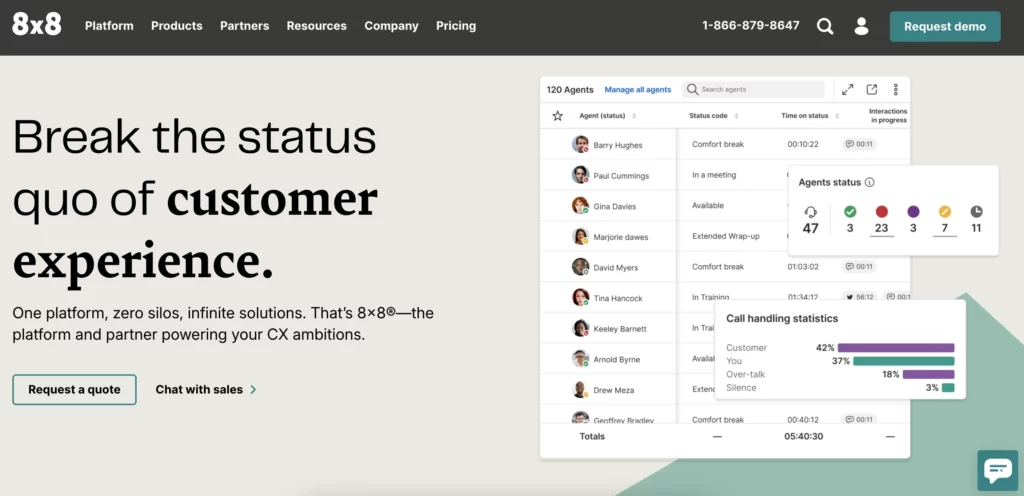
8×8 is built for global communication. Its standout feature is unlimited calling to 14–48 countries depending on the plan, which is a serious money-saver for teams that would otherwise rack up per-minute charges.
The X2 plan starts at $24/user/month and is the entry point for most teams. Higher tiers (X4, X6) include contact center features for support-heavy organizations.
The platform is reliable, with a 99.999% uptime claim, and the analytics are strong. But the interface feels dated compared to newer tools, setup is heavier (often requiring IT involvement), and pricing isn’t always transparent, 8×8 has shifted toward custom-quote pricing for many plans. HIPAA compliance is limited to premium tiers, which matters for healthcare teams.
Standout features:
- Unlimited international calling to 14–48 countries
- 99.999% uptime SLA
- Strong analytics and reporting
- Contact center features on higher tiers
- Video meetings up to 500 participants
Cost for a 10-user team: Around $2,880/year on the X2 plan. Higher tiers (X4) push toward $5,000+/year.
Limits: “Unlimited” international calling to 14-48 countries is governed by 8×8’s fair use policy. The unlimited claim covers normal business use; heavy outbound campaigns should check the fair use terms for soft caps.
Pros:
- Global calling without per-minute surprises
- Reliable infrastructure
- Strong for international support teams
Cons:
- Interface feels dated
- Setup is heavier than newer tools
- Pricing transparency has decreased
- HIPAA only on premium tiers
Verdict: Worth a look if you sell across borders. Less compelling if you’re US-only.
9. GoTo Connect | Best for unified communications
Best for: Teams that want phone, video, and messaging in one tool with strong admin controls.
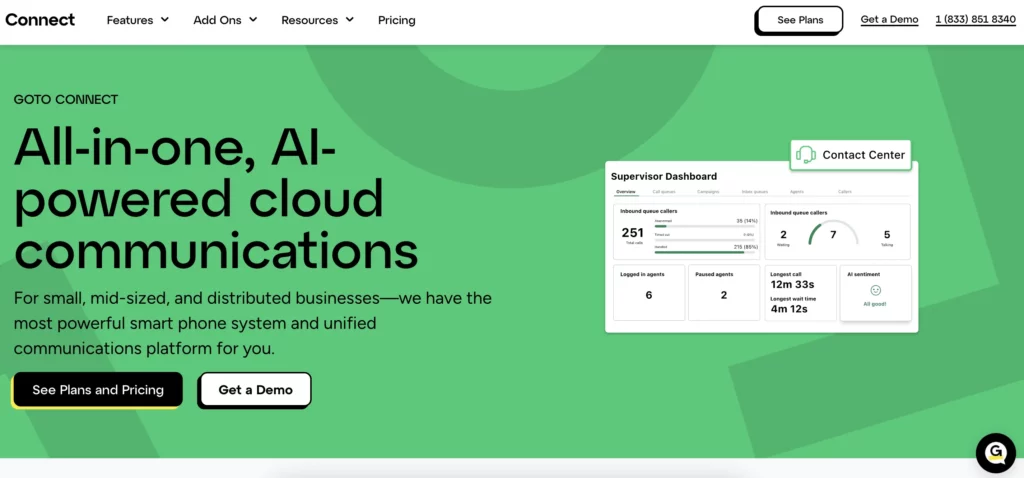
GoTo Connect (formerly Jive) pulls phone, video, and messaging into a single platform. It’s a familiar name in IT circles with a long track record and a particularly good visual dial plan editor, admins can drag-and-drop call flows without touching code.
Pricing typically lands around $27/user/month, though most plans require a sales conversation rather than self-service signup.
The platform feels reliable and IT-friendly, but it lags newer tools on AI. AI Meeting Notes are decent, but real-time call coaching, sentiment analysis, and the AI voice agents that Dialpad or other similar tools offer are either limited or missing.
Pricing transparency is lower than competitors most quotes come through sales, and contract terms can be heavier.
Standout features:
- Visual drag-and-drop dial plan editor
- Phone, video, and messaging in one platform
- Unlimited international calling to 50+ countries on higher plans
- 60+ integrations
- Strong admin controls
Cost for a 10-user team: Around $3,240/year at typical pricing, though final number depends on sales-quoted plan.
Limits: Subject to GoTo’s fair usage terms. Most plans are sold via custom sales quote, so specific minute and SMS caps aren’t published publicly, ask for them in writing before signing.
Pros:
- Easy admin for IT-managed setups
- Strong call flow design tools
- International calling included on higher plans
Cons:
- AI features are still catching up
- Pricing not self-service
- Pricier than newer tools
- Less polished mobile experience
Verdict: Reliable, but feels like the safe pick rather than the exciting one. Best for IT-led setups in larger small businesses.
10. Grasshopper | Best for virtual numbers
Best for: Solo founders, freelancers, and 1–3 person teams that just need a business number forwarded to their cell phone.
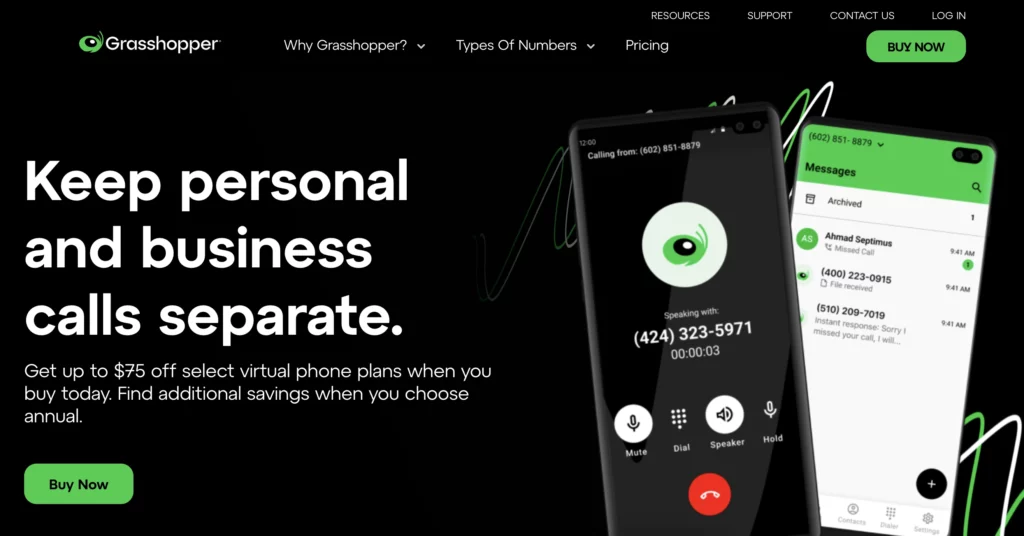
Grasshopper is the simplest tool on this list. It gives you a virtual business number that forwards to your mobile, plus voicemail transcription and a basic mobile app.
Unlike everything else on this list, Grasshopper uses account-based flat pricing rather than per-seat: True Solo ($18/month), Solo Plus ($32/month), Partner ($55/month), Small Business ($80/month). Each plan caps the number of phone numbers and extensions you can have.
That’s basically it. There’s no real team collaboration, no CRM integration, no AI, no shared inbox. Adding extra phone numbers costs $9/number/month, which is roughly double what most competitors charge.
Grasshopper isn’t trying to be a modern phone system, it’s trying to be a professional business number for people who’d otherwise just use their cell.
Standout features:
- Account-based pricing (not per-seat)
- Virtual business numbers with extensions
- Voicemail transcription
- Simple mobile and desktop apps
- Unlimited US texting
Cost for a 10-user team: Around $960/year on the Small Business plan ($80/month flat). But the lack of real team features means most teams of 10 will quickly outgrow it.
Limits: Pricing is flat per account rather than minute-based, but each plan caps the number of phone numbers, extensions, and outbound texts. Texting tops out at around 1,000 messages per account, even on the highest tier. Always check current plan limits.
Pros:
- Cheap and simple
- No learning curve
- Account-based pricing helps tiny teams
Cons:
- No real team features
- No native AI
- No CRM integrations
- Extra phone numbers are expensive
Verdict: Fine for 1–2 person operations that just need a professional business number. Outgrown quickly.
11. Vonage Business | Best for developer customization
Best for: Teams with engineering resources that want to build custom calling workflows on top of a phone system.
Vonage has two flavors: Vonage Business Communications (the UCaaS phone system) and the Vonage Communications API (for developers building calling, SMS, and video into their own products).
The phone system has three plans, Mobile ($19.99/user/month), Premium ($29.99), Advanced ($39.99) but the real reason teams pick Vonage is the API access. If you need to embed calling into your own SaaS product, send transactional SMS at scale, or build custom IVR flows, Vonage’s developer ecosystem is one of the strongest.
For non-developer use cases, Vonage feels less polished than Dialpad or RingCentral. CRM integrations require the Premium plan ($29.99/user/month) at minimum. Call recording isn’t available below the Advanced tier.
Pricing requires a one-year contract to get a business number, and taxes and fees aren’t always clearly listed.
Standout features:
- Strong API access for developers
- Programmable SMS, voice, and video
- 20+ third-party integrations
- AI add-ons available
- Reliable call quality
Cost for a 10-user team: Around $2,400/year on the Mobile plan. Add CRM and call recording (Advanced plan) and it’s $4,800/year.
Limits: Unlimited US, Canada, and Mexico calling is subject to Vonage’s fair use policy. SMS and international usage have separate caps and per-message charges, worth pulling the fair use terms before running messaging campaigns.
Pros:
- Customizable for developer-led teams
- Strong API ecosystem
- Solid call quality
Cons:
- Less polished for non-technical users
- CRM and call recording locked behind higher tiers
- One-year contract required
- Pricing isn’t always transparent
Verdict: Best for teams with developers in the loop or businesses needing programmable communications. Skip if you just want a standard business phone.
12. Ooma Office | Best for budget-conscious teams
Best for: Tiny businesses watching every dollar that need basic VoIP without frills.
Ooma Office is one of the cheaper options on the market, with three tiers: Essentials ($19.95/user/month), Pro ($24.95), and Pro Plus ($29.95).
The Essentials plan covers the basics, virtual receptionist, call forwarding, hold music, mobile apps. To get business texting, you need to jump to Pro. To get Salesforce integration and call queues, you need Pro Plus. AI features are limited to higher tiers and feel more like an afterthought than a core part of the product.
Setup is simple, support is generally responsive, and reliability is solid for the price. But the platform feels traditional, Ooma still emphasizes desk phones and analog fax, which most modern teams don’t need.
CRM integrations are limited compared to newer tools. For a 2–5 person team that needs a working phone system without complication, Ooma is fine. For anyone wanting modern AI features or deep CRM workflows, it falls short.
Standout features:
- Low starting price
- Virtual receptionist on every plan
- Mobile and desktop apps
- Easy setup
- Reliable call quality
Cost for a 10-user team: Around $2,394/year on the Essentials plan. Pro Plus pushes to $3,594/year.
Limits: Domestic calling is subject to fair use. Texting is capped (Pro plan: 1,000 texts/user/month) and analytics on call duration apply. Higher-volume teams should confirm specifics with Ooma sales.
Pros:
- Affordable
- Easy setup
- Reliable for basic needs
Cons:
- Texting only on Pro and up
- Limited CRM integrations
- AI feels like an afterthought
- Traditional feel
Verdict: A good entry-level option for cost-sensitive teams that don’t need modern AI or deep integrations.
How AI is changing business phone systems
The phone has been one of the slowest tools to change in business until AI showed up.
A few years ago, “AI features” meant voicemail transcription.
Now, AI is doing real work on every call:
- AI voice agents answer calls when your team can’t. They handle simple questions, qualify leads, book meetings, and route the call to a human only when needed. For small teams that can’t staff a phone 24/7, this alone changes the math on missed calls.
- AI call handling routes, tags, and logs calls in your CRM without anyone touching a keyboard. The call ends, and the notes, follow-ups, and updates are already done.
- Real-time transcription and summaries mean nobody has to type during a call. Sales reps stay present. Support reps stop alt-tabbing.
- Sentiment analysis flags unhappy customers before they churn and highlights coaching moments for managers.
This isn’t a future trend. It’s the new baseline. If your phone system doesn’t do this, it’s costing you more than you think, in missed calls, untracked deals, and reps spending their evenings catching up on call notes.
This is also where dialnote pulls ahead for small businesses. AI voice agents and AI call handling are part of the flat plan, not locked behind a $99/month add-on or a $60/user premium tier like they are on Nextiva and RingCentral.
Common pain points and how modern phone systems fix them
If you’ve used a business phone system before, some of these will sound familiar.
“We keep missing calls after hours”
Missed calls are silent revenue loss. A buyer who can’t reach you calls a competitor next. AI voice agents pick up after hours, qualify the caller, and book a follow-up, so the lead doesn’t slip away.
“Per-user pricing is killing our margins”
Most tools charge $20–$50 per user per month. For a 15-person team on Aircall’s Essentials plan, that’s $5,400 a year, before AI add-ons. Flat-rate or unlimited-seat models like dialnote’s keep costs predictable as you grow.
“Our remote team can’t stay in sync”
When half your team is on calls and the other half is asleep in a different time zone, shared call logs, shared inboxes, and CRM-synced notes are what hold everything together.
“Setup took us three weeks last time”
Legacy phone systems often need a consultant, a porting process, and a lot of patience. Modern cloud phone systems get you live in under an hour.
“Support disappears when something breaks”
If your phone system goes down, you need a human to pick up, not a ticket sitting in a queue. Read the support reviews before you sign anything.
“It doesn’t talk to our CRM”
A phone system that doesn’t sync with your CRM creates duplicate work. Native integrations with HubSpot, Salesforce, and Pipedrive should be table stakes, not premium features locked behind a $25/user upgrade.
How to choose the right business phone system for you
A short decision framework, depending on where you sit:
- Small business or startup that doesn’t want to pay per seat: dialnote
- Mid-market team with a real IT budget: RingCentral
- Solo founder or 2-person team: OpenPhone (Quo) or Grasshopper
- Sales team already on HubSpot or Salesforce: Aircall or Dialpad
- Customer support team: Nextiva
- Global team with international calls: 8×8
- Zoom-first team: Zoom Phone
- Developer-led team building custom workflows: Vonage
If you’re picking for a growing team and want to skip the per-seat math, dialnote is the simplest path, your bill stays flat whether you have 5 or 50 people.
Final Take
The “best” business phone system depends on your team size, your stack, and how much you want AI doing the work for you.
For most small businesses, the choice comes down to one question: do you want to keep paying more every time you hire, or do you want pricing that stays still while your team grows?
If it’s the second, dialnote is the easiest pick. Unlimited seats, AI voice agents and AI call handling in the base plan, and a setup that takes less than half an hour for less than the cost of two seats on most competitors. For everyone else, the rest of this list has a fit somewhere.
Either way, the worst choice is the one you’re probably making now sticking with a phone system that misses calls, charges per seat, and won’t talk to your CRM.
Frequently Asked Questions (FAQs)
1. What is the best phone system for a small business?
For most small businesses, dialnote leads the pack, it offers unlimited seats on a flat plan starting at $49/month, with AI voice agents and AI call handling built in. RingCentral works for larger teams, OpenPhone suits solo founders, and Aircall fits HubSpot-heavy sales teams.
2. What is a business phone system?
A business phone system is a calling setup designed for companies rather than individuals. Modern versions run on the cloud (VoIP), giving you shared numbers, call routing, voicemail, CRM sync, and AI features like transcription and call summaries, all accessible from a laptop or mobile app.
3. Which phone is the best for business?
dialnote is the strongest pick for small and growing businesses. Unlike per-seat tools, it charges a flat fee starting at $49/month for unlimited users, with AI voice agents and AI call handling included on every plan. A 10-person team pays just $99/month total on the Business plan.
4. How to choose a business phone system?
Start with the pricing model, flat plans beat per-seat for growing teams. Then check AI features, CRM integrations, mobile app quality, setup time, and customer support reviews. Match the tool to your stack: HubSpot users want Aircall or dialnote, and Zoom-heavy teams pick Zoom Phone.
5. What is the cheapest way to get a business phone?
For solopreneurs, dialnote’s Solo plan at $19/month is hard to beat, a real business number, 250 minutes, and free porting. Google Voice ($10/user/month) is cheaper but limited. Grasshopper starts at $14/month flat. For teams, dialnote’s $49/month Team plan covers unlimited users.
6. Can a cell phone be used as a business phone?
You can, but it’s messy, work calls mix with personal, your number gets shared everywhere, and there’s no team visibility. A better fix: install a business phone app like dialnote or OpenPhone on your existing cell. You get a dedicated business number without buying a second phone.